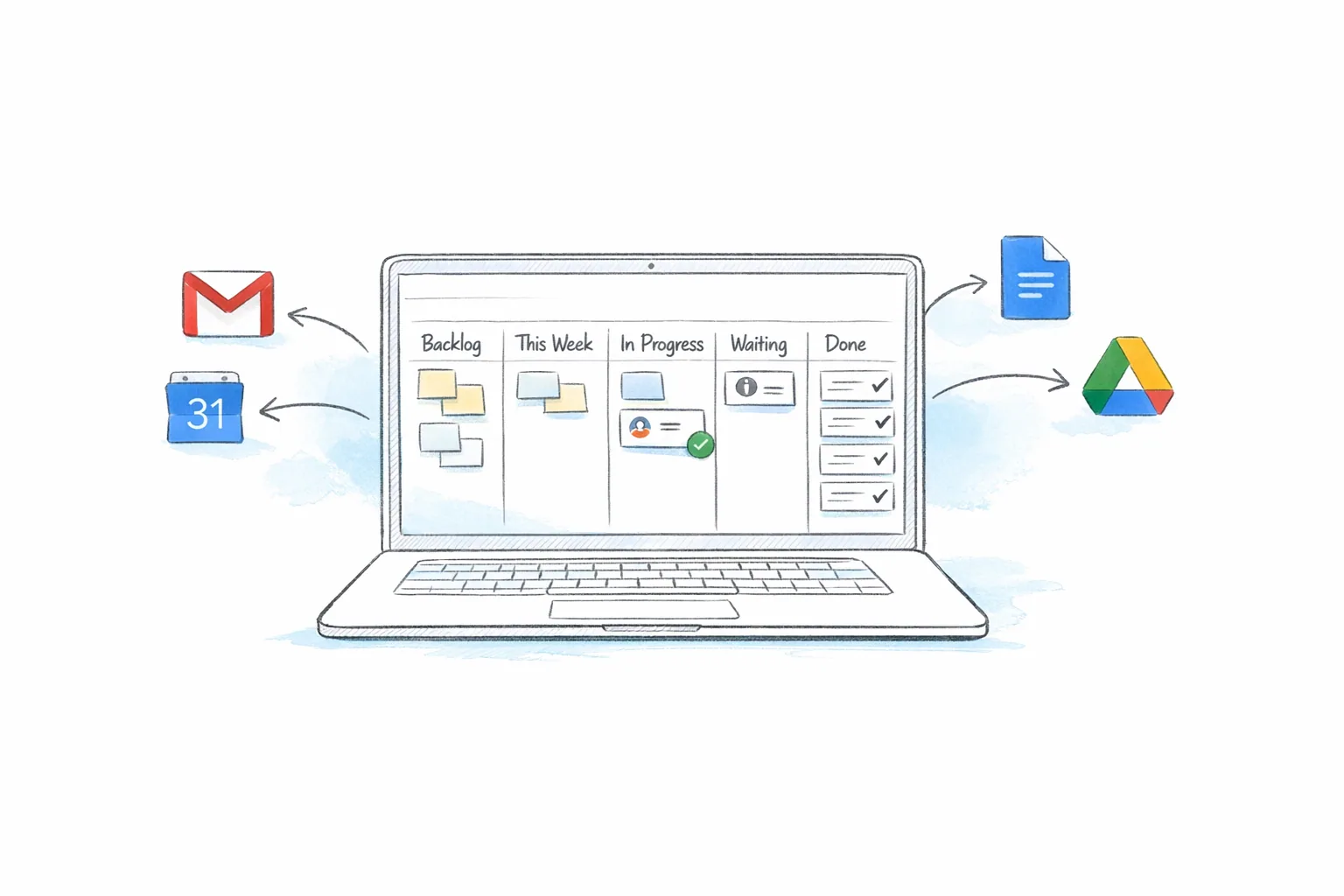
Kanban Tasks
Google Workspace Project Management: A Practical Setup
Build a clear project workflow in Google Workspace with one brief, one shared board, task owners, due dates, and accessible files.
Guides
These pages sit between the product pages and the blog archive. They are broad, durable guides for teams that already live in Gmail, Google Calendar, Drive, and Google Contacts and want a lighter workflow layer. The last section takes you from strategy to an operating system that runs on Tooling Studio.
Kanban Tasks
Build a clear project workflow in Google Workspace with one brief, one shared board, task owners, due dates, and accessible files.
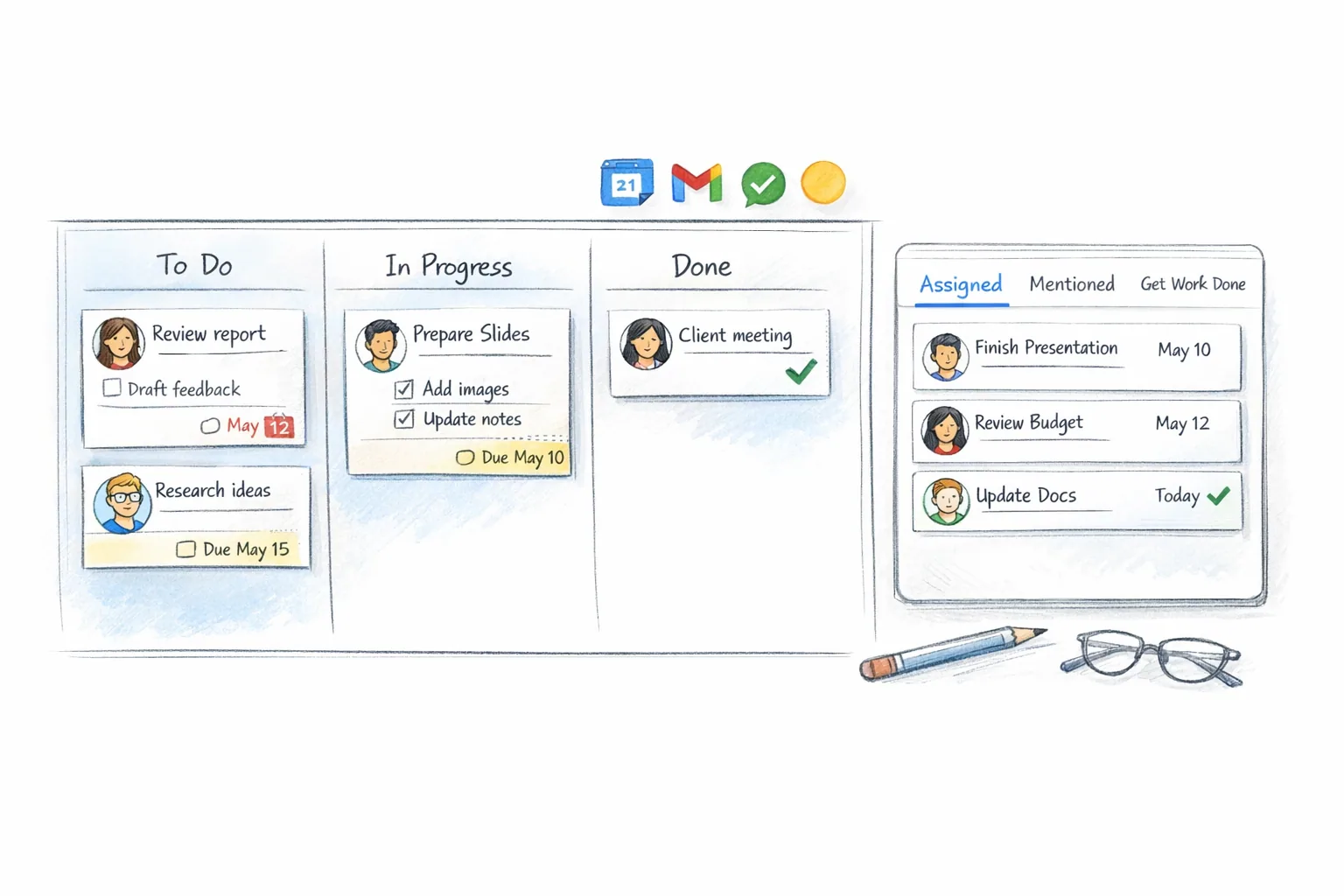
Kanban Tasks
Personal reminders are easy. Shared task management is where most Google Workspace setups fall apart. This guide shows a practical model that small teams will actually use.
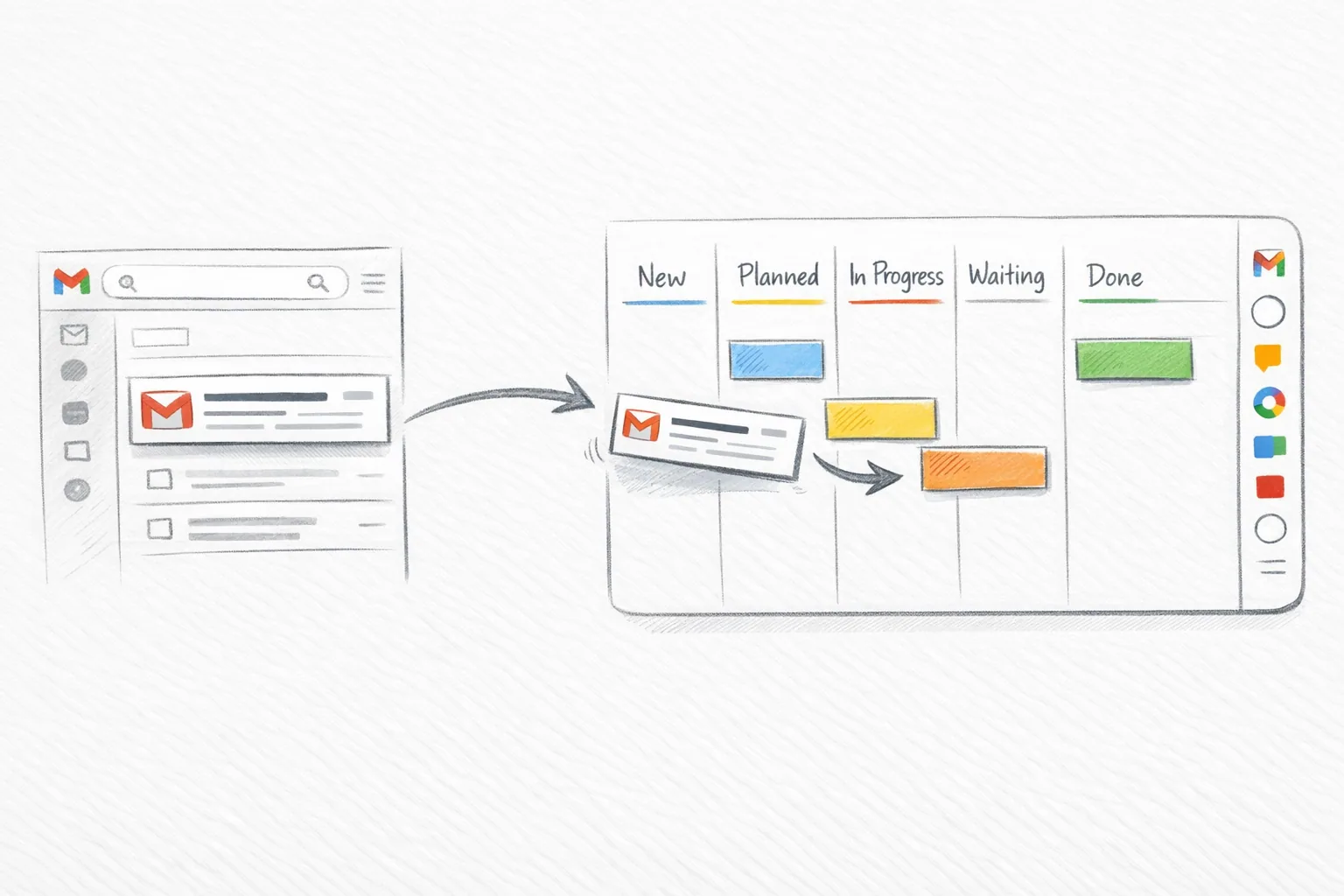
Kanban Tasks
A practical Gmail Kanban setup: capture an email, choose a board, assign an owner, and move the task through clear stages.
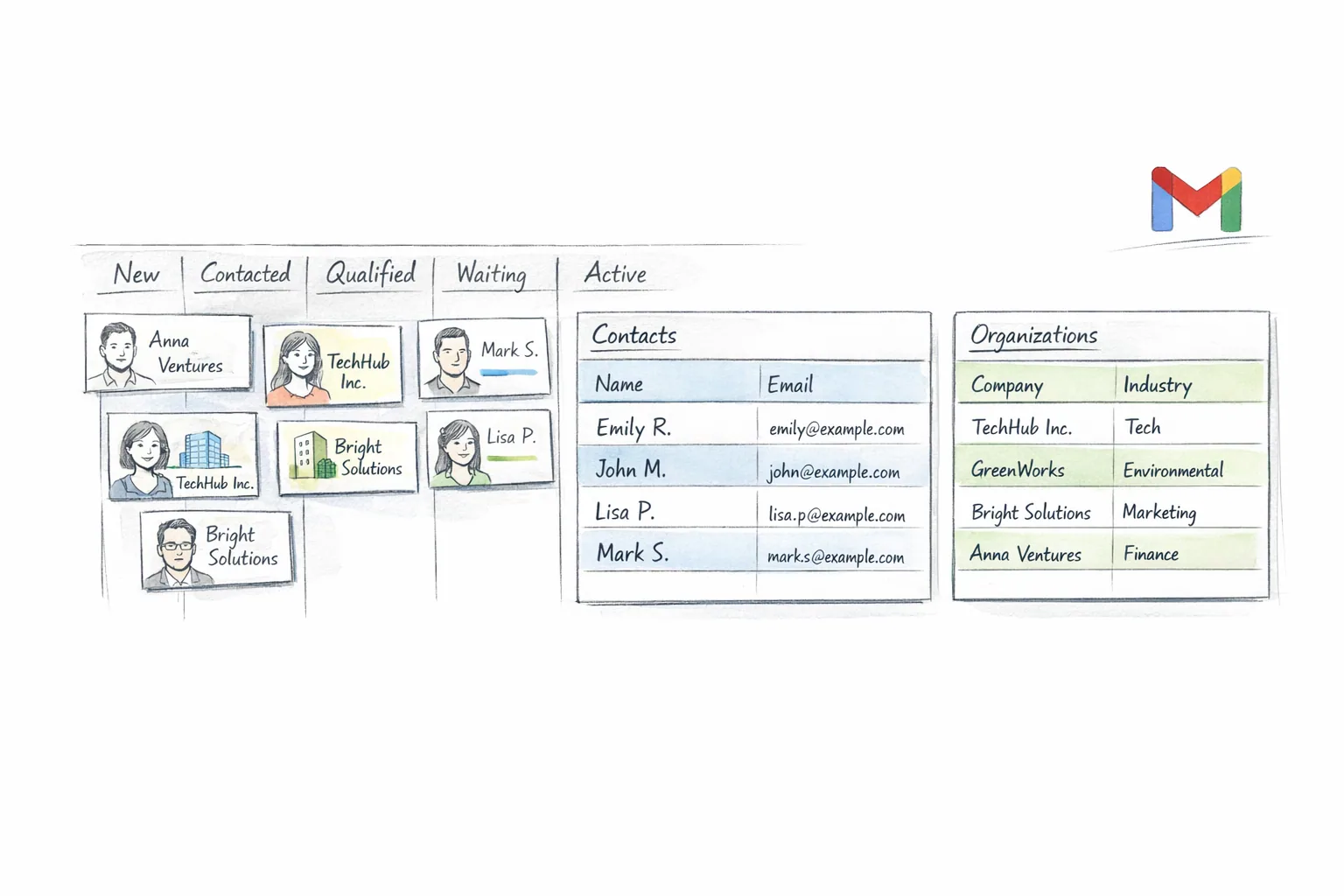
Sales CRM
Google Contacts is a solid contact layer, but it is not a full CRM. This guide explains what needs to be added to make it usable for a small team.
AI-agent workflow guides
Tooling Studio MCP connects AI apps to the same Tasks and CRM workspace your team already uses. These guides split the story by the work agents should help manage.
Sales CRM
How Sales CRM gives AI agents contacts, organizations, deals, notes, tags, owners, and linked follow-up tasks they can work with through MCP.
Read guideKanban Tasks
How Kanban Tasks gives AI agents boards, lists, tasks, due dates, owners, comments, checklists, tags, and CRM links they can update through MCP.
Read guideSales CRM comparison
A practical comparison of agent-ready CRMs for Google Workspace teams and broader sales teams.
Read guideKanban Tasks comparison
A practical comparison of agent-ready project management tools, from lightweight Kanban to enterprise work platforms.
Read guideFounder guides
These guides take you from what your company believes to a company where people and agents work in one place. Each step is a free skill for the AI assistant you already use. Each one writes a document that the next step reads.
First you write your foundations. Then your strategy. The third step designs your operating system, and that is where Tooling Studio comes in. Your boards, CRM, goals and docs become the place where your team and your agents do the work. Your assistant works in them through the Tooling Studio MCP. The operating system skill is coming soon.
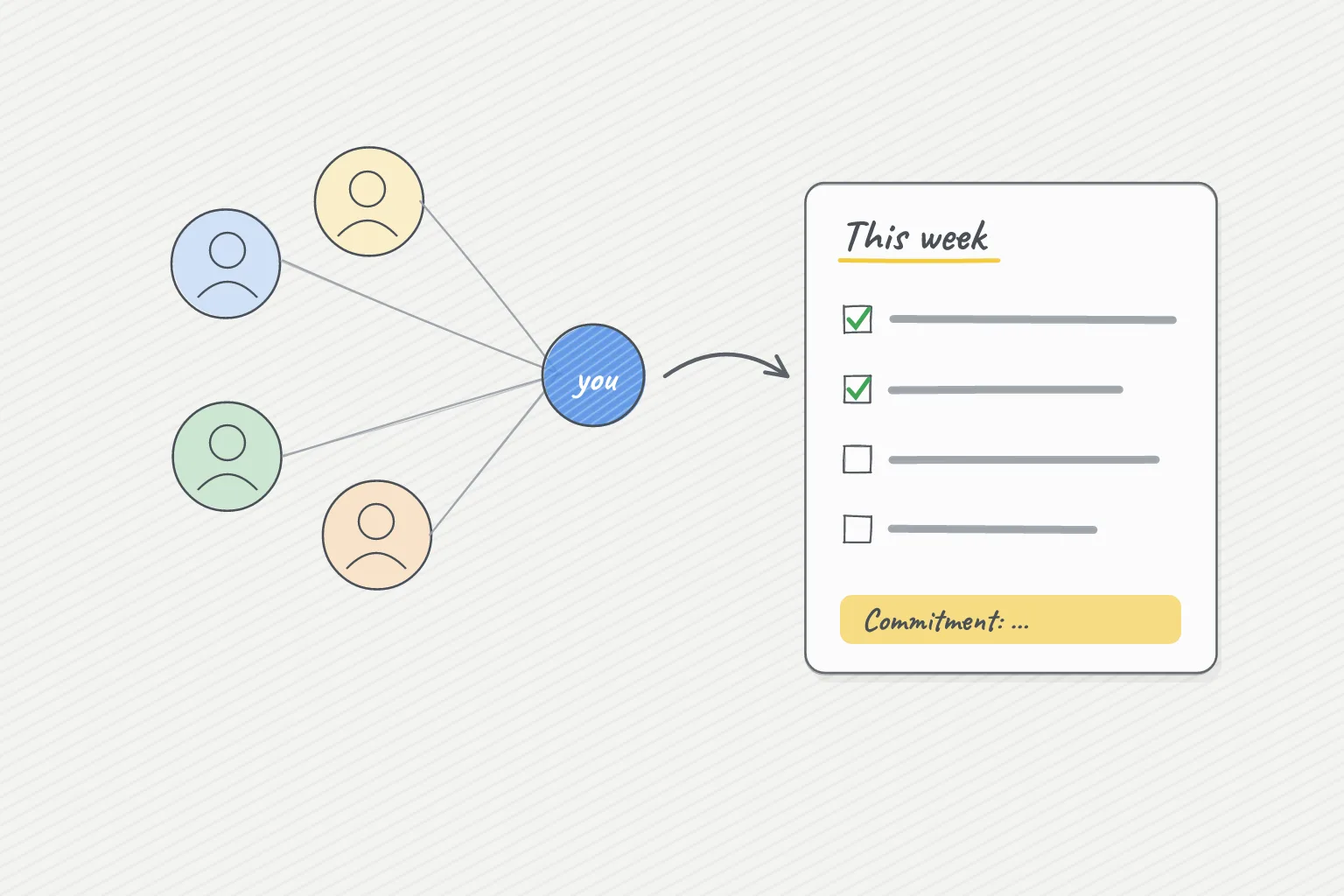
Mentor
Pick three to five people you admire. The skill blends them into one mentor that knows what you are working toward and helps you stick to it.
Get the mentor skill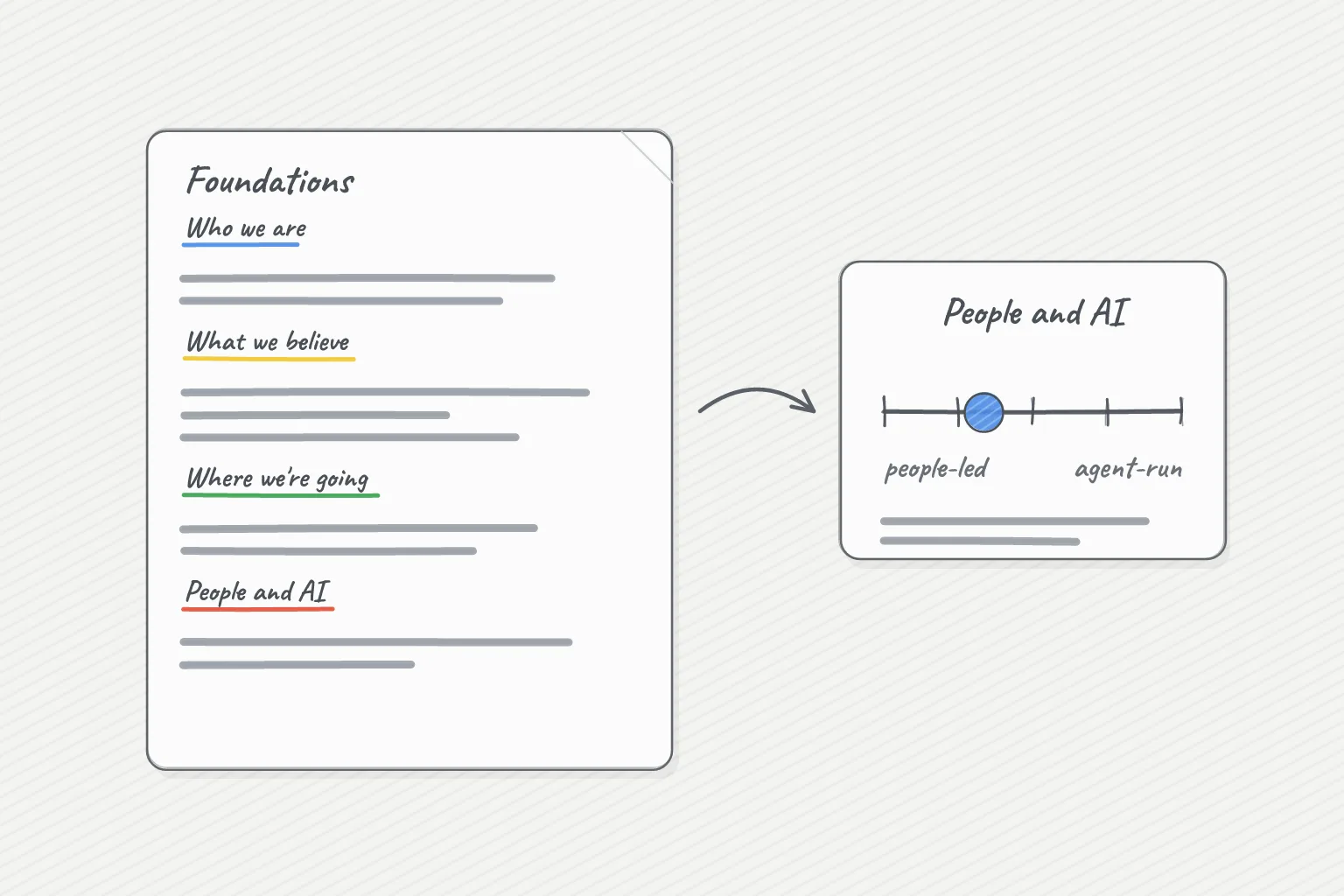
Founder pack · Step 1
You get one short document. It says what you stand for, where you are going and which work stays with people. Every next step reads it.
Get the foundations skill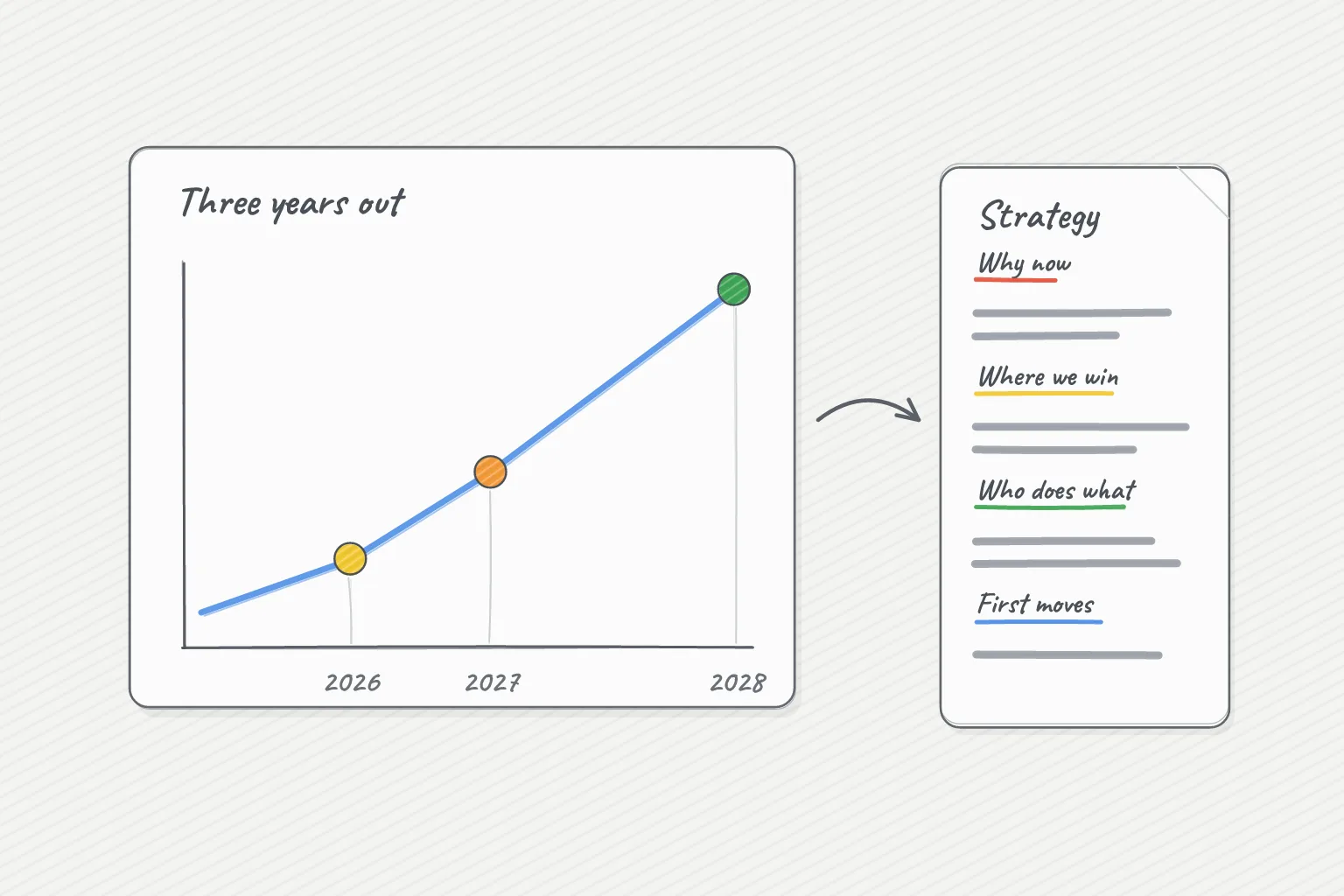
Founder pack · Step 2
The skill works like a strategy consultant in your own assistant. It reads your foundations and looks at your market. Then it works with you on a strategy for the next three years.
Get the strategy skill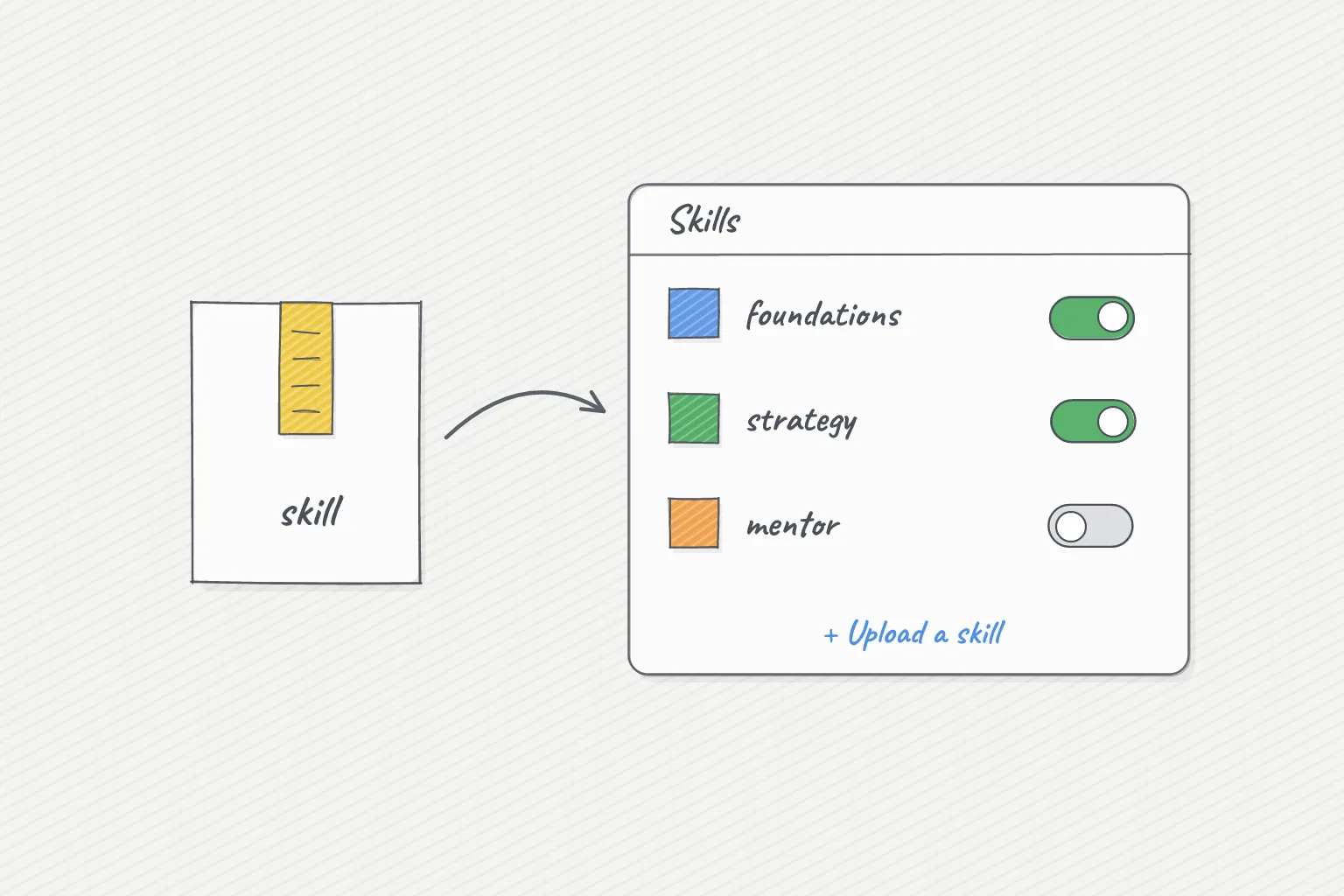
How-to
Upload the file, switch the skill on and keep your documents in one project. It takes a few minutes.
Read guide