

 Install Kanban Tasks
Kanban Tasks
Google Workspace Project Management: A Practical Setup
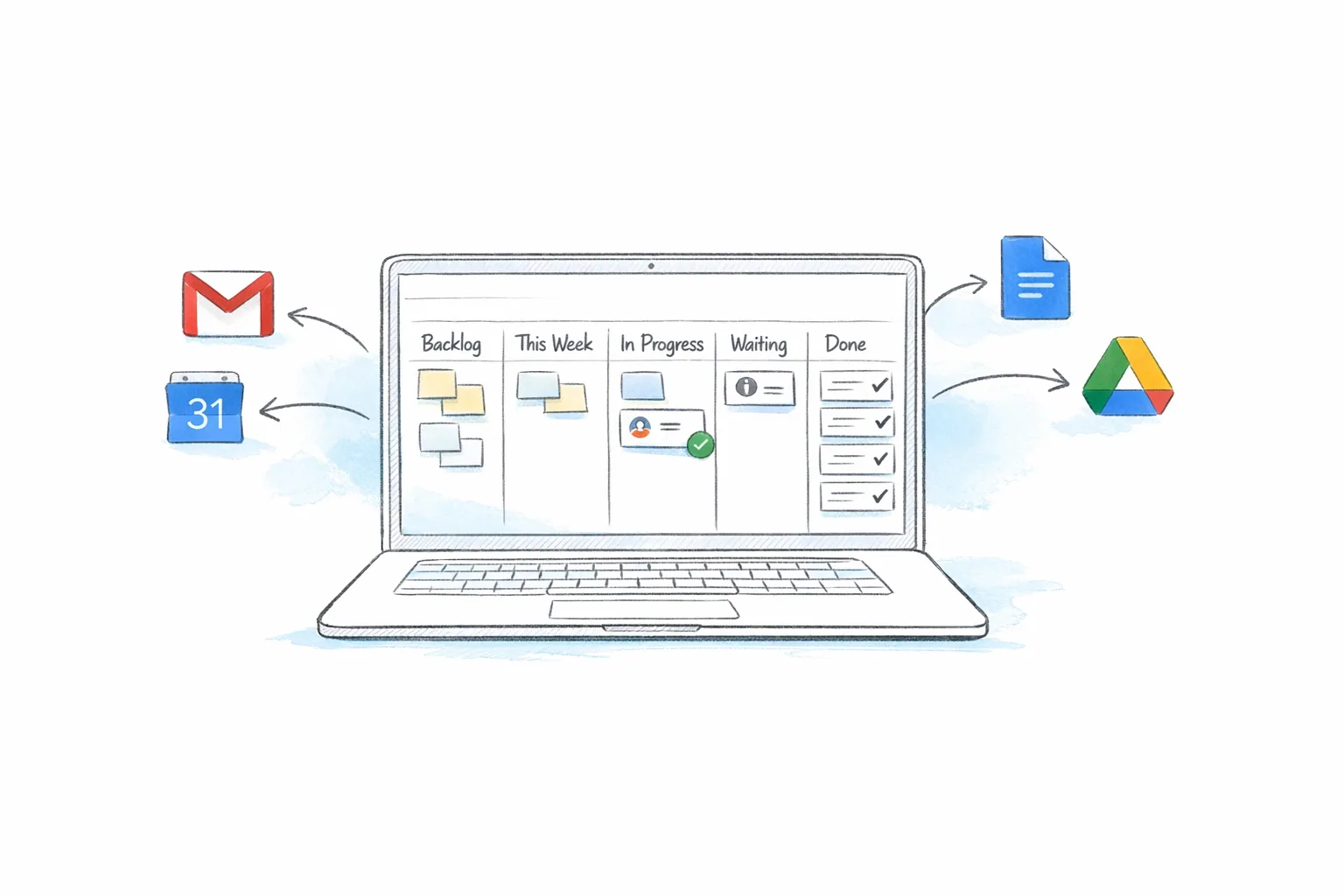
Build a clear project workflow in Google Workspace with one brief, one shared board, task owners, due dates, and accessible files.
Turn emails into tasks, keep client work moving, and see where your time goes. Three connected apps bring task boards, sales pipelines, and time tracking into Gmail.
Tasks, CRM, and time in Gmail
Connected client work
Free for personal use










Three apps. One workspace.
 Kanban Tasks01
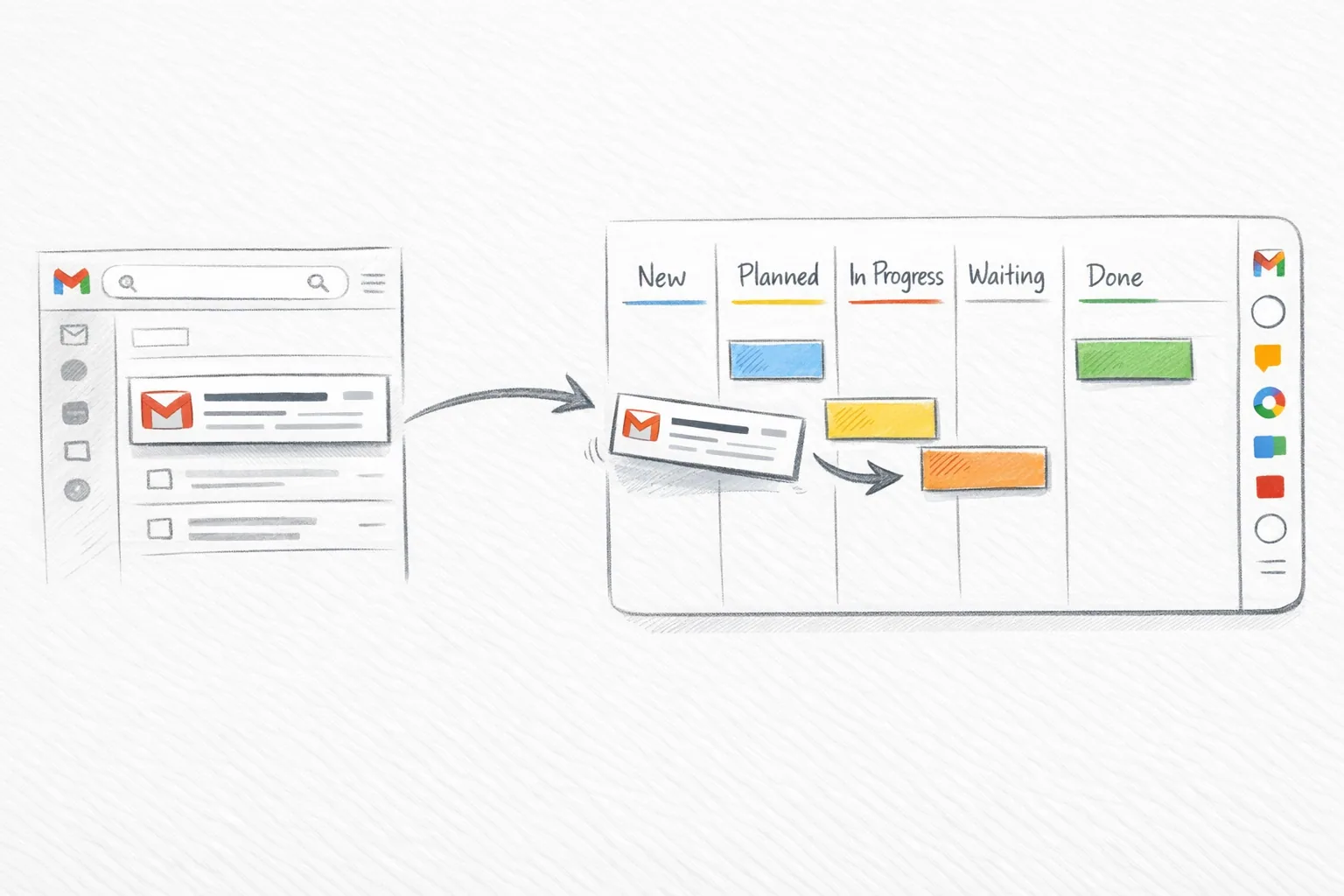
Turn conversations into tasks. Give each one an owner and a place on your board, so everyone knows what needs attention and what comes next.
Capture the result on the parent task before the client review.
 Sales CRM02
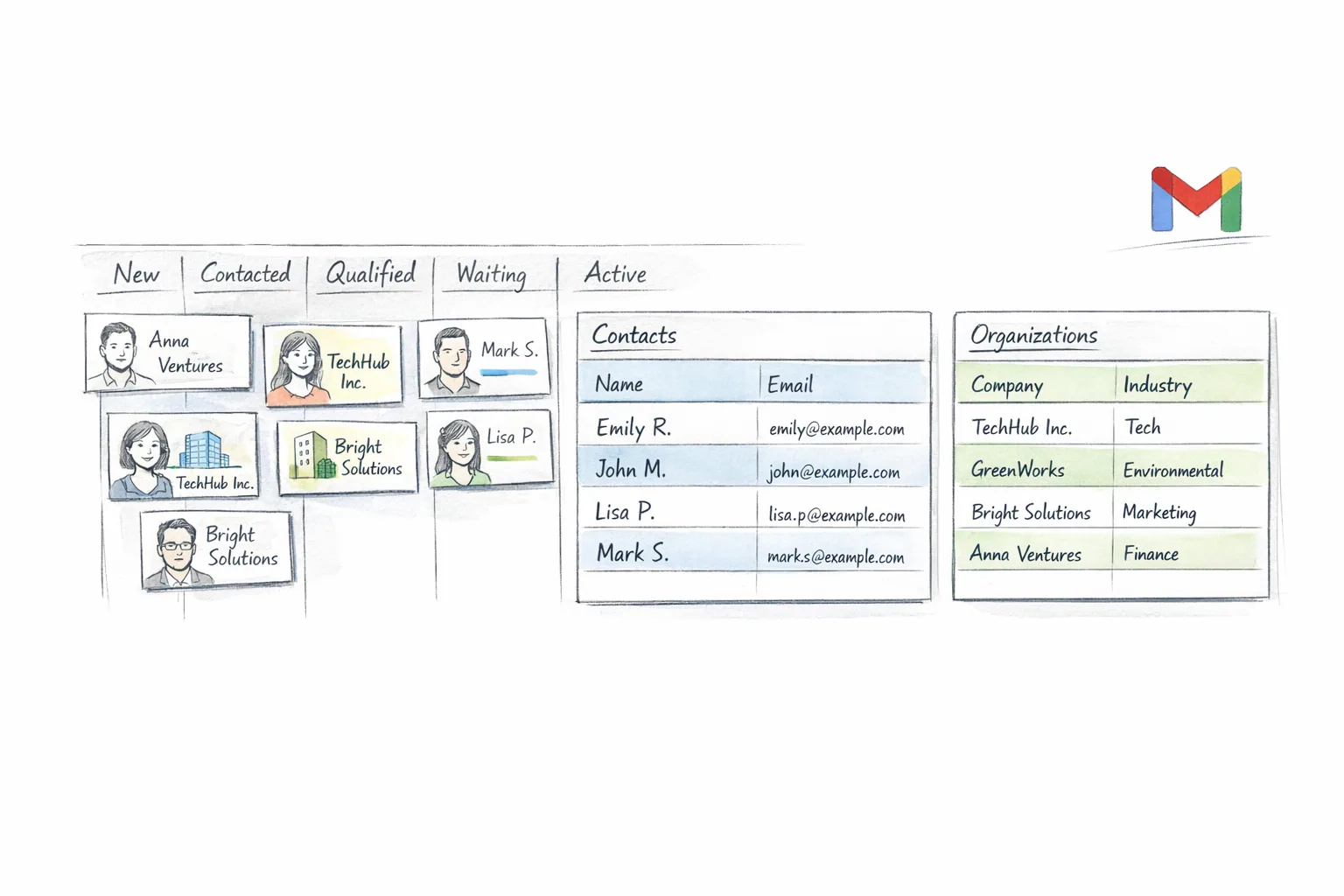
Keep contacts, organizations, and deals close to Gmail. See where each opportunity stands and keep the next conversation connected to the relationship.
Three-month optimisation and support programme for Atlas Learning. Includes discovery, delivery milestones, stakeholder reviews and a documented handover.
 Time03
Start a timer, connect it to a task or client, and get on with your day. Turn those hours into a clear view of your week and the work you can bill.
Client work · Cedar Studio
Link the hours to the task and the client. See what moved forward, who it was for, and how much time it took.See how they connect
Connect Gemini, Claude, ChatGPT, Cursor, and other MCP-compatible apps to Tooling Studio. Ask in plain language, and your AI app can find the right board, contact, deal, or task before it helps update the work.
 Gemini
 Claude
 ChatGPT
 Cursor
 Copilot claude.ai/chat/tooling-studio-mcp-demo
Launch follow-up workspace
Demo preview. Claude is shown as an example MCP-compatible AI app.
We're proud of the work we've done and the feedback we've received. Here's what our users have to say about us. We're making it better every day.

I use it on a daily basis; it is the tool I have been looking for for a long time. I tried many tools, including Google Tasks, with no success. This tool dramatically improves Google Tasks, making it useful, prettier and smart. And they provide great support.

I'm using Tooling Studio since a couple of months. They are improving the CRM day by day and it is a perfect alternative compared to the big expensive CRM systems on the market. Perfect for a SMB like me.
This app can be, and probably will, the most efficient and practical task tool for those like me who like to have everything in the gmail inbox.

Alright, let's get personal. I've been wrestling with project management for, well, let's just say a while. Spreadsheets? Chaotic. Email threads that spiral into oblivion? Been there, suffered through that. So, when I stumbled upon Tooling Studio's Kanban Boards, I was cautiously optimistic. Honestly, the first thing that struck me was how clean it was. I'm not a designer, but I know when something just works. I didn't have to spend hours figuring out where everything was. I just jumped...

Kanban Tasks is an indispensable tool for Google Workspace users seeking to enhance productivity and streamline their workflow. Its visual Kanban boards, extensive customization options, seamless integration with Google Workspace, drag-and-drop functionality. Task management experience is fantastic with Kanban Tasks.

I absolutely LOVE Tooling Studios' Kanban Board extension! If you're like me and need a simple, distraction-free way to keep track of tasks just using google environment without opening another app, this is perfect

I love that it's showing directly in the main menu in my Gmail interface!! The real-time sharing feature works really well, making it easy to keep the whole team aligned without constant updates. Turning emails into tasks, using drag and drop, is simple and saves a lot of time when working from Gmail. One thing I'd love to see, is push notifications to stay on top of updates more easily.
I was looking for an alternative to a couple of more commercial Gmail-based Kanban boards and are very happy to have found this one. It's simple, the UI is clear and it just works.

I've been hunting for a good-looking Kanban for Google for a LONG time. Mostly I've been using Trello, which is great. But having something built into my Google workflow is just brilliant. It's early days, and the app is free at the moment, so it's easy to recommend trying it. And the developer is open to feedback (built into the app!) so let him know what you're missing.

I've tried products like Drag, Copper, Timetracker, Kanbanchi, ClickUp, Trello, and Taskboard – they all fell short compared to my DIY Google Workspace CRM. This is the first product I've encountered that speeds me up instead of slowing me down, integrating right into my Gmail inbox. So many ideas and improvements ahead!

I was looking for an alternative to more commercial Gmail-based Kanban boards and was very happy to have found this one. It's simple, the UI is clear, and it just works.

What I really like is that it lives in Gmail. I can open a contact, see past notes and tasks, and update the stage while replying to emails. It feels very natural for day-to-day sales work.
All three apps are free for personal use. Pay for the apps each team member needs when you want shared boards, pipelines, and time reports.
Shared task boards for Gmail and Google Workspace with email-to-task, focus views, and real-time collaboration.
Lightweight CRM for Gmail and Google Workspace with contacts, organizations, deals, pipelines, and team visibility.
Track hours in Gmail, link client work, and export clear time reports.
No credit card required for personal use. Team features unlock instantly when you're ready to collaborate.
Tooling Studio exists for people who already spend their day in Gmail, Calendar, Drive, and Google Contacts. Instead of forcing those teams into another heavyweight work OS, we build tools that fit directly into the Google workflow they already know.
Choose Kanban Tasks for projects, Sales CRM for client relationships, and Time for tracked hours and reports. Connect the three to see the work, the client, and the time spent together.
The goal is the same across all three: fewer tabs, lower complexity, faster adoption, and collaboration that feels native inside Google Workspace.
You already live in Google Workspace for your email, calendar, and meetings. Tooling Studio extends that environment with shared task boards, a lightweight CRM, and time tracking, so you can manage work and customer pipelines without piling on another bloated platform.
Guides
Find practical ways to organize projects, manage tasks in Gmail, and keep client relationships moving.
Kanban Tasks
Build a clear project workflow in Google Workspace with one brief, one shared board, task owners, due dates, and accessible files.
Kanban Tasks
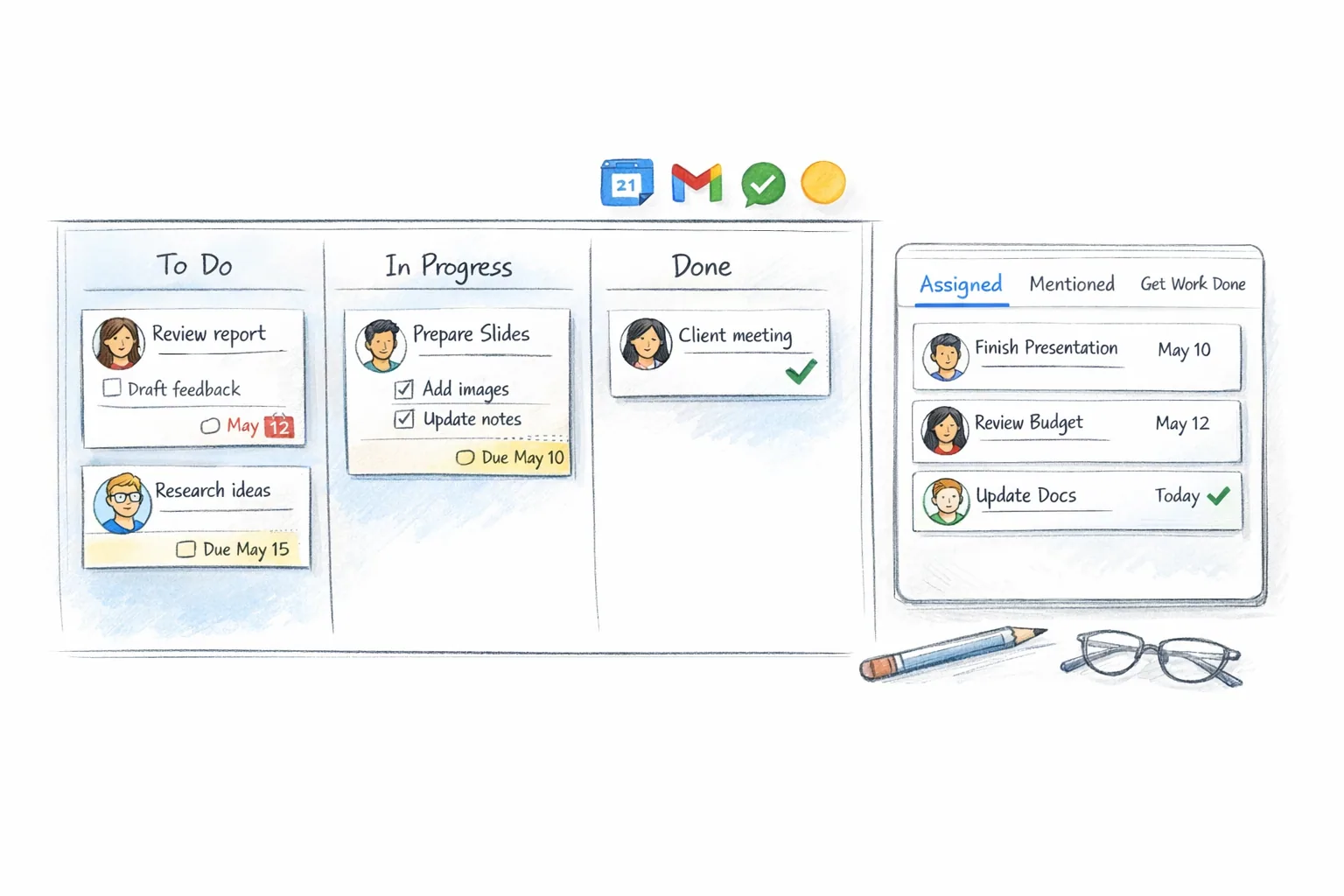
Personal reminders are easy. Shared task management is where most Google Workspace setups fall apart. This guide shows a practical model that small teams will actually use.
Kanban Tasks
A practical Gmail Kanban setup: capture an email, choose a board, assign an owner, and move the task through clear stages.
Sales CRM
Google Contacts is a solid contact layer, but it is not a full CRM. This guide explains what needs to be added to make it usable for a small team.
Find answers to the most common questions about our products and services.
Explore product-specific FAQs: