Project management for AI agents

The Best Project Management Tool for Your AI Agents

Tooling Studio Kanban Tasks gives AI agents a lightweight project management layer they can actually work with. Boards, lists, tasks, assignees, due dates, descriptions, checklists, comments, tags, attachments, focus views, and CRM links all live in the same Google Workspace-friendly system your team already uses.

  • Turn meeting notes into real tasks, owners, due dates, and checklists
  • Search, read, create, update, move, complete, reopen, assign, tag, and comment
  • Keep CRM-linked project work visible inside the same workspace
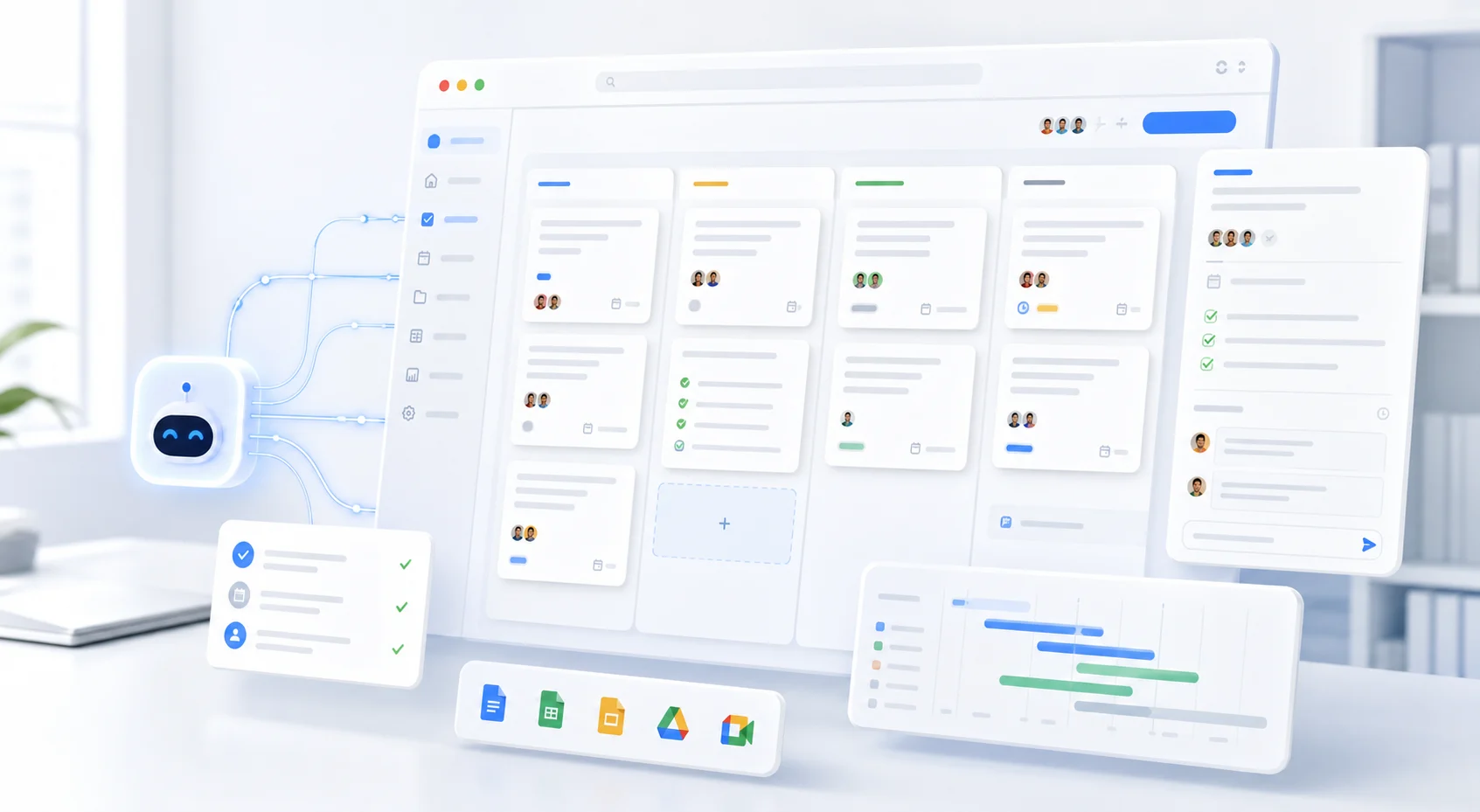
AI assistant connected to a Kanban project board with tasks, checklists, and due dates

Built for actual workspace state

Your AI app can inspect the system first, then help move the work.

Agents need a real board, not another summary

AI can summarize a meeting. That is useful, but it is not project management.

Project management is what happens next: turning decisions into tasks, assigning owners, setting due dates, moving work through stages, adding checklists, keeping comments attached to the work, and making sure the board still reflects reality tomorrow.

Most AI project management workflows break in the same place. The AI creates a nice plan, then someone still has to open the project tool, find the right board, create the tasks, assign the owners, add due dates, move stale cards, and clean everything up later.

Through Tooling Studio MCP, compatible AI apps can help search, read, create, update, move, complete, reopen, assign, tag, comment, and organize project work without forcing your team to copy context between chat and the task board all day.
Agent-ready structure

What makes project management agent-ready?

A good project management tool for AI agents needs more than a chat integration. It needs a clear execution model the agent can inspect before it acts.

Boards

So it knows which project, workflow, client, or team the work belongs to.

Lists

So it understands the stage of work: Backlog, Doing, Waiting, Done, or whatever your team uses.

Tasks

So every action item has a real place to live.

Owners

So responsibility is visible instead of implied.

Due dates

So time-sensitive work does not disappear.

Comments

So discussion stays attached to the task.

Checklists

So multi-step work can be broken down without creating noise.

Tags

So work can be organized and filtered later.

Search

So the agent can find the right task instead of guessing.

CRM links

So customer work and project work stay connected.

Why Tooling Studio works well for AI project management

A simple board model agents can understand

Kanban Tasks uses a practical structure: board, list, task, owner, due date, comments, checklist, and tags.

That is enough structure for a lot of real work, and simple enough for both humans and agents to use without turning every project into an enterprise rollout.

It lives close to where work starts

A lot of work starts in Gmail. A client asks for something. A teammate sends a request. A prospect needs follow-up. A decision gets buried in a thread.

Kanban Tasks is built for Google Workspace teams, so humans can turn emails into tasks and keep project work close to Gmail, Calendar, Drive, and the rest of the Google environment.

MCP turns AI from advisor into operator

Without MCP, your AI app can suggest tasks. With Tooling Studio MCP, your AI app can help work with the actual task system.

It can inspect boards and lists, find the right task, create new work, update details, move cards, assign owners, add comments, and link related CRM records.

Humans stay in control

AI project management should not mean giving a black box unlimited control over your workspace.

Tooling Studio MCP works through the connected user's existing Tooling Studio permissions. The agent works with the teams, boards, lists, and tasks that user is allowed to access.

Tasks and CRM can work together

Project work and customer work often overlap: a deal needs onboarding tasks, a client request becomes a project card, and a renewal needs follow-up.

Tooling Studio connects Kanban Tasks with Sales CRM, so AI agents can help link tasks to contacts, organizations, and deals.

Plain-language work

What your AI agent can help with in Kanban Tasks

Use your AI app like a project assistant that can work with the actual board.

Find the right task or board

"Show me everything in the Product board that is due this week."

"Find tasks assigned to Hugo that mention onboarding."

"Which tasks are stuck in Waiting?"

Create tasks from messy context

"Turn these meeting notes into tasks in the Launch board. Add owners and due dates where they are mentioned."

"Create a task called Prepare launch checklist in Backlog and assign it to Eric."

"Create follow-up tasks for the open CRM deals we discussed."

Move work through the board

"Move all onboarding tasks from Backlog to Doing if they have an owner."

"Complete the tasks in QA that already have the Done tag."

"Move Prepare launch checklist to Doing."

Add the details that make a task useful

"Add a checklist to the launch task based on these steps."

"Set this task due next Friday and tag it as Client Work."

"Add a comment saying we are waiting for design approval."

Keep follow-up visible

"What tasks are due today?"

"Show me overdue tasks grouped by owner."

"Find tasks with no assignee and ask me who should own them."

Connect project work to CRM context

"Create a task to send the proposal and link it to the Northstar Labs deal."

"Show tasks connected to Olivia Bennett."

"Create onboarding tasks for the deals that moved to Won this week."

Example AI project management workflows

Meeting notes into a real board

After a call, ask your AI app to turn the notes into project tasks. The agent can create tasks, add owners, set due dates, build checklists, and place the work on the right board.

Weekly planning without board archaeology

Ask the agent what is due today, this week, and next. It can search across the work it is allowed to see and help you build a focused plan without opening every board manually.

Backlog cleanup

Ask the agent to find tasks without owners, tasks with unclear titles, stale cards, missing due dates, or work sitting too long in one list. You review the suggestions. The agent helps with the cleanup.

CRM follow-up into task execution

Ask the agent to create follow-up tasks from CRM context. A deal update can become assigned project work, a customer request can become a card, and a proposal can become a checklist.

Personal focus across shared boards

Built-in views like Get Work Done, Assigned, and Mentioned help humans focus. MCP gives AI apps another way to inspect and work with the same underlying task context.

Humans stay central

The best project management tool for agents is still useful for humans

This is the part a lot of AI-first tools miss. Your agents should not be the only ones who can understand the system.

If a project tool is optimized only for automation, humans stop using it. If humans stop using it, the data goes stale. If the data goes stale, the agent becomes less useful.

Kanban Tasks is built for both sides. Humans get a visual board inside Google Workspace, agents get structured access through MCP, teams get real-time shared visibility, and work stays close to Gmail, Calendar, and customer context.

The system should be simple enough that people keep it current, and structured enough that agents can help.

Permissions still apply

The connected AI app works within the Tooling Studio access of the signed-in user. It does not get extra workspace visibility just because MCP is enabled.

When Tooling Studio is a great fit

Use Kanban Tasks as your project management tool for AI agents when you want:

  • lightweight project management inside Google Workspace
  • shared Kanban boards your team can understand quickly
  • AI-assisted task creation, movement, tagging, commenting, and assignment
  • due dates, checklists, attachments, descriptions, and real-time collaboration
  • built-in focus views like Get Work Done, Assigned, and Mentioned
  • CRM-linked tasks for sales, onboarding, client work, and operations
  • a simple setup that does not require a full enterprise rollout

When a heavier project platform may be better

Be honest about the tradeoff. Tooling Studio is not trying to replace every enterprise project platform.

If you need advanced portfolio planning, engineering issue tracking, complex dependency management, deep resource forecasting, or heavyweight workflow governance, a larger system may be the right choice.

But if your team mostly lives in Google Workspace and wants a board that humans actually use and agents can actually update, Kanban Tasks is the better starting point.

MCP setup

How to connect an AI agent to Kanban Tasks

Tooling Studio MCP is a remote URL-based setup.

  1. 1 Open Tooling Studio.
  2. 2 Go to Settings -> Account -> AI.
  3. 3 Turn on MCP access.
  4. 4 Copy your Tooling Studio MCP URL.
  5. 5 Add that URL to an MCP-compatible AI app using its remote connector or remote server flow.
  6. 6 Sign in with the same Google account you use for Tooling Studio.
  7. 7 Start with a safe request, like checking due tasks or listing a board, before asking the agent to make bigger updates.

You can review connected MCP apps, disconnect one app, or turn MCP access off from the same AI settings area.

Read the MCP setup guide

Frequently asked questions.

Give your agents a task board your team will actually use

AI project management should not end as another summary in chat. Give your agents a real place to put the work: shared boards, clear owners, due dates, comments, checklists, tags, and links to the CRM records that matter.