Start with one real workflow
- Pilot one repeated Gmail workflow before you move every task
- Teach email-to-task on the first day
- Use one shared board with clear owners and due dates
Google Tasks Kanban board
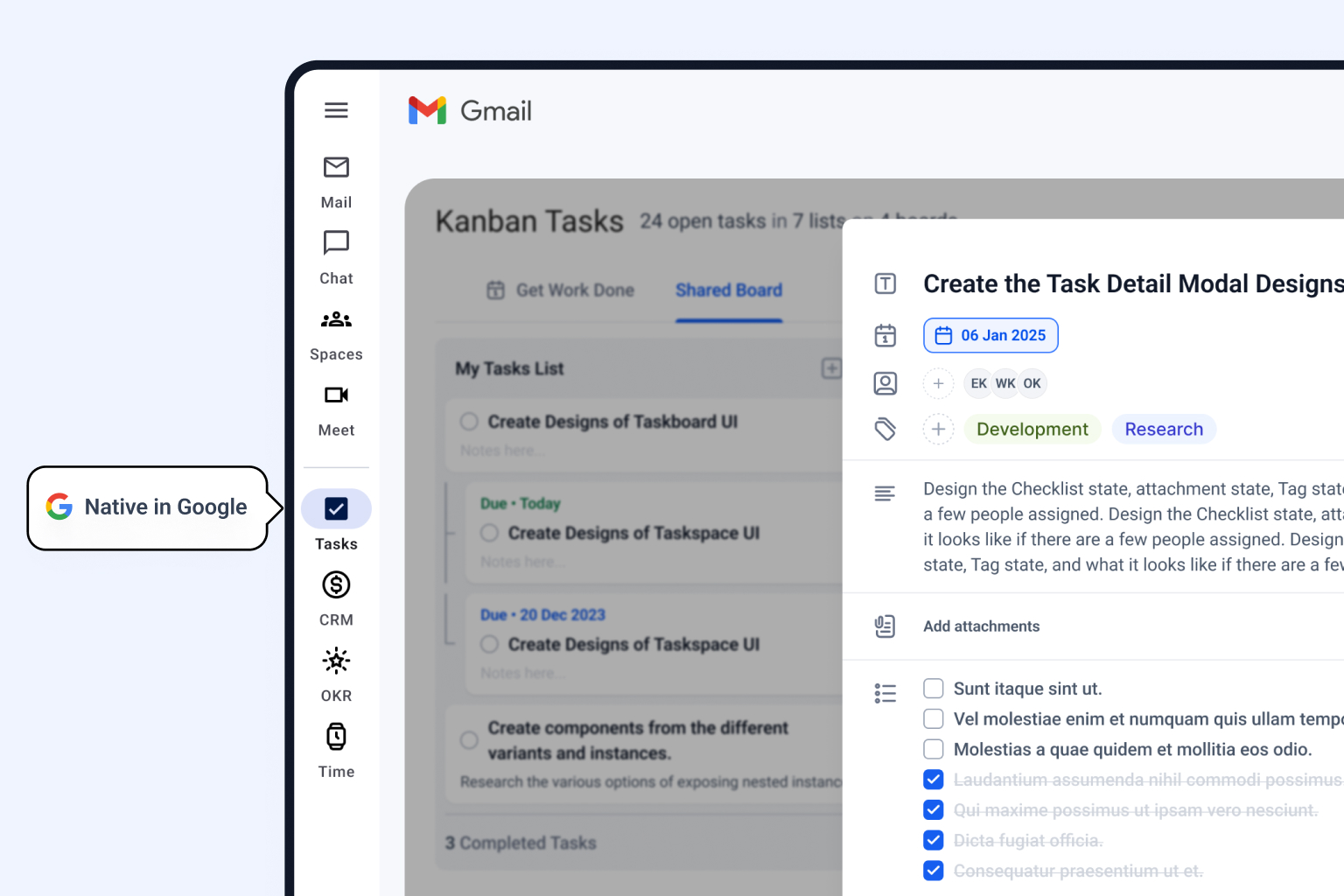
Bring your existing tasks into Kanban Tasks, organize them in visual stages, and keep the work in Google. Personal use is free; shared team boards add owners, comments, attachments, and clear dates.
Direct answer
Google Tasks has a full-screen web view that shows personal task lists together. It does not provide stage-based Kanban workflow. Kanban Tasks imports those tasks and adds shared boards, owners, comments, attachments, and Gmail capture.
Google Tasks setup
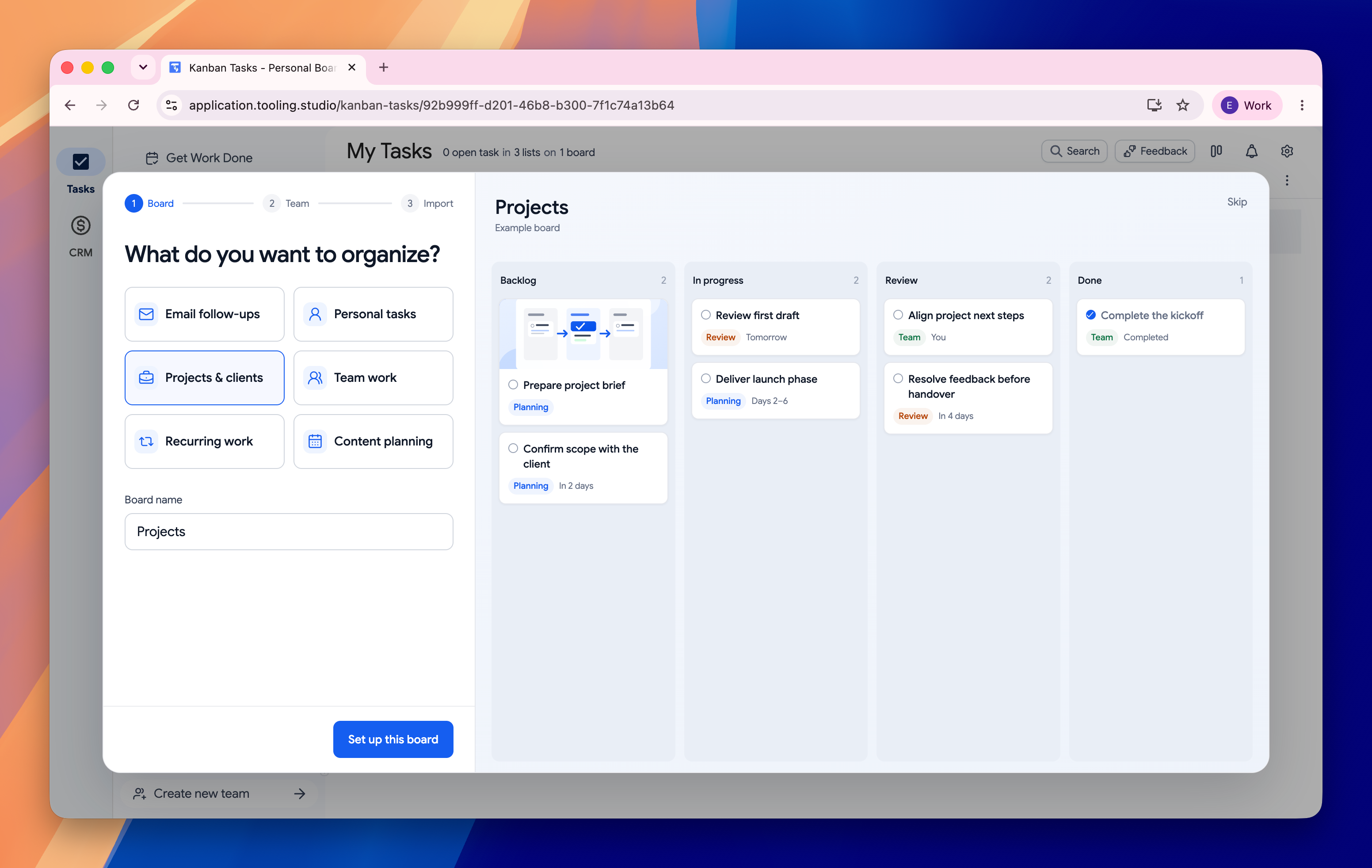
During setup, choose your workflow and board, then select Import my Google Tasks. If access is not connected yet, Tooling Studio asks for Google Tasks permission before it imports.
Enable Google Calendar sync in Kanban Tasks to keep eligible dated tasks connected. Import and ongoing sync are separate steps.
With sync enabled, personal tasks and tasks assigned to you with due dates appear in a “Tooling Studio” list in Google Tasks.
Changes to the title, due date, or completion status are checked every 10 minutes.
If both copies changed, the board copy wins. Deleting the Google copy does not delete the board task.
Comparison
Keep Google Tasks for a simple personal list. Add Kanban Tasks when you need visual stages or shared work in Gmail and Google Workspace.
| Feature | Google Tasks | Kanban Tasks |
|---|---|---|
| Best fit | Private personal tasks in lists | Imported tasks organized on visual boards |
| Kanban board | Full-screen multi-list view, without workflow stages | Personal and shared team boards |
| Inside Gmail | Sidebar list | Board view available inside Gmail and as a web app |
| Email to task | Basic Google integration | Create tasks from email and keep a link to the message |
| Team execution | Assigned tasks through Chat spaces and eligible Docs workflows | Shared boards, assignees, comments, and attachments |
| Pricing | Included with Google account | Personal: free. Teams: USD 5/user/month or USD 50/user/year |
Team rollout
A small pilot makes permissions, board access, and working rules easy to check before the whole team depends on the board.
Board hygiene
Import gives you a starting point. Simple limits and regular review keep the board clear after the first week.
Give every column a clear meaning, such as Next, Doing, Waiting, and Done
Limit the number of active tasks so blocked work is easy to see
Scan the board each day and clear stale cards during a weekly review
Related resources
FAQ
Google Tasks has a full-screen web view that shows personal task lists together. It does not provide a stage-based Kanban workflow. Kanban Tasks imports those tasks and adds shared boards, owners, comments, attachments, and Gmail capture.
Choose Import my Google Tasks during Kanban Tasks setup. Connect Google Tasks if permission is not granted yet, then select Import & open my board.
Google supports assigned tasks through Chat spaces and eligible Docs workflows. Kanban Tasks adds shared team boards with task assignments, comments, attachments, and visible workflow stages.
Enable Google Calendar sync to connect personal tasks and tasks assigned to you that have due dates. They appear in a Tooling Studio list in Google Tasks. Changes to title, due date, or completion status are checked every 10 minutes. If both copies changed, the board copy wins.
Kanban Tasks supports Google Calendar visibility for due-dated work, including personal tasks and tasks assigned to you, so deadlines can appear where you plan your time.
Confirm that you used the intended Google account and check the original Google task and list. Then confirm that you can open the destination board. If the app tab is stale, reload it before you import again.
 Download our Plugin