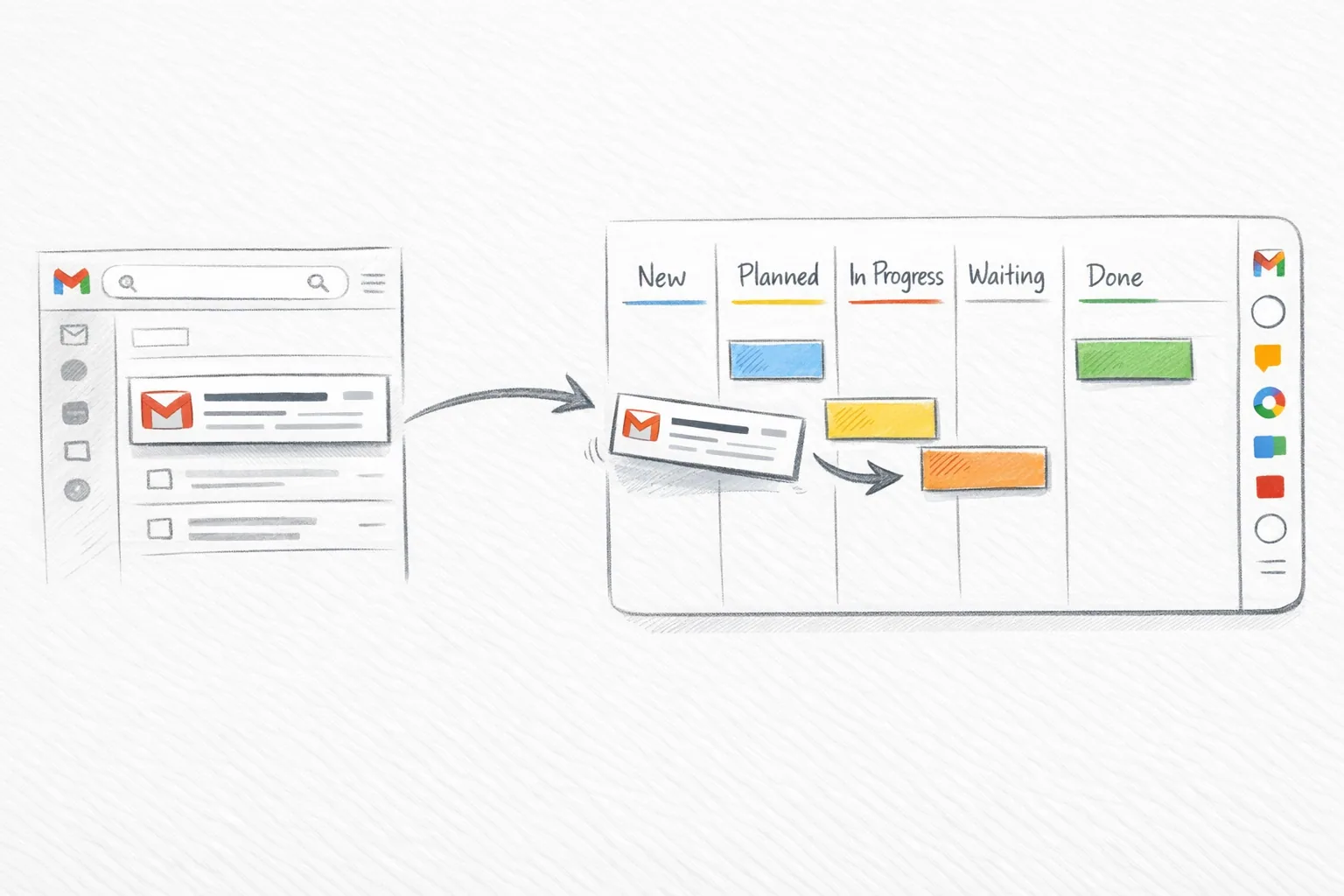
A Kanban board for Gmail turns incoming requests into tasks with a visible status. Instead of leaving a promise in an email thread, put it on a board, give it an owner, and set a due date.
Kanban Tasks by Tooling Studio puts that workflow inside Gmail. You can create a task from a message, keep a link to the original email, and manage the work on a personal or shared board.
Open Kanban Tasks to create your first board. Personal use is free. Teams adds shared boards and assignments for $5 per user per month or $50 per user per year.
Set up a Gmail Kanban board in five steps
1. Install the extension and open Gmail
Install the Kanban Tasks Chrome extension. Sign in with the Google account you use for work, then open Gmail. You can also use the web app when you want a separate view of your boards.
2. Create one board for a real workflow
Start with a board such as Client requests or Weekly work. Keep the scope small enough that everyone can understand what belongs there.
Use four lists:
| List | Put a task here when |
|---|---|
| To do | The request is accepted and ready to start |
| In progress | Someone is working on it |
| Waiting | A reply, approval, or dependency blocks progress |
| Done | The agreed work is complete |
A list should describe the state of the work. Use the assignee field for the person responsible.
3. Turn an actionable email into a task
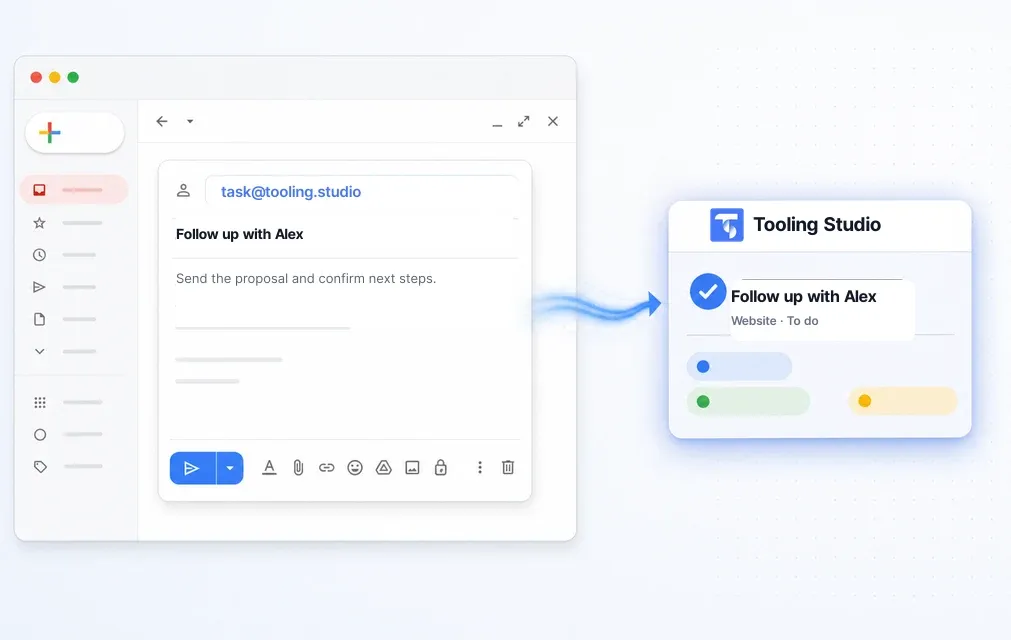
Open the email and use the Tooling Studio action to create a task. Choose the destination board and list. Give the task a clear action title, such as Send revised proposal to Alex.
The task keeps the email subject and a link to the original message. Add the details that a teammate needs in the task description. A Gmail link does not give other people access to your private mailbox.
4. Assign an owner and set the due date
On a shared board, assign the person responsible for the next action. Add a due date when there is a deadline. Use a checklist for the smaller steps and comments for decisions or progress updates.
For example, a proposal task could contain three checklist items: confirm scope, prepare the quote, and send the proposal. The owner remains responsible for the completed result.
5. Move the card as work changes
Move the task to In progress when work starts. Move it to Waiting when you need a client reply, and record what you are waiting for. Move it to Done after the agreed action is complete.
Keep the board current while you handle the work. This gives teammates a useful status view between meetings.
A complete example: handle a client request
A client emails a request to change a campaign page. Create a task called Update campaign page for client review, place it on the Client requests board, and assign the person who will make the change.
Link the shared brief, add the due date, and list the required edits. When the page is ready, move the task to Waiting and add a comment that names the person who must approve it. Record the approval before you move it to Done.
The email preserves the original request. The task preserves the work, owner, files, and decision. The board shows the current stage.
Use the board for work that needs a next action
Create tasks for requests, approvals, follow-ups, and deliverables. Keep newsletters and messages that need no action in Gmail.
During a daily review, check work due today, blocked tasks, and new requests without owners. During a weekly review, close completed work and check whether tasks in Waiting still have a clear next action.
For dated work across several boards, use Get Work Done. For project planning with Docs, Drive, and Calendar, follow the Google Workspace project management guide.
Roll out shared boards with your team
Pilot one board with the people who handle the same workflow. Agree on the meaning of each list and show everyone how to create a task from an email.
Check that each person can open the board and its linked files. Board access, Drive access, and mailbox access are separate. Put shared context in the task and grant access to the relevant Drive file.
At the end of the first week, review missed requests, tasks without owners, and time spent asking for status. Use those findings to adjust the workflow before adding more boards.
Fix common setup problems
| Problem | What to check |
|---|---|
| The board is missing | Confirm the Google account and the team or personal workspace you opened |
| A teammate cannot open a board | Check the invitation and board membership |
| A linked email will not open for a colleague | Gmail links require access to the original mailbox; add the needed context to the task |
| A linked file asks for access | Check its Google Drive sharing settings |
| A task appears to be missing | Check the destination board, list, filters, and completed tasks |
Gmail Kanban questions
Does Gmail include a Kanban board?
Gmail includes labels and access to Google Tasks. Kanban Tasks adds visual boards, task details, and shared workflows inside Gmail through its Chrome extension.
Can I bring in my existing Google Tasks?
Yes. The optional Google Tasks import is part of Kanban Tasks setup. See the Google Tasks import and sync guide for the connection steps and sync behavior.
Can I use it on my own?
Yes. The Personal plan includes boards, lists, tasks, due dates, checklists, attachments, and email-to-task. Use Teams when colleagues need shared boards and assignments.
Can I work outside Gmail?
Yes. Open the Kanban Tasks web app to use your boards directly.
Next step
Keep this workflow close to Gmail instead of pushing it into another stack
Tooling Studio is built for teams that already work in Google Workspace and want a lighter execution layer without another bloated platform rollout.