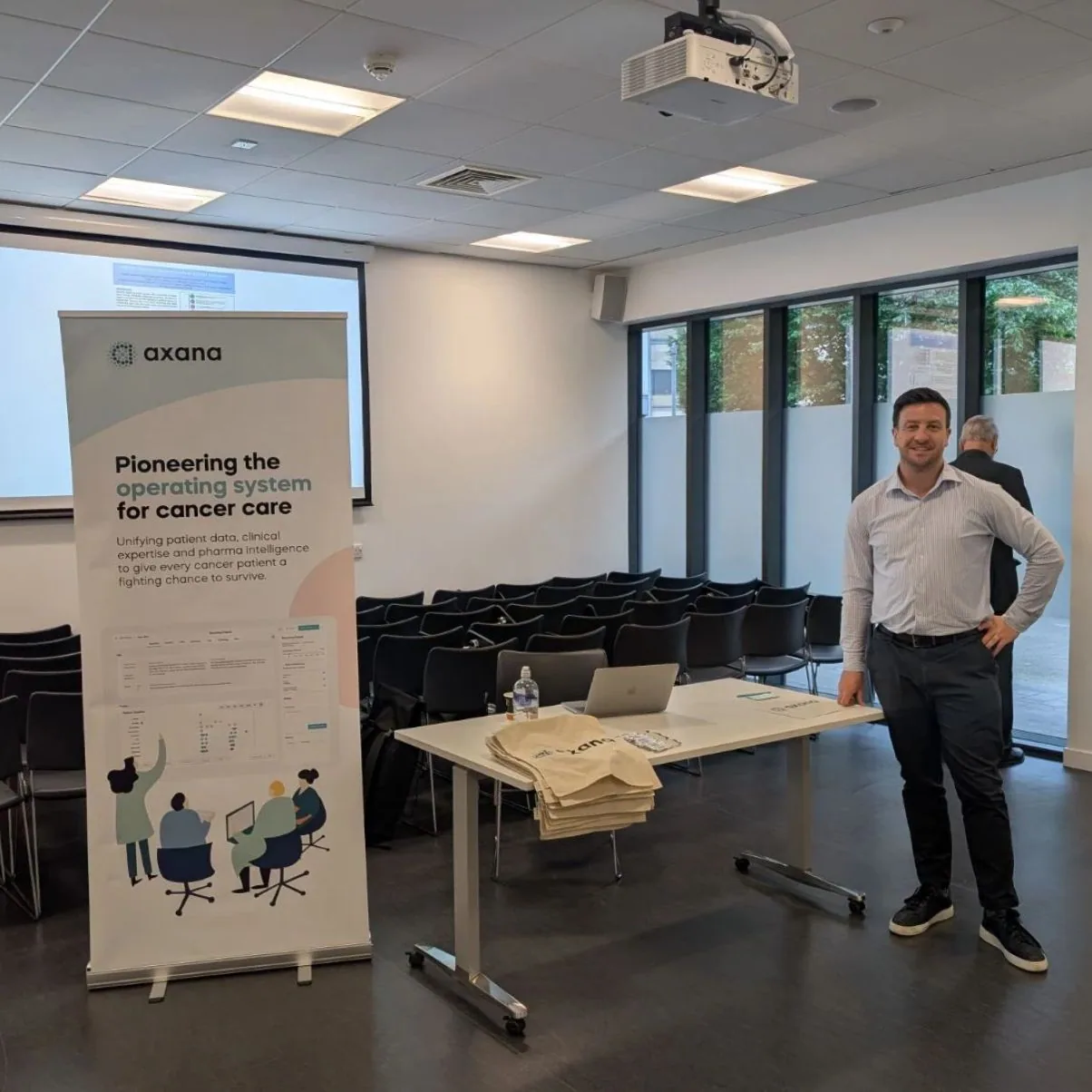
Axana builds AI-enabled workflows and insights for cancer care. Its business development motion is enterprise and business-to-government: long sales cycles, multiple stakeholders per deal, and a lot of context spread across emails, meetings, notes, contacts, opportunities, and follow-up tasks.
Lloyd O'Mahony uses Tooling Studio Sales CRM for relationship and pipeline work, Kanban Tasks for follow-up work, and Tooling Studio MCP to connect that workspace to Claude.
Every morning around 7AM, Claude reviews recent activity across Gmail, Calendar, Google Drive, Sales CRM, and Kanban Tasks. It updates useful CRM fields, spots stale opportunities, identifies new contacts, creates follow-up work, and gives Lloyd a pipeline health summary before the day gets going.
"The morning sweep gives me a current view of the pipeline before the day starts. Claude checks recent emails, meetings, and notes, then updates Tooling Studio so I can see what needs attention."

Lloyd O'Mahony
Axana
Customer snapshot

Customer
Axana
Industry
AI-enabled workflows for cancer care
Workflow
Business development and pipeline health
Products
Sales CRM, Kanban Tasks, MCP
AI app
Claude
Routine
Daily 7AM MCP sweep
Benefit
Fresher CRM data and clearer start-of-day review
Long sales cycles need fresher context
Axana works in healthcare and business-to-government sales. A single opportunity can involve clinicians, healthcare leaders, public-sector stakeholders, commercial partners, technical reviewers, and several follow-up moments across weeks or months.
That makes pipeline context hard to keep fresh. One deal may have recent email activity, a future meeting, a new stakeholder, and an open follow-up task. Another may look quiet in the CRM, while the real conversation is still moving through email, calendar events, or meeting notes.
For Lloyd, contacts can be added early, such as after an event, an introduction, or a first outreach. Deals usually begin when there is clear interest and a next step. He also uses a nurture board for relationships that matter before they are ready for the active pipeline.
A workspace Claude can update
Axana already works in Google Workspace, so Tooling Studio fit close to the team's daily rhythm. Sales CRM gives Axana a shared place for contacts, organizations, deals, owners, notes, tags, custom fields, and pipelines.
Kanban Tasks gives the team a place for meeting preparation, reminders, next steps, and follow-up tasks linked back to the right CRM context.
MCP lets Claude work inside that same workspace. Claude can search Tooling Studio, find the right record, update fields, and help create the next task. Lloyd gets more than a summary. He gets a workspace that has already been checked and refreshed.
"The important thing is that Claude can work with the real CRM and task workspace. It can look up the contact, understand the deal context, update fields, and help create follow-up work."
The daily MCP Morning Sweep
The Morning Sweep is Lloyd's scheduled Claude workflow for business development housekeeping. It runs around 7AM and reviews the last week of activity across Gmail, Calendar, Google Drive meeting notes, Sales CRM, and Kanban Tasks.
The workflow updates fields like date of last email, date of last call, and next meeting date. It can identify new contacts from recent communication, flag stale deals, create or update follow-up tasks, and produce a short pipeline health summary.
That makes it a strong MCP workflow. Claude needs to understand recent communication, match it to the right contact, organization, deal, or task, then write useful updates back into Tooling Studio.
What changed for Lloyd
CRM admin usually slips during busy weeks. People take calls, send emails, meet new stakeholders, write notes, and promise follow-ups. The cleanup often happens later.
Lloyd's workflow moves that review to the start of the day. He starts with a prepared view of what changed, what was updated, and what needs attention. Stale deals are easier to spot. New contacts are less likely to disappear inside email threads. Last-touch fields stay more current. Follow-up tasks have a better chance of landing in the right place.
Lloyd still reviews important updates. The AI prepares the workspace so he can spend less time gathering context and more time deciding what to do.
Product feedback from real business development work
Axana's setup has been useful for Tooling Studio because Lloyd uses it in a real business development routine every morning.
During a feedback call with Eric from Tooling Studio, Lloyd walked through how he thinks about contacts, nurtures, and deals. A contact can exist from first outreach. A deal starts when there is real interest and a next step. That feedback shaped the thinking around a clearer lead-to-deal conversion flow, with choices for pipeline, linked contact or organization, nurture handling, and follow-up work.
Lloyd also wanted important CRM fields to be visible on cards. Eric showed him the "show on card" option for custom properties, and Lloyd immediately wanted to use it for fields like date of last email.
The Morning Sweep also stress-tested MCP. A workflow that reads recent communication and updates CRM records depends on efficient context handling and reliable CRM lookups. Lloyd's feedback helped Tooling Studio improve MCP efficiency, especially around how much context the connector needs.
A deeper native Gmail integration is also on the product path. Lloyd's current setup lets Claude read Gmail activity and update Tooling Studio through MCP. A native Gmail activity layer would make fields like last email date more exact and reduce the amount of interpretation needed from the AI app.
 Download our Plugin