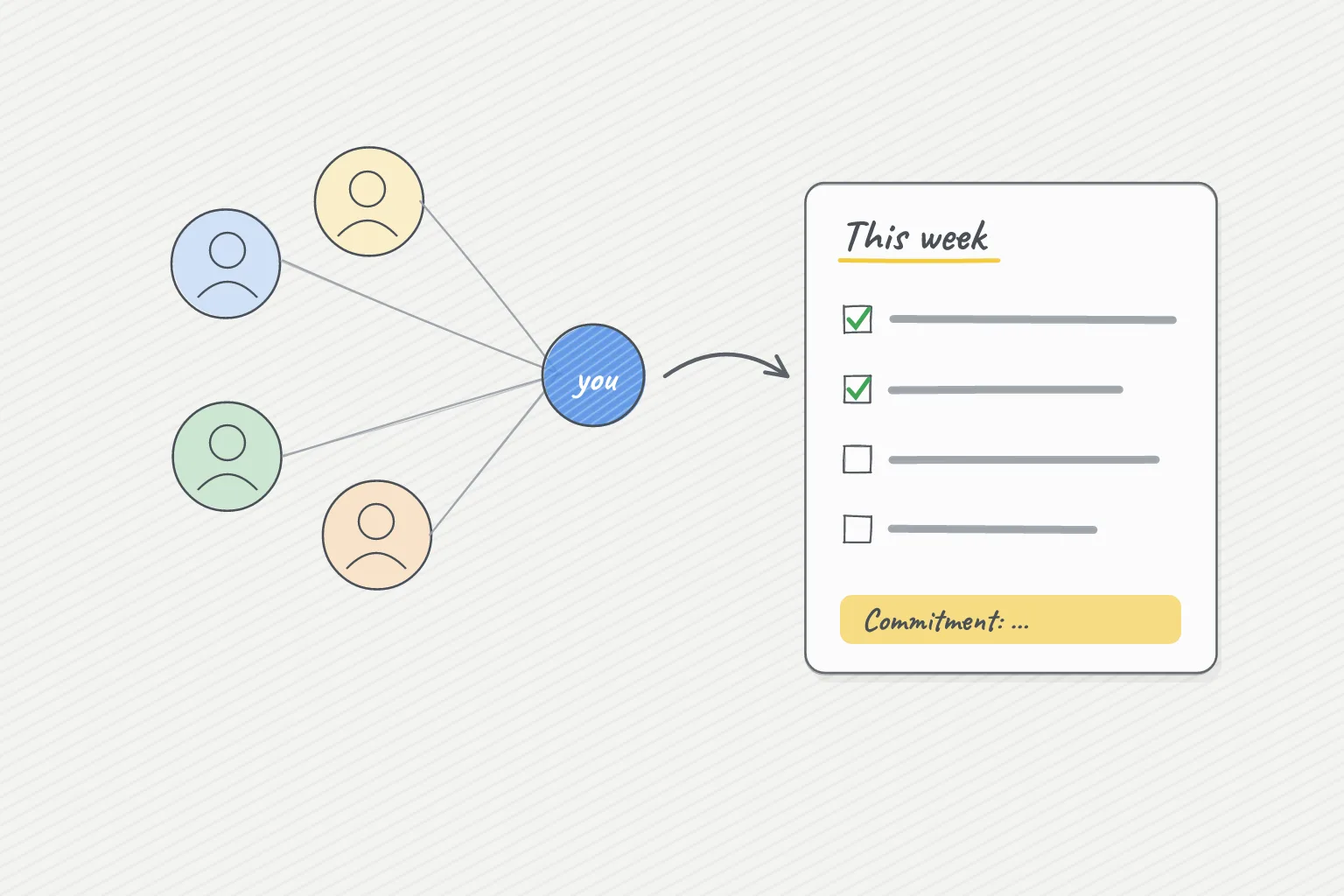
Good mentors are generous, smart and busy, and most founders are lucky to get two calls a year with one. Books are always there, but a book can't answer back when you ask about the decision in front of you this week.
The mentor skill turns your own AI assistant into a mentor made of three to five people you admire. It knows what you are working toward, feeds back what you already half-know, asks the question you are avoiding and tells you when you are going round in circles. If you connect your task board, it plans your week with you and puts the tasks on the board.
Get the mentor skill. It is free and works in Claude, ChatGPT, Gemini and Copilot.
Why it exists
Hugo, one of the founders of Tooling Studio, spent twenty-five years looking for a mentor and read every Sivers, Ferriss and Naval book in between. In May 2026 he built one in Claude, as a mix of the people he had been reading for years, and wrote about it in The mentor I built. Most of the value came from answering the questions long enough to define himself, so the mentor had something to mirror back.
What the mentor does
- Thinks like the people you picked. Choose three to five, alive or dead, famous or someone you once worked for. If they think differently from each other and from you, the mentor pushes back in more than one direction.
- Works from your plan. Where you want to be in ten years, this year's few bets and a list of what you will not do.
- Talks about your actual week. With a board connected, it reads last week's tasks and puts this week's tasks on the board itself. Without one, it gives you the week as a list.
- Parks ideas that don't fit. New ideas go into a parking lot, with a date to look at them again.
Set it up in three steps
1. Add the skill to your assistant
Download the skill from the mentor page and add it to Claude, ChatGPT, Gemini or Copilot. The guide to adding a skill has the steps per assistant. Create a project called "Mentor", so every new chat finds your mentor.
2. Send the first message
Open a chat in the project and say "Set up my mentor", with a few lines about your role, your company, what you want help with and three to five people you admire. If you don't know who, write "help me choose".
3. Connect your board (optional)
With Tooling Studio connected through MCP, the mentor reads your tasks and goals and writes the week's tasks to your board. Hugo's Monday session with it is in My AI mentor now plans my week.
What to say after setup
| When | Say |
|---|---|
| Monday | "Set my week." |
| Friday | "Review my week." |
| A new idea | "I'm thinking of starting X. Stop or continue?" |
| Stuck | "I keep going round in circles on X." |
| Something big changed | "Something changed: ... Update my plan." |
The mentor and the founder pack
The mentor is about you as a founder. The founder pack is about your company: six skills that take it from its strategy to agents doing the work. If your mentor is set up, the foundations skill asks before it uses anything from it.
Mentor questions
How long does setup take?
Between 5 and 40 minutes, depending on how much you want to put in.
Who sees my plan?
Only you. The skill runs in your own assistant and your files stay in your project. Only tasks go on your board, never your personal answers.
Do I need Tooling Studio?
No. The mentor works without a board. With one, it plans your week from your tasks on the board.
What does it cost?
Nothing.
Next step
Keep this workflow close to Gmail instead of pushing it into another stack
Tooling Studio is built for teams that already work in Google Workspace and want a lighter execution layer without another bloated platform rollout.