Claude (recommended)
Works on every plan, including Free.
- In Settings › Capabilities, check that Create and edit files is on.
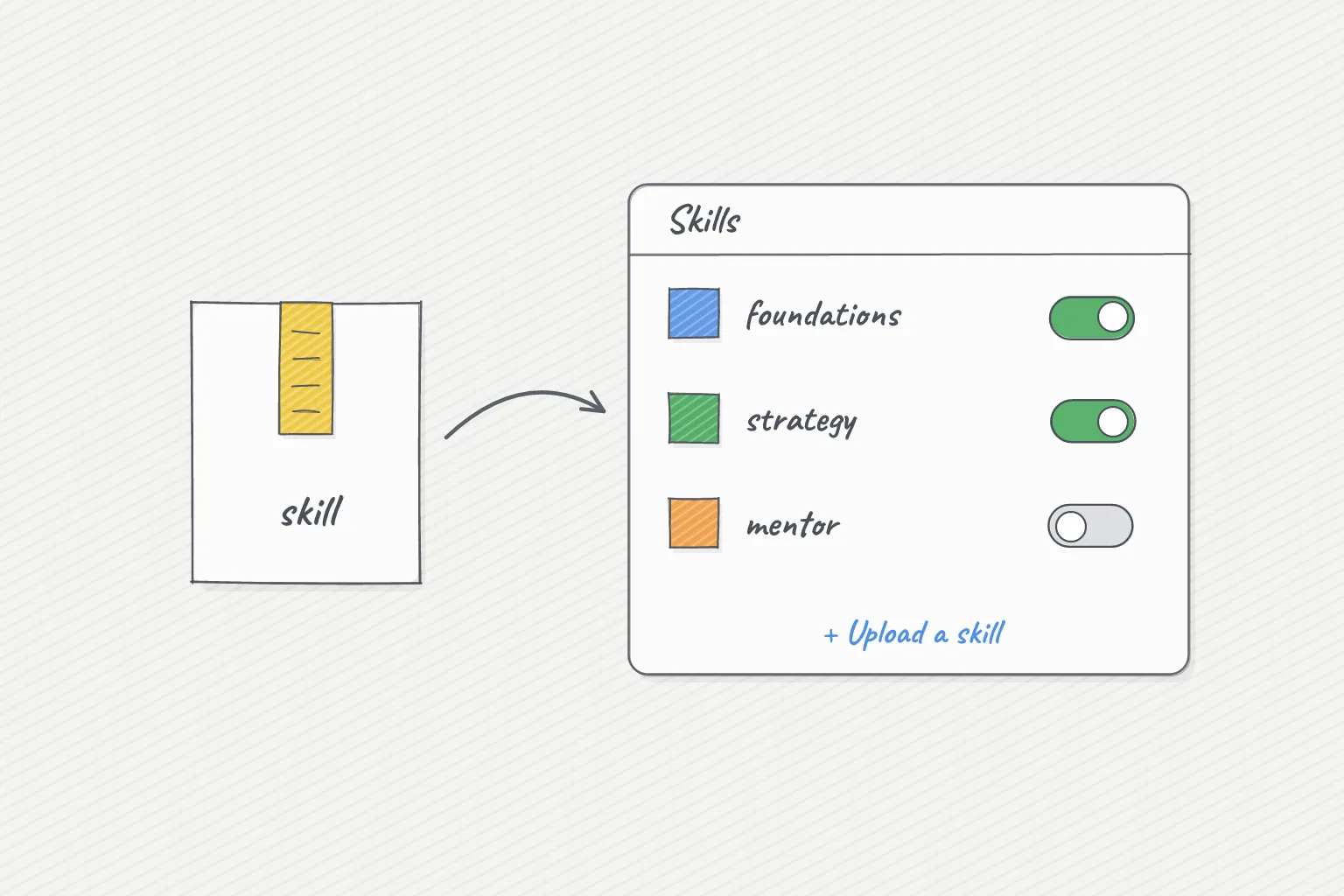
- Go to Customize › Skills, click +, then Create skill › Upload a skill, and choose the file you downloaded. Don't unzip it.
- Check the skill is switched on.
- Create a Project for it and start there.
On Team or Enterprise plans an admin may need to allow your own skills first.
ChatGPT
Business, Enterprise and Edu: sidebar › Plugins › Skills › Create › Upload from your computer, and upload the file you downloaded.
Free, Plus and Pro: unzip the file, create a project for it, add SKILL.md to its files, and paste in the project instructions: "Follow the instructions in SKILL.md."
Gemini
Unzip the file. Create a Gem for it, add SKILL.md as a knowledge file, and use the instructions: "Follow the instructions in the file SKILL.md."
Microsoft Copilot
Microsoft 365 Copilot work accounts: where your company has turned it on, open Customize and upload the file you downloaded.
Otherwise: create an agent, paste "Follow the instructions in SKILL.md" as its instructions, and add SKILL.md as a file.