A strategy says which functions change. It doesn't say who does step 3 of your monthly reporting, which agent drafts the proposal, who approves it, or where the rules for that agent are written. Without that, agents get built one chat at a time and nobody can see what each one is allowed to do.
The operating system skill is step 3 of the founder pack. It maps how work moves through your company today, in your team's words, and goes through the work you change first, step by step. You end up with Operating_System.md, three to five pages someone can set up the tools from, and first agents that each have an owner.
Get the operating system skill. It is free and works in Claude, ChatGPT, Gemini and Copilot.
Read a case study: How I wrote down how my company runs, for my people and my agents, by Hugo, one of the founders of Tooling Studio.
What the operating system covers
- A map of your processes, from the first customer contact to getting paid.
- What changes first, picked from that map, with the reason.
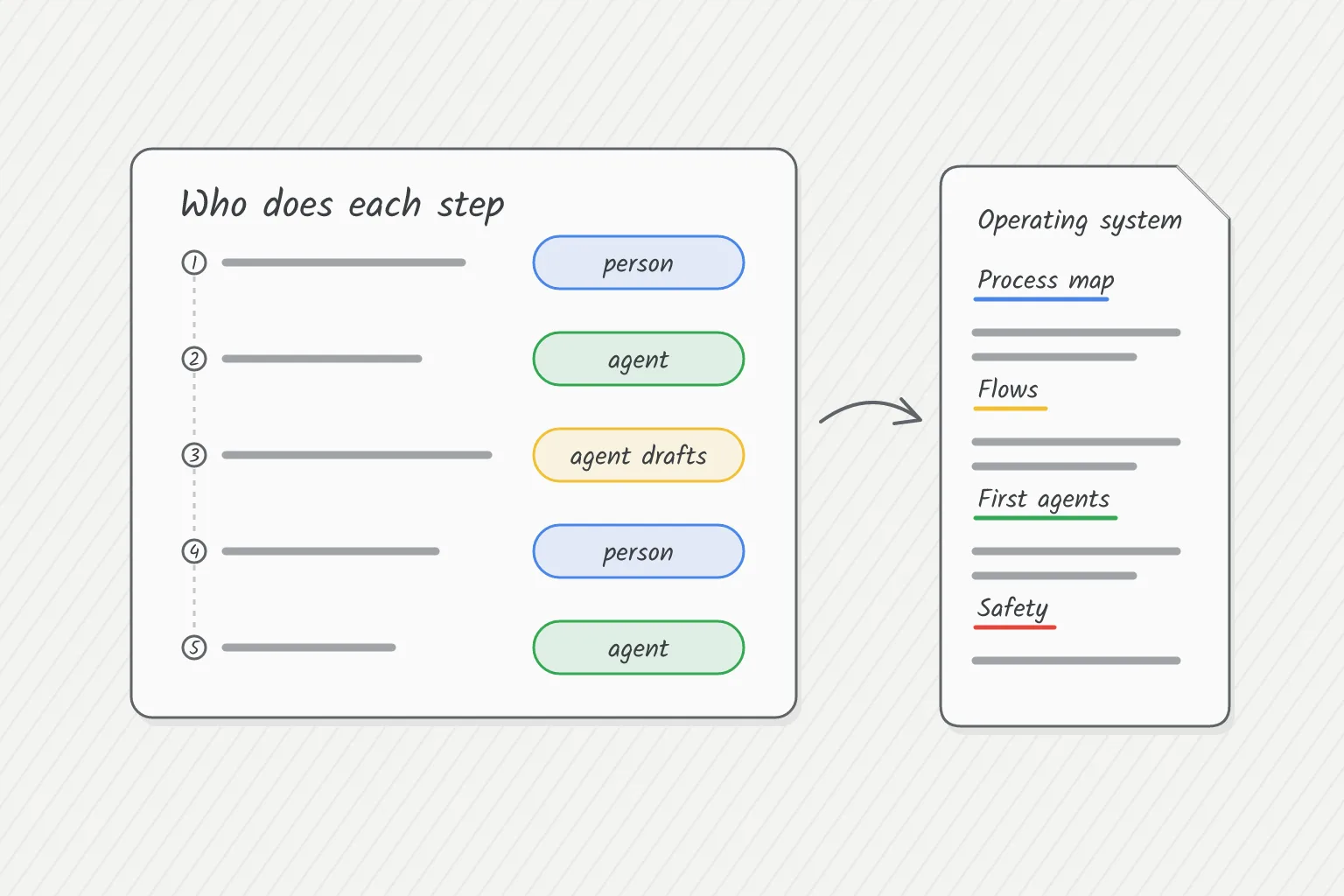
- Who does each step: a person, an agent, or an agent that drafts and a person who approves. It also marks every place where the same information gets typed in twice.
- Your first agents: two to five, each with a person who owns it.
- Rules for people and agents: who decides what, what every task needs, what each agent may do alone and must never do, and how you check its work, undo it and switch it off.
- Where work and rules live: one home for each kind of information, and one place where people and agents read the same rules.
- Rhythm: the few meetings and numbers that keep it on track.
An example: who does each step
From the design of a 60-person SEO and content agency, for monthly reporting (68 reports a month):
| Step | Today | From now on |
|---|---|---|
| Pull data from the tools | Analyst, by hand | Agent |
| Build the report | Analyst copies into slides | Agent drafts |
| Check the numbers | Analyst | Person |
| Write what happened, and why | Analyst and account manager | Agent drafts, person rewrites |
| Decide next month's priorities | Account manager | Person |
| Turn decisions into tasks | Account manager, days later | Agent drafts, person confirms |
Read the full example.
Where the agent rules live
The skill gives you two options. A shared Google Drive folder costs nothing new, although nothing stops two copies of one rule from appearing. A company brain is one set of short pages on how your company works: your people read and edit them, your agents read the right page before they act, and every change is kept with who made it. Tooling Studio's Brain works this way and is in early access.
The operating system can also set safety basics that every new kind of agent needs before it goes live, such as a quality check, a log, a way to undo and a review queue with a named person.
Run it in three steps
1. Connect your Google Workspace
Do the foundations and strategy first, in the same project. Then connect Gmail, Google Drive and Google Calendar to your assistant, so the map starts from how work really moves. If you'd rather not connect anything, the skill asks for a few documents instead.
2. Say where work gets stuck
Say "Design my operating system", and add where work gets stuck today and what you want to change first.
3. Correct the map, then choose
Correct the first map freely, including the work that leaves no trace in email. Then choose together what changes first and go through each step. If the person who runs that work isn't in the conversation, the skill writes them a few questions.
Operating system questions
Does it read my email?
Only if you connect it, and only to see what kinds of work come in, how often and who picks them up. Nothing from personal email goes into the document.
Does it work for 50 to 100 people?
Yes. It maps the whole company at a high level, then designs one part in detail and writes down where that part hands work to the rest.
Do I need Tooling Studio?
No. The design works with the tools you use. Setup, step 5, builds it in Tooling Studio if you want.
What comes next?
The roadmap: the order of the change, this quarter's goals and who does what.
Next step
Keep this workflow close to Gmail instead of pushing it into another stack
Tooling Studio is built for teams that already work in Google Workspace and want a lighter execution layer without another bloated platform rollout.