Most strategies stall between the document and the work. Turning the big picture into goals, owners and deadlines takes hours in a spreadsheet, and once the quarter is busy, nobody looks at the OKRs again. With agents in the plan there is a second problem: getting an agent live takes hours too, because someone has to explain the work, run it side by side and check it.
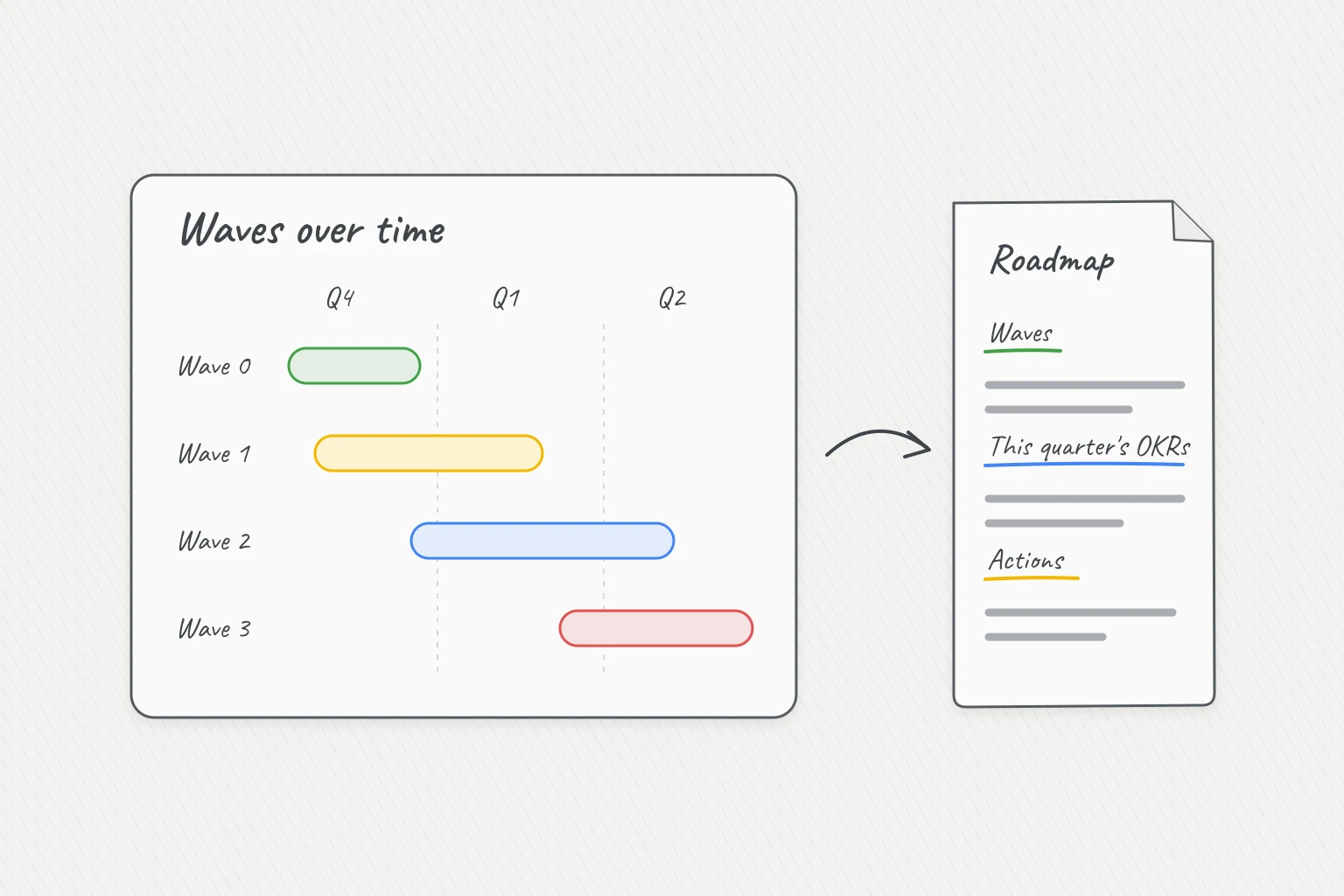
The roadmap skill is step 4 of the founder pack. It reads your foundations, strategy and operating system, and writes Roadmap.md: the change in waves, this quarter's OKRs and the actions under each goal, fitted to the hours your team has.
Get the roadmap skill. It is free and works in Claude, ChatGPT, Gemini and Copilot.
Read a case study: From strategy to an action plan in an afternoon, by Hugo, one of the founders of Tooling Studio.
What the roadmap covers
- Waves: the change in three to five stages, from work that is easy to undo to work that needs more judgment. Each wave says what agents take over, what people keep, who leads it and when it is done.
- Your change team and their hours: who works on the change, and how many hours a week each can give it next to normal work.
- A timeline: the work laid out month by month within those hours. When the hours can't reach a goal, it says so.
- This quarter's OKRs: two to four goals, each with a few numbers that tell you whether it worked. Results, not how much AI you use. New to OKRs? Read OKRs only work if you look at them.
- Actions under each goal: each with an owner, who does the work (a person, an agent or both), a rough size and a line that says when it is done.
- A weekly check-in and a new plan at the end of each quarter.
An example timeline
From the roadmap of a 60-person SEO and content agency:
| Month | Wave | Main actions | Head of analytics |
|---|---|---|---|
| Dec 2026 | 0 | Write down reporting, measure, spec the drafter | 13 of 18 hours |
| Jan 2027 | 1 | Drafter side by side for one account manager | 15 of 26 hours |
| Feb 2027 | 1 | Drafter for all account managers | 26 of 26 hours, then moved to 14 |
| Mar 2027 | 1 | All 68 reports start from a draft | 8 of 26 hours |
In February the head of analytics was full, so the analysts check the numbers on every draft and he reviews a sample of 20. Read the full example.
Run it in four steps
1. Use the project from the earlier steps
The waves come from your operating system and the goals from your strategy.
2. Say who works on the change
Say "Make my roadmap and this quarter's OKRs", and add who works on it, their hours a week and what has to be true by the end of the quarter. Count only the hours left after client work and running the company.
3. Check the order, the hours and the goals
Correct the sizes that look wrong and the targets you don't believe in. Leave a starting number empty when you don't know it: measuring it becomes the first action.
4. Check in every week
Say "Check in on the roadmap" once a week, or make it a scheduled task. The skill drafts where each goal stands, and each owner confirms before anything is recorded.
When the plan runs in Tooling Studio
Setup, step 5, puts this quarter's goals in OKR and every action on a Kanban Tasks board, linked to the key result it moves. Cards done by people and cards done by agents count toward the same goals, and the weekly check-in reads them from there.
Roadmap questions
Why does it ask for hours?
A plan that ignores how many hours people have is a wish list, and agents cost hours before they save them.
What if the hours don't reach the goal?
It tells you and gives you the choices: more hours, a smaller target or a later date.
Can my team give input?
Yes. Share the plan before it goes in, and ask the assistant to carry your partners' feedback down to the OKRs and actions.
Next step
Keep this workflow close to Gmail instead of pushing it into another stack
Tooling Studio is built for teams that already work in Google Workspace and want a lighter execution layer without another bloated platform rollout.