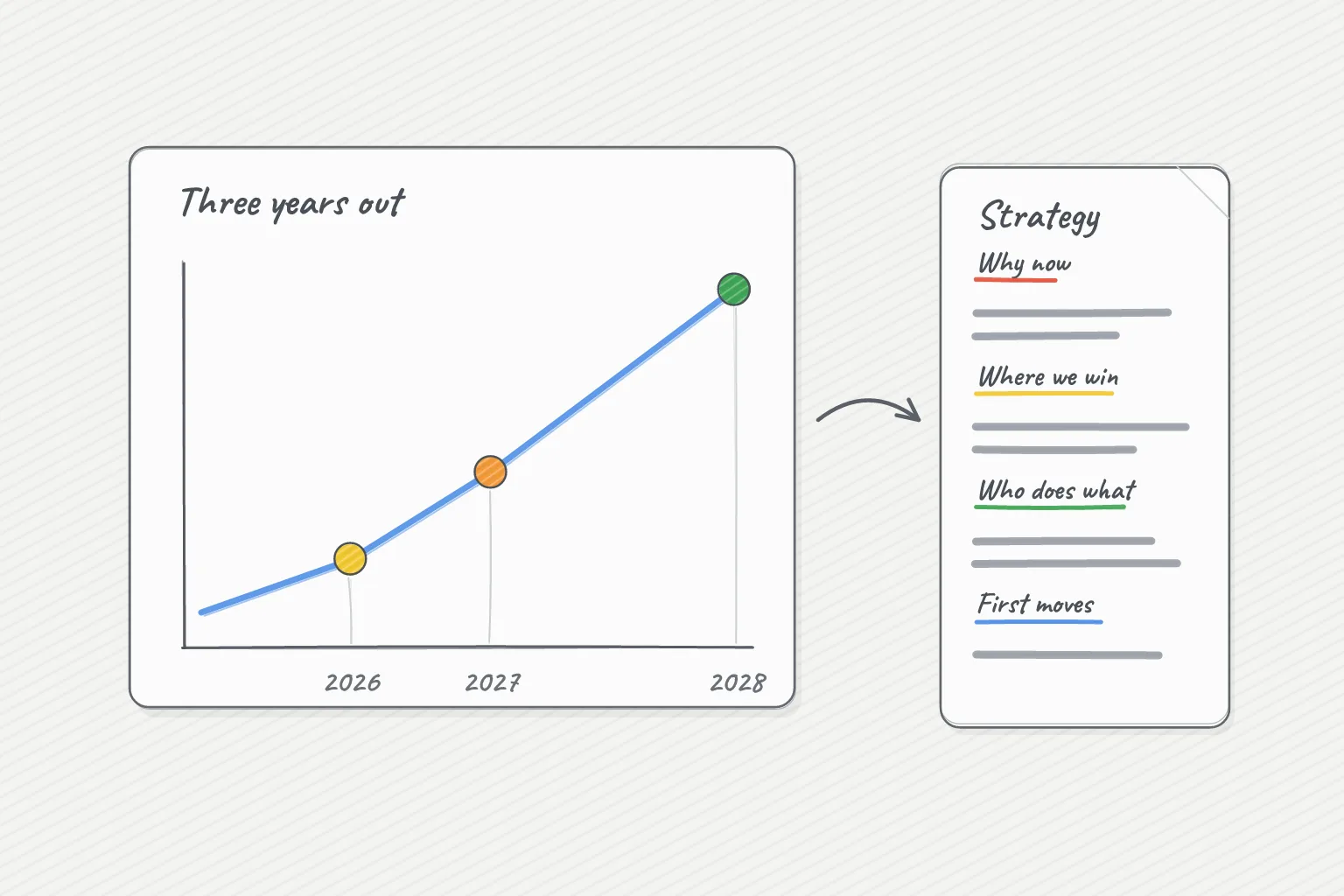
An AI-native strategy answers what your company looks like in three years when agents do part of the work: where the growth comes from, how many people you need, which functions change, and what you start this month. Generic answers are easy to get. A strategy you can defend to the most sceptical person on your team takes your numbers, your market and your view on people and AI.
The strategy skill is step 2 of the founder pack. It reads your foundations, looks at your market and competitors, and writes a first version within one sitting. You push back, it adjusts, and you end up with Strategy.md, two to four pages in your own words.
Get the strategy skill. It is free and works in Claude, ChatGPT, Gemini and Copilot.
Read a case study: How I wrote an AI strategy that starts with people, by Hugo, one of the founders of Tooling Studio.
What the strategy covers
- Why now: what is changing in your market, and an honest answer to your own doubts.
- Where you start: how deep AI goes in your company today.
- Three years out: dated milestones, and the maths behind your revenue target.
- Rules your team and agents can act on: what you never do, and what wins when priorities clash.
- Where you can win: a few bets, each with a test you can run with a real customer.
- Who does what: per function, people, agents or both, and what happens to the people whose work changes.
- First moves: what you stop, and what you start this month.
How it fits the size of your company
| Company size | How the change is organised |
|---|---|
| Under about 25 people | The founder can redesign everything at once |
| About 25 to 50 | The founder works with one person who owns operations, function by function |
| About 50 to 100 | One team or one new line of business goes first |
The skill also checks the plan against the hours you have, because in a small company the founder's attention is usually the bottleneck.
An example
From the strategy of a 60-person SEO and content agency in New York: by the end of 2029 it earns $14M with about the same 60 people. Clients pay to be the trusted answer in their market, on Google and in AI answers, rather than for the number of articles written. One of its rules: never hide a drop in a report. Read the full example.
Run it in three steps
1. Use the project from your foundations
The strategy reads Foundations.md. If it can't find it, it offers to do the foundations first.
2. Say what is on your mind
Say "Make my strategy", and add where you want to get to, by when, and what worries you. For example: "I want to double revenue in three years without hiring for admin, and I'm not sure a company that sells people's time can be AI-native."
3. Shape the first version
The skill opens with what struck it in your foundations and your market, then asks the one question that shapes the rest. Give it your actual numbers and tell it what your team would push back on. Its own ideas stay marked as proposals until you agree.
From strategy to agents
The strategy says per function what people do and what agents do. The operating system turns that into steps, owners and rules, and the later steps build the agents and put their work on the same boards as your team's.
Strategy questions
How long does it take?
Many founders have a first version in one sitting.
Does it push us toward more agents?
No. It follows the balance of people and AI you set in your foundations.
Does it recommend software?
No. Software stays out of the strategy. Tools come in at the operating system and setup steps.
Who sees my strategy?
Only you. It stays in your project, and nothing is sent to Tooling Studio.
Next step
Keep this workflow close to Gmail instead of pushing it into another stack
Tooling Studio is built for teams that already work in Google Workspace and want a lighter execution layer without another bloated platform rollout.