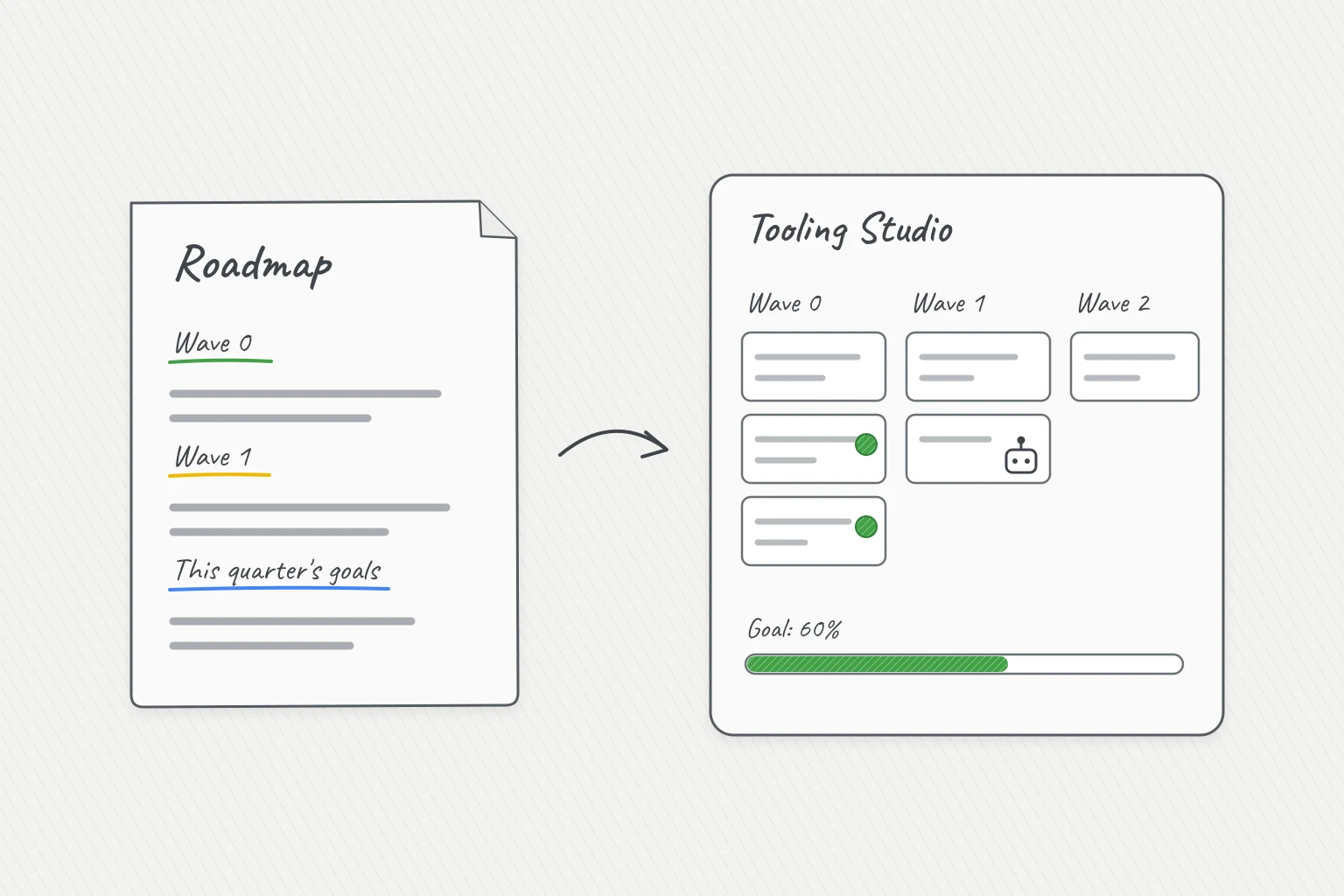
A plan on paper doesn't coordinate anyone. People need boards, owners and deadlines. Agents need the same, plus written rules and access through a connection they can use. When those live in different tools, nobody can see what an agent did this week or which goal it was working toward.
The setup skill is step 5 of the founder pack. It connects your AI assistant to Tooling Studio through MCP and builds your operating system and roadmap there. It shows you a short plan first and builds only after your yes.
Get the setup skill. It is free. Tooling Studio has its own plans.
Read a case study: From paper plan to boards: setting up Tooling Studio with your AI assistant, by Hugo, one of the founders of Tooling Studio.
What gets built
| What | Where in Tooling Studio |
|---|---|
| Boards for the work, with lists named as in your design | Kanban Tasks, inside Gmail |
| Pipelines for prospects and deals | Sales CRM |
| Rules for tasks: what every task needs and who decides it is done | Linked from each board's description or a card at the top |
| A place for each first agent: its board, an "agent" tag and a page with its owner and limits | Kanban Tasks and the Brain |
| Your written rules in one place | The Brain, or a shared Google Drive folder |
| This quarter's OKRs with owners and targets | OKR |
| Every action from the roadmap as a card with an owner and dates, linked to its key result | Kanban Tasks, linked to OKR |
| A record of what was built and where | Setup.md in your project |
How people and agents coordinate after setup
Everything sits in Google Workspace, next to your email, documents and calendars. People work on the boards in Gmail or the web app. Agents work on the same boards through the MCP connection, with the permissions of the person who connected them, and their cards carry the agent tag so the team can see which work is theirs. Every card names the key result it moves, so work done by people and by agents counts toward the same goals.
An example: Ekipa's workspace
Ekipa, a coaching company in Southeast Asia, runs on five boards in Tooling Studio: client work, the internal build with a list per wave, bets on new products, a Friday overview and one card per agent. The goal "Agent account and safety basics live" stood at 60% on 19 November, counted from its cards.
Run it in three steps
1. Connect Tooling Studio to your assistant
Sign in at tooling.studio with your Google Workspace account. Go to Settings › Account › AI, turn on MCP access and copy the address. Add it to your assistant as a connector (how it works).
2. Say what is already there
Say "Set it up in Tooling Studio", and add what you already have in Tooling Studio and who will run the workspace day to day.
3. Approve the plan, then click around
The skill reads your workspace, compares it with your design and shows one short plan: what it creates, what it reuses and the few choices left open. After your yes it builds and reads the workspace back to check every board, goal and card is there once. Then open Tooling Studio and tell the assistant what is missing.
Setup questions
How long does it take?
Usually under an hour, most of it the assistant building while you watch.
Will it change what's already in my workspace?
Not without your yes to that exact change. It reuses what fits your design and leaves the rest alone.
Which assistants can connect?
Claude works best. ChatGPT can connect depending on your plan. In Gemini and Copilot, custom connectors are mostly limited to company plans for now.
What comes next?
The agent builder, which turns each agent in your design into one that does the work.
Next step
Keep this workflow close to Gmail instead of pushing it into another stack
Tooling Studio is built for teams that already work in Google Workspace and want a lighter execution layer without another bloated platform rollout.