Choose the right asset
Use the full logo for horizontal placements and the logomark for app icons, favicons, social avatars, and tight partner grids.
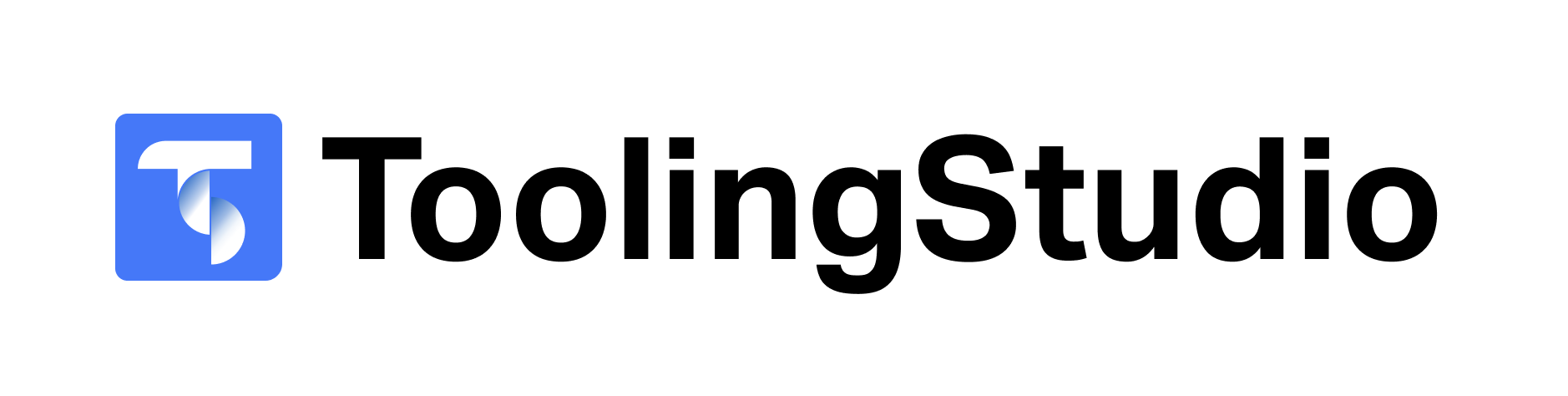
Download the official Tooling Studio logo, logomark, and transparent mark. Use these files when referencing Tooling Studio in partner pages, marketplace listings, presentations, articles, and customer materials.
Primary logo package
Use .svg for websites, .png for quick placements, and .pdf for print or publisher requests.
The basics are simple: keep the artwork intact, give it room, and use the version that fits the available space. The full logo is preferred whenever the Tooling Studio name remains readable.
Use the full logo for horizontal placements and the logomark for app icons, favicons, social avatars, and tight partner grids.
Do not recolor, distort, rotate, outline, or add decorative effects. If you need a compact version, use the logomark instead.
Leave clear space around the logo so it does not compete with dense text, borders, or other partner marks.
Refer to the company as Tooling Studio. When writing about products, use Kanban Tasks and Sales CRM as product names.
Brand assets
Each asset includes .svg, .png, and .pdf options. Prefer .svg for website work because it stays crisp at every size.
The primary Tooling Studio logo for partner websites, press pages, marketplace listings, and presentations.
The square Tooling Studio mark for avatars, app tiles, favicon-style placements, and compact partner grids.
A transparent-background version of the mark for product UI, colored surfaces, and custom layouts.