
The 12 Best Free CRM for Small Business Options in 2026
Discover the best free CRM for small businesses in 2026. Compare 12 top options to manage contacts, track deals, and grow efficiently.

For a small business, managing customer relationships is the bedrock of growth. Juggling contacts in spreadsheets and notes in scattered documents quickly becomes unmanageable, leading to missed opportunities and frustrated teams. This is where a Customer Relationship Management (CRM) system steps in, but the high cost and complexity of enterprise-level software can be a significant barrier.
This guide cuts through the noise to help you find the best free CRM for small business needs. We've compiled and analyzed 12 powerful, genuinely free tools that can help you organize contacts, track sales pipelines, and nurture leads without spending a dime. To fully grasp the value a free CRM brings, it's essential to understand the underlying customer relationship management basics.
In this listicle, we dive deep into each platform, providing screenshots and direct links. We’ll analyze the critical limitations of each free tier, identify the ideal use case for every tool, and pay special attention to how well they integrate with Google Workspace, the productivity hub for countless startups. Our goal is to provide a clear, practical roadmap to help you select, implement, and scale the right free CRM for your unique business goals, transforming how you connect with customers.
1. Sales CRM – Transform Your Google Contacts into a Sales Powerhouse
Tooling Studio's Sales CRM stands out as an exceptional choice for solo entrepreneurs and small teams deeply integrated into the Google Workspace ecosystem. It fundamentally transforms your existing Google Contacts into a functional, no-friction CRM, eliminating the steep learning curve and data migration headaches common with standalone platforms. Instead of forcing you to adopt a new application, this lightweight Chrome extension brings deal tracking and pipeline management directly into your Gmail and Google Contacts interface.
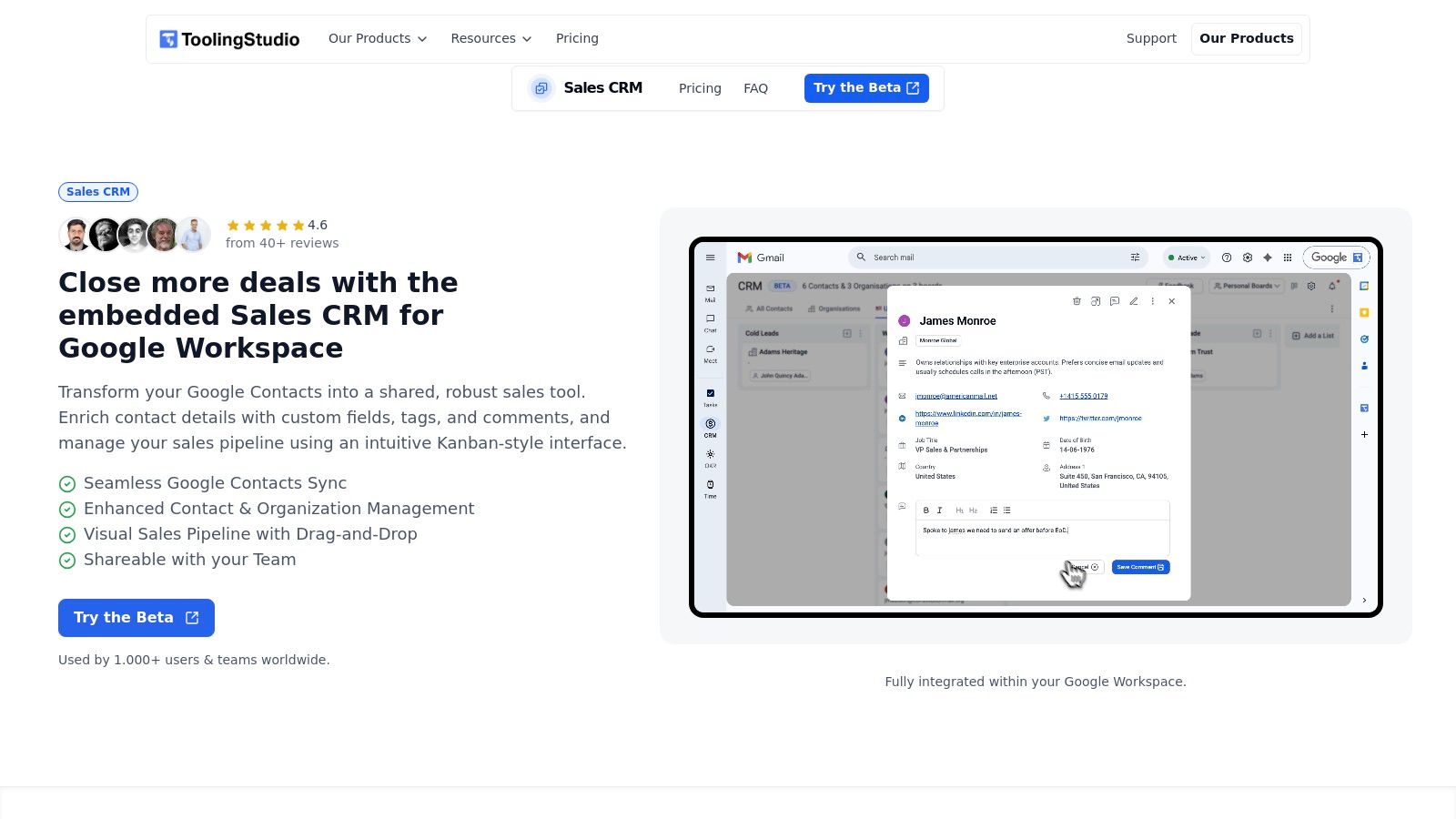
Its core strength lies in its native design. By adopting Google's user interface, it feels like a natural extension of your workflow, not a clunky add-on. This approach makes it one of the best free crm for small business options for those who want to get organized without disrupting their established processes. The ability to manage unlimited contacts and pipelines on its free-forever plan is a significant advantage for bootstrapped founders who need powerful tools without the financial commitment.
Why It's Our Top Pick for Google Workspace Users
The true power of this CRM is its contextual integration. It places essential sales data-like deal stages, contact history, and next steps-right beside your emails, allowing for faster, more informed follow-ups. This centralization is enhanced when paired with Tooling Studio's other tools, creating a unified hub for sales and task management within Google. While it is not positioned as a mature enterprise CRM for advanced forecasting or heavy customization, its focused, practical approach to solving core sales tracking challenges is precisely what makes it effective for its target audience. For a deeper dive into this methodology, you can learn more about using a crm for google contacts.
Best For: Solo founders, freelancers, and small sales teams who live in Gmail.
Key Feature: Unlimited contacts and pipelines on the free-forever personal plan.
Limitation: It is not positioned as a mature enterprise CRM for advanced forecasting, revenue reporting, or heavy enterprise customization.
Website: tooling.studio/sales-crm
2. HubSpot CRM
HubSpot offers arguably the most robust and widely adopted free CRM for small business owners, providing a comprehensive suite of tools that go far beyond basic contact management. Its forever-free plan is remarkably generous, allowing unlimited users, up to 1 million contacts, and access to essential sales, marketing, and service features without a time limit. The user interface is clean and intuitive, making it easy to get started quickly.
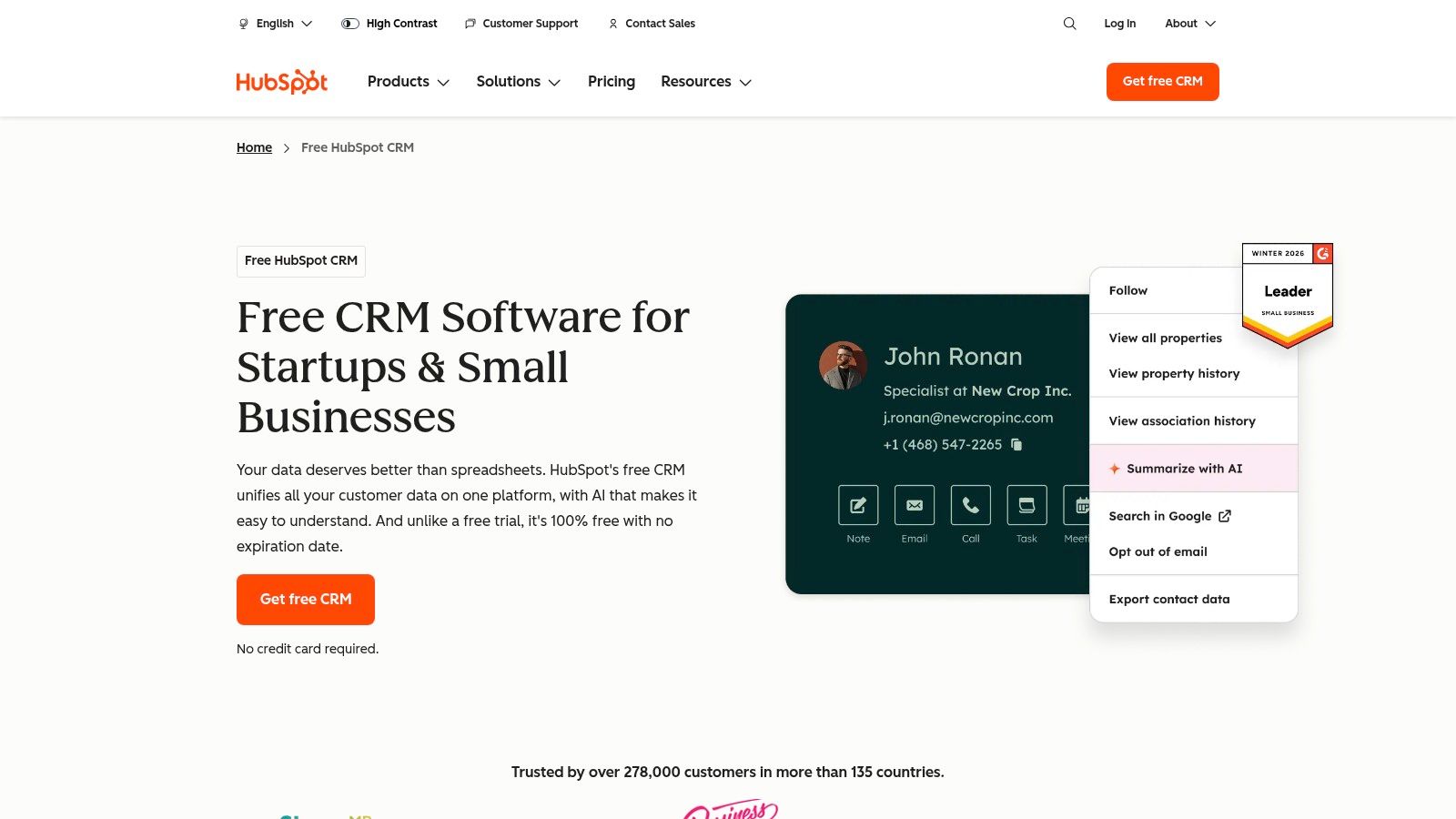
This platform excels at providing a clear growth path. As your business scales, you can add paid "Hubs" for Marketing, Sales, or Service to unlock more advanced functionality. For existing HubSpot users, exploring advanced capabilities like HubSpot's AI-powered lead actions can further optimize your sales process. The free tier includes deal pipelines, basic reporting dashboards, and a massive app marketplace with over 1,900 integrations, ensuring it connects with the tools you already use.
Key Information:
Best For: Businesses wanting a powerful, all-in-one platform with a clear and scalable upgrade path.
Website: HubSpot CRM
Pros: Generous forever-free plan, user-friendly interface, extensive integration marketplace.
Cons: Advanced automation and in-depth analytics are locked behind expensive paid tiers.
3. Zoho CRM
Zoho CRM offers a mature and feature-rich free CRM solution specifically designed for small teams. Its "Free Edition" supports up to three users and provides the essential tools needed to manage leads, contacts, deals, and accounts. Unlike some competitors where the free plan is a severely stripped-down version, Zoho’s offering feels substantial, giving businesses a solid foundation for managing customer relationships without an initial investment. The platform is well-regarded for its extensive ecosystem of business apps, allowing for deep integration as your needs grow.
The platform stands out by providing a clear and affordable growth trajectory. As your business scales beyond the three-user limit or requires more advanced features like mass emailing and workflow automation, the paid tiers are competitively priced. This makes it an excellent choice for a small business that anticipates future growth and wants to stay within a single, integrated ecosystem. The free edition includes core essentials like workflow rules for basic automation, standard reporting, and mobile apps, making it a powerful free CRM for small business operations on the go.
Key Information:
Best For: Small teams (up to 3) needing a solid, free CRM with a cost-effective and highly integrated upgrade path.
Website: Zoho CRM
Pros: Robust free plan for three users, cost-effective paid tiers, extensive documentation and integrations within the Zoho suite.
Cons: The user interface can feel complex and may require a learning curve; key automation features are reserved for paid plans.
4. Bigin by Zoho CRM
Bigin by Zoho CRM is a streamlined, pipeline-centric CRM designed specifically for small businesses that might find a full-featured system like Zoho CRM overwhelming. It focuses on delivering core sales functionalities with an emphasis on simplicity and rapid setup, claiming users can be up and running in under 30 minutes. Its forever-free plan supports a single user with essential features, making it a strong contender for sole proprietors or freelancers who need a simple yet effective free CRM for small business management.
The platform is built around a single, highly visual sales pipeline, which simplifies deal tracking and management for teams new to CRM software. While the free version is limited to one pipeline and 500 records, it includes built-in telephony, mobile apps, and basic customization. This focused approach ensures that users get the fundamentals right without the distraction of complex features they may not need. As a Zoho product, it also provides a clear and affordable upgrade path for growing businesses.
Key Information:
Best For: Sole proprietors, freelancers, and very small teams needing a simple, pipeline-focused CRM with a minimal learning curve.
Website: Bigin by Zoho CRM
Pros: Extremely easy to set up and use, affordable paid upgrades, focused on core small business sales activities.
Cons: The free plan is limited to a single user and 500 records; less feature-rich compared to full-scale CRMs.
5. Freshsales (Freshworks)
Freshsales, part of the Freshworks ecosystem, offers a sleek and modern free CRM designed for small, sales-focused teams. Its free-forever plan supports up to 3 users and provides a surprising number of features out of the box, including built-in chat and phone capabilities, which is a rare find in a free offering. The interface is clean, emphasizing Kanban-style visual pipelines for leads, accounts, and deals, making it easy to track progress at a glance.
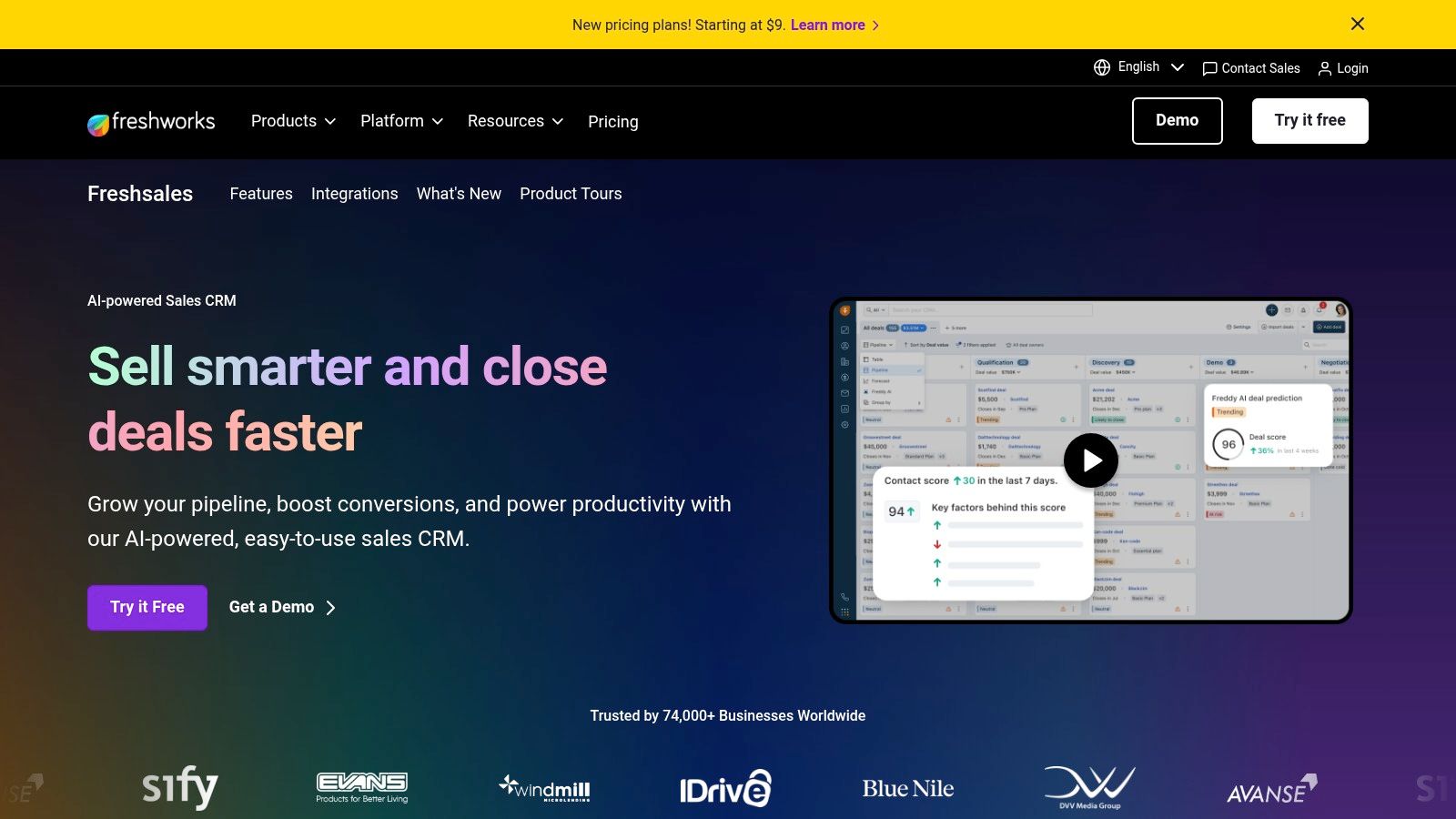
This platform is a strong contender for the best free CRM for small business owners who prioritize direct communication and a quick setup. Its native integrations with Gmail, Google Calendar, and Google Contacts streamline daily workflows for Google Workspace users. While the free plan is feature-rich for its size, it’s a stepping stone to Freshworks' paid tiers, which unlock more advanced automation and analytics necessary to optimize the sales process as your team grows.
Key Information:
Best For: Small sales teams (up to 3 users) who need built-in communication tools and strong Google integrations.
Website: Freshsales CRM
Pros: Includes built-in telephony and chat in the free tier, fast setup, and useful Google integrations.
Cons: The free plan is limited to 3 users, and crucial automation features are reserved for paid plans.
6. Bitrix24
Bitrix24 offers a unique, all-in-one workspace that goes far beyond a traditional CRM, integrating project management, communication, and website building tools into a single platform. Its free plan is particularly compelling for small businesses seeking to consolidate their software stack, as it supports unlimited users. This makes it a cost-effective solution for growing teams that need more than just contact management and want a unified system for tasks, projects, and client interactions.
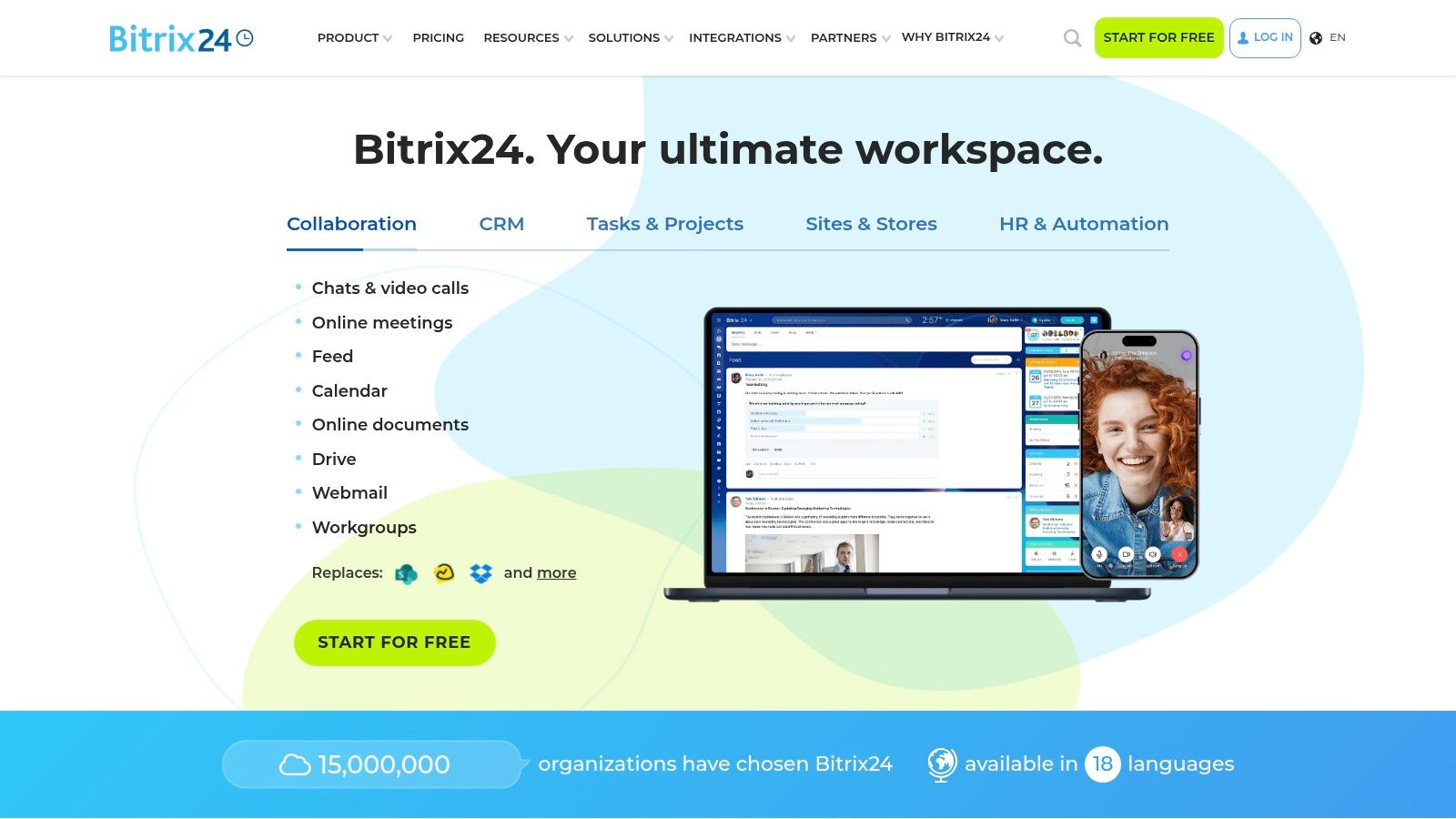
The platform functions as a central hub where sales pipelines, task management, and team collaboration converge, making it an excellent free CRM for small business teams that thrive on cross-departmental cooperation. While the interface can feel overwhelming at first due to its extensive feature set, it provides significant value once mastered. A key advantage of its paid plans is the organization-based pricing, which avoids the steep per-user costs common with other CRMs as you scale.
Key Information:
Best For: Teams that need an integrated workspace with CRM, project management, and internal communication tools.
Website: Bitrix24
Pros: Broad toolset in a single platform, supports unlimited users on the free plan, organization-based pricing on paid tiers.
Cons: The free plan is limited to 5 GB of storage, and key features like advanced automation are paywalled.
7. Capsule CRM
Capsule CRM offers a refreshingly simple and lightweight approach to customer relationship management, making it an excellent free CRM for small business owners, freelancers, and micro-teams who prioritize ease of use over an exhaustive feature set. The platform’s free plan is designed for getting started quickly, offering core CRM functionalities for up to two users and 250 contacts. Its interface is exceptionally clean and intuitive, ensuring a minimal learning curve for users who need to manage contacts, track sales opportunities, and log activities without complexity.
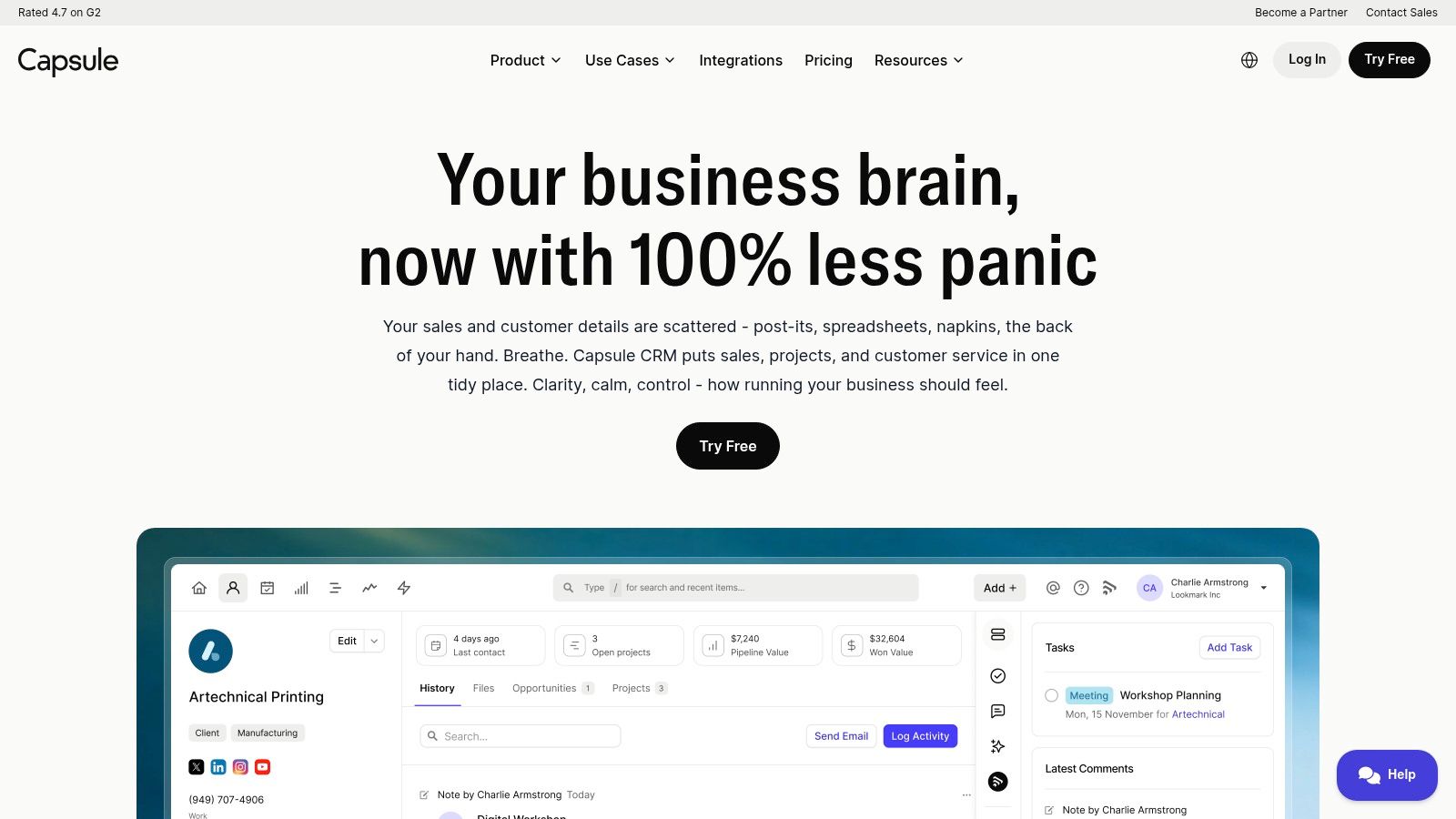
The platform shines with its straightforward pipeline management and useful integrations, including dedicated add-ins for Gmail and Outlook that bring CRM context directly into your inbox. This makes it easy to save contacts and communications without switching between applications. While the free tier’s limits are strict, Capsule provides a very clear and affordable upgrade path as your business grows. This predictability is a major advantage for businesses that anticipate needing more powerful features in the future but want to start with a simple, no-cost solution today.
Key Information:
Best For: Freelancers and micro-businesses (1-2 people) needing a simple, user-friendly tool to manage contacts and sales pipelines.
Website: Capsule CRM
Pros: Very quick adoption for small teams, clean and intuitive user interface, predictable and affordable upgrade path.
Cons: Free tier contact and user limits (250 contacts/2 users) can be outgrown very quickly by a growing business.
8. Streak CRM for Gmail
Streak offers a unique approach by embedding its CRM directly into your Gmail inbox, making it a top contender for teams that live and breathe within Google Workspace. This Gmail-native experience eliminates the need to switch between tabs, allowing you to manage pipelines, contacts, and tasks right alongside your emails. The free plan is particularly compelling for individuals, providing valuable email productivity tools like tracking, snippets, and a basic mail merge function at no cost.
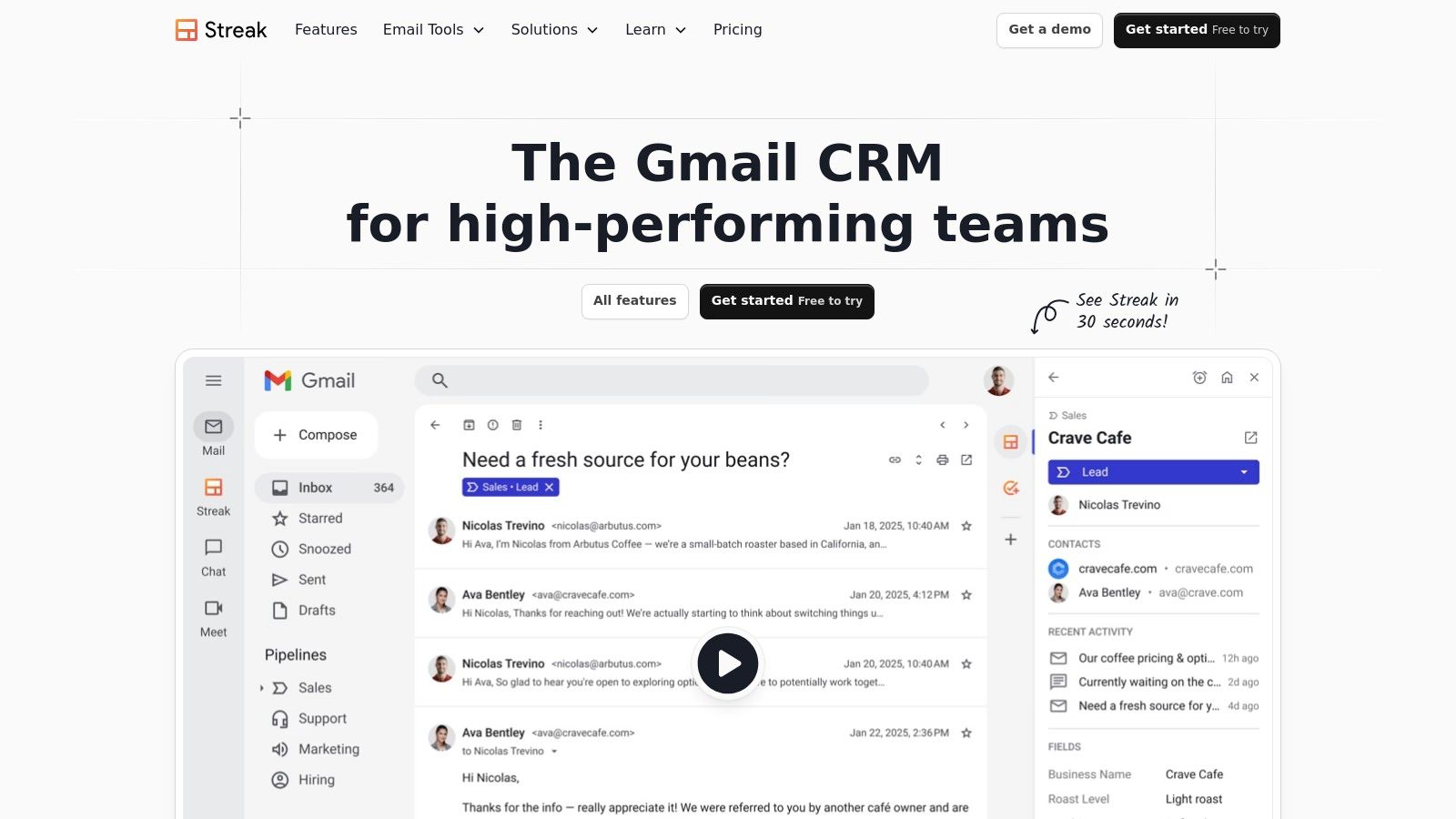
While the free tier focuses more on individual email utilities rather than a full team CRM, it serves as an excellent entry point. You can create private pipelines to track deals or projects, and its deep integration with Google Drive and Sheets is seamless. For small businesses heavily reliant on Gmail for sales communication, Streak provides an incredibly low-friction way to add CRM structure to existing workflows, with paid plans available to unlock shared pipelines and automation as the team grows.
Key Information:
Best For: Individuals and small teams who want to manage sales and contacts directly within their Gmail inbox.
Website: Streak CRM for Gmail
Pros: Minimal context switching by living inside Gmail, excellent free email power tools for individual users.
Cons: Full team CRM features like shared pipelines and advanced reporting require paid plans.
9. Agile CRM
Agile CRM provides a compelling all-in-one solution that combines sales, marketing, and service automation into a single platform. Its free tier is one of the most generous for startups and small teams, offering access for up to 10 users, which is a significant advantage over many competitors. This makes it an excellent entry point for businesses that need a multi-functional system to manage customer interactions across different departments without an initial investment.
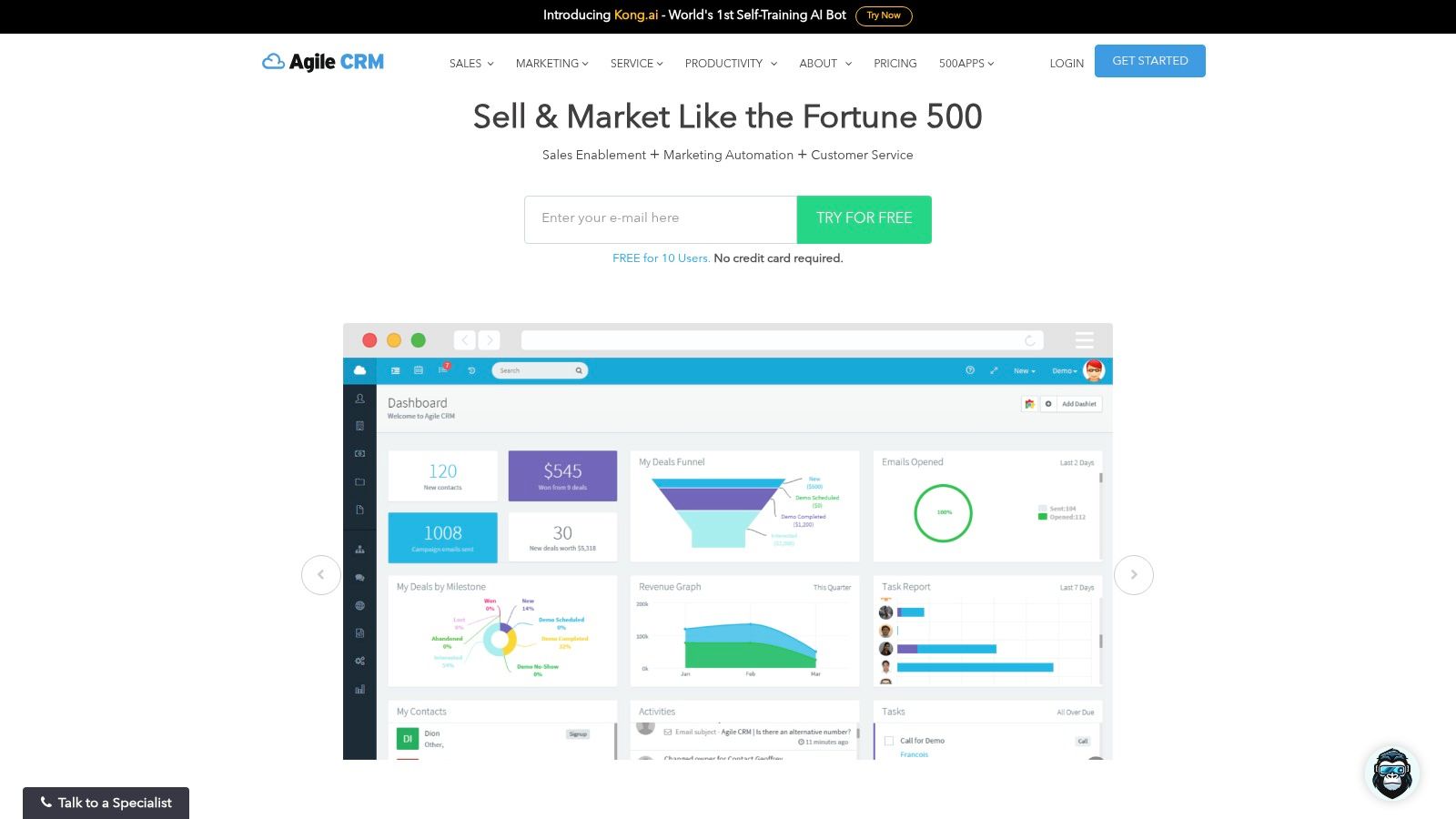
The free plan includes core CRM functionality like contact and deal management, appointment scheduling, and even basic marketing features like email campaigns. Its Google sync capabilities and a dedicated Chrome extension help integrate it into your existing workflow. While the feature set is broad at the entry level, it’s important to note that the free tier has limitations on contacts, plugins, and automation capabilities. The user interface may also feel somewhat dated compared to more modern platforms, but its functionality is solid for those starting out.
Key Information:
Best For: Small teams (up to 10 people) seeking a unified sales, marketing, and service CRM on a free plan.
Website: Agile CRM
Pros: Very generous 10-user allowance on the free plan, all-in-one functionality for sales, marketing, and service.
Cons: The free tier has strict limits on features and integrations, and the user interface can feel dated.
10. Odoo CRM
Odoo provides a unique approach to CRM by offering it as one module within a comprehensive suite of business applications. Its "One App Free" plan is a standout offer, allowing businesses to use the powerful CRM app completely free for unlimited users. This makes it an excellent choice for teams that need a robust, no-cost CRM solution with the potential to grow into a fully integrated business management system later. The CRM features a clean, Kanban-style pipeline view for intuitive deal tracking and management.
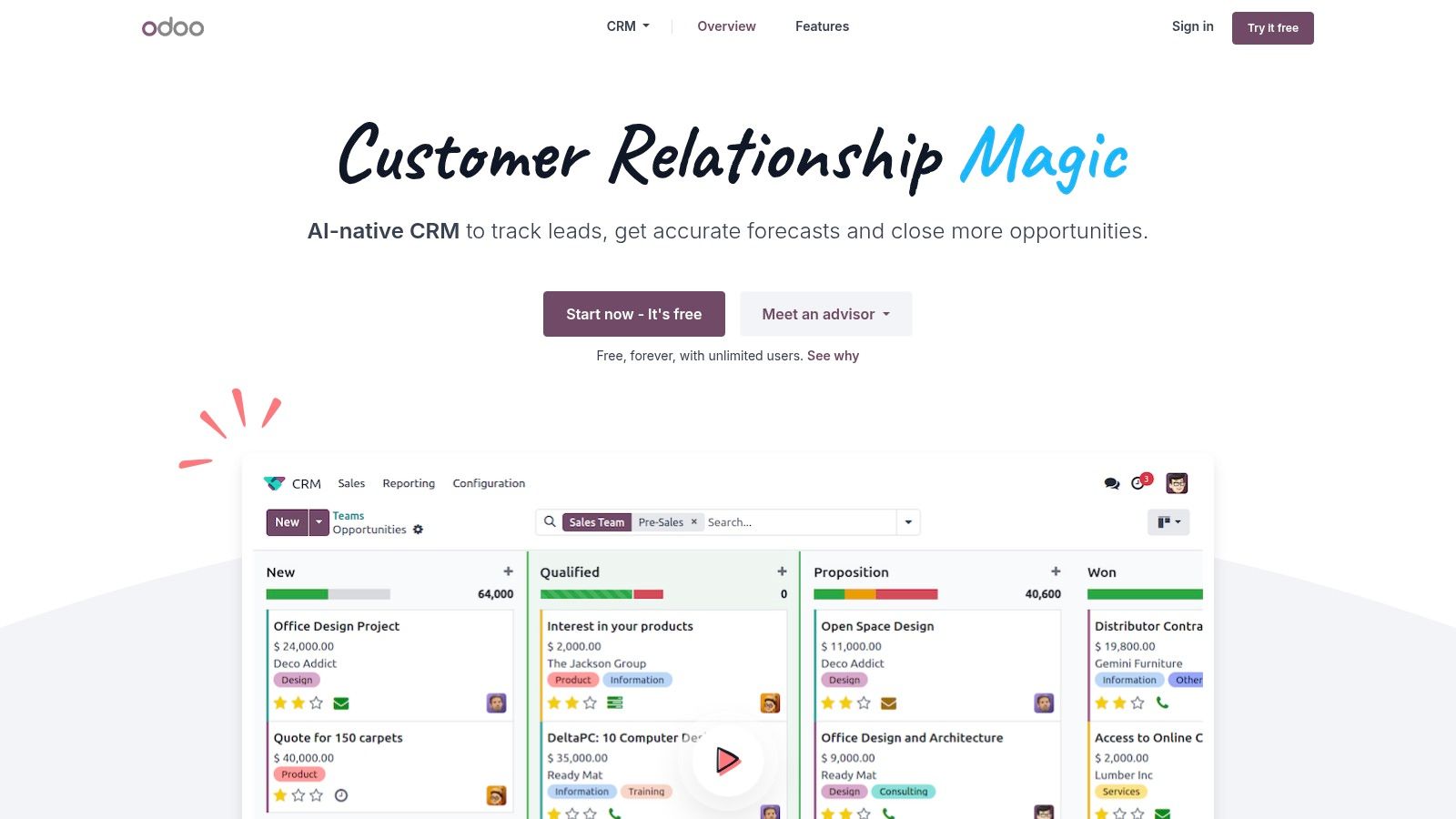
The platform is designed for scalability. You can start with just the CRM and later add other Odoo apps like Accounting, Project Management, or eCommerce as your needs evolve. This integrated ecosystem eliminates the data silos common with using multiple disparate tools. While the initial setup can be more involved than some simpler CRMs, the long-term benefit is a unified platform that can run your entire business, making it one of the best free CRM for small business owners with an eye on future growth.
Key Information:
Best For: Growing businesses that anticipate needing an all-in-one business management solution beyond just a CRM.
Website: Odoo CRM
Pros: Truly free for unlimited users when using only the CRM app, transparent pricing, and seamless expansion into a full ERP suite.
Cons: Implementation can be heavier than simpler standalone CRMs, and adding any other Odoo app moves you to a paid plan.
11. Google Workspace Marketplace (Sales & CRM category)
While not a CRM itself, the Google Workspace Marketplace is an essential resource for any business deeply embedded in the Google ecosystem. It serves as an official app store, allowing you to discover and install CRMs that integrate directly with Gmail, Calendar, and Drive. For small businesses looking for a native solution, this is the best place to start your search for a free CRM that minimizes context switching and leverages familiar tools.
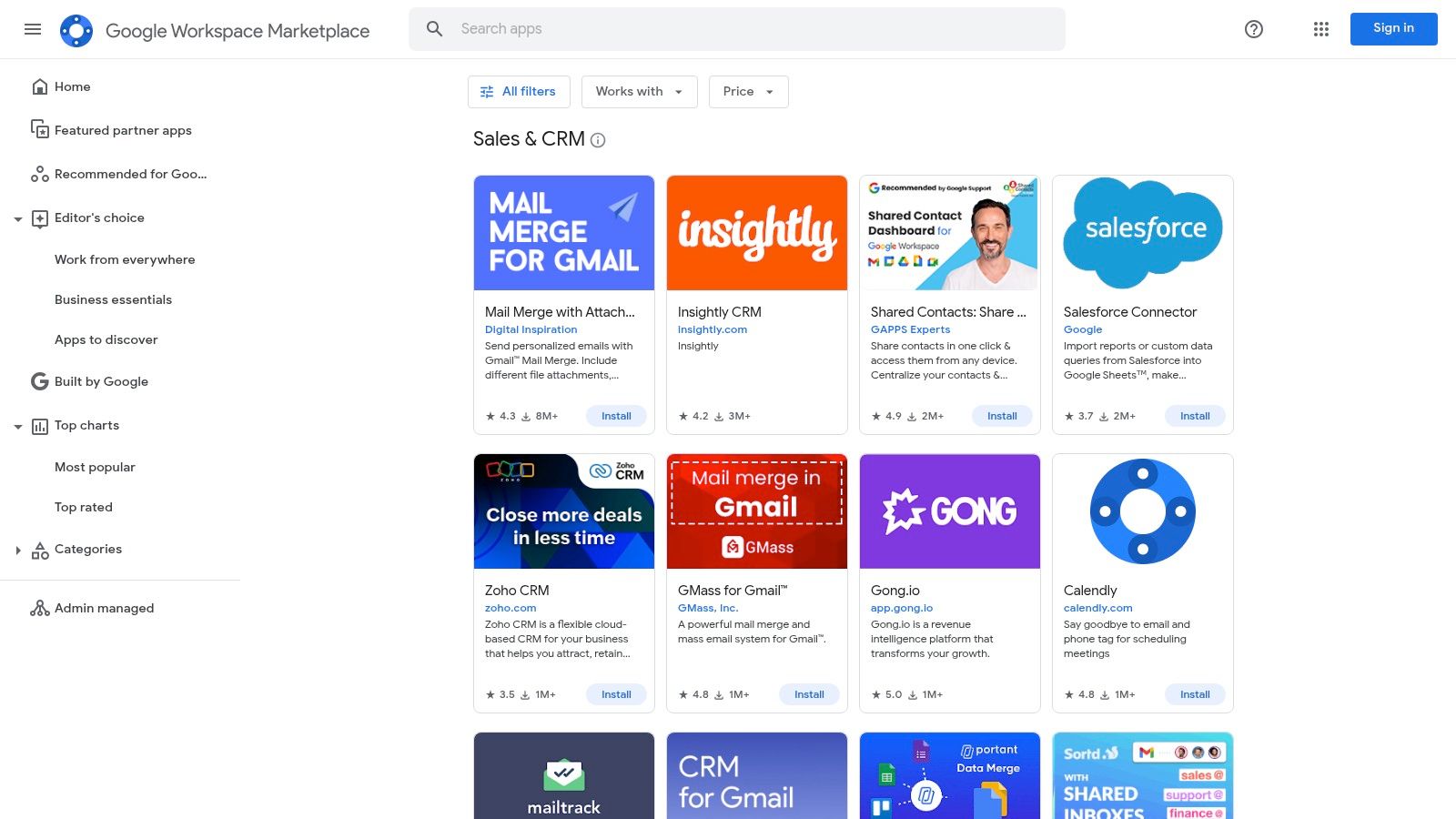
The marketplace simplifies discovery by filtering specifically for "Sales & CRM" applications, many of which offer generous free tiers or trials. Installation is often just one click for a Workspace administrator, deploying the tool across the team instantly. Exploring this directory is a strategic first step for any Google-centric team, and you can learn more about finding the perfect Google Workspace CRM to streamline your operations. It’s a powerful method to find a purpose-built solution that feels like a natural extension of your existing workflow.
Key Information:
Best For: Google Workspace users wanting to find a CRM that integrates seamlessly with their existing tools like Gmail and Google Calendar.
Pros: Official directory for verified Google Workspace integrations, one-click installs for admins, and many listings have free tiers.
Cons: It's a directory, not a CRM, so quality varies by vendor and some listings are connectors rather than full platforms.
12. G2 (Free CRM software category)
While not a CRM itself, G2's free CRM category is an indispensable research tool for any small business owner vetting their options. It acts as an independent directory where you can filter specifically for free CRM software, compare multiple platforms side-by-side, and read verified user reviews. This approach allows you to evaluate how different tools perform in real-world business scenarios before committing to a signup.
The platform's strength lies in its user-generated feedback, offering unfiltered insights into a product's usability, customer support, and hidden limitations. You can quickly shortlist potential candidates based on their overall rating and reviews from businesses of a similar size. For anyone looking for the best free CRM for a small business, using G2 first is a strategic step to create a well-informed list of top contenders to test directly. Just be sure to verify each vendor's free plan details, as G2 sometimes includes limited-time free trials in its listings.
Key Information:
Best For: Shortlisting and comparing CRM options based on verified, independent user reviews.
Website: G2 Free CRM Category
Pros: Access to a huge library of verified SMB reviews, direct product comparisons, and a continuously updated list of free options.
Cons: It's a review directory, not a CRM vendor; you must check each provider's site to confirm free plan details.
Top 12 Free CRMs for Small Business — Feature Comparison
| Product | Core features | UX ★ | Price 💰 | Target 👥 | USP ✨🏆 |
|---|---|---|---|---|---|
| Sales CRM (Tooling Studio) | Gmail & Google Contacts integration, pipelines, deals, contact history, Kanban Tasks sync | ★★★★☆ | 💰 Free‑forever personal; low‑cost upgrades | 👥 Solo founders & very small teams | ✨ Gmail‑native Chrome extension; centralizes tasks + pipelines; 🏆 near‑native UX |
| HubSpot CRM | Contacts/companies, deal pipelines, basic reporting, large app marketplace | ★★★★☆ | 💰 Forever‑free tier; modular paid hubs | 👥 Small businesses scaling to paid hubs | ✨ 1,900+ integrations; 🏆 clear upgrade path |
| Zoho CRM | Leads/contacts/deals, mobile apps, broad ecosystem integrations | ★★★★ | 💰 Free (up to 3 users) → affordable paid tiers | 👥 SMBs wanting cost‑effective growth | ✨ Deep Zoho ecosystem; 🏆 mature feature set |
| Bigin (Zoho) | Single pipeline, fast onboarding, simple CRM flows | ★★★☆ | 💰 Free basic tier; inexpensive upgrades | 👥 Very small teams & startups | ✨ Minimal setup & single‑pipeline simplicity |
| Freshsales (Freshworks) | Free plan (≤3 users), email templates, analytics, built‑in chat/phone, Google sync | ★★★★ | 💰 Free up to 3 users; paid tiers for automation | 👥 Small teams needing quick setup + telephony | ✨ Built‑in telephony/chat; kanban views for deals |
| Bitrix24 | CRM + tasks + contact center + sites; free cloud plan, org pricing | ★★★☆ | 💰 Free cloud (limits); org‑based paid plans | 👥 Teams wanting all‑in‑one workspace | ✨ Broad toolset in one place; 🏆 unlimited users on free plan (subject to limits) |
| Capsule CRM | Pipelines, activity log, Gmail/Outlook add‑ins, mobile apps | ★★★★ | 💰 Free 2 users / 250 contacts; predictable upgrades | 👥 Micro‑teams & freelancers | ✨ Clean, fast adoption; predictable pricing |
| Streak CRM | Gmail‑embedded CRM, email tracking, snippets, Drive/Sheets sync | ★★★★ | 💰 Free email tools; paid for shared CRM features | 👥 Gmail‑centric users & teams | ✨ Lives inside Gmail for minimal switching; 🏆 inbox‑native workflow |
| Agile CRM | Sales + marketing + service, free tier ≤10 users, scheduling | ★★★☆ | 💰 Free up to 10 users; limits on features/plugins | 👥 Small teams wanting all‑in‑one | ✨ Large free user allowance for entry level |
| Odoo CRM | Kanban pipelines, activities, email capture; One App Free (unlimited users) | ★★★☆ | 💰 One App Free (CRM) → paid for multi‑app usage | 👥 Businesses planning to scale into full app suite | ✨ Scales into ERP/apps; 🏆 unlimited users for single app |
| Google Workspace Marketplace | Directory of CRM/sales add‑ons, filters, one‑click installs | ★★★★ | 💰 Free to browse; app pricing varies by vendor | 👥 Workspace admins & Google‑centric teams | ✨ Centralized discovery of Gmail/Workspace‑native apps |
| G2 (Free CRM category) | Verified reviews, comparisons, free‑CRM filters, pricing snapshots | ★★★★ | 💰 Free to use; vendor signup required for products | 👥 Buyers shortlisting CRM options | ✨ User reviews & comparative data; 🏆 strong research tool |
Making Your Final Choice: The Best Free CRM for Your Small Business
Navigating the landscape of free software can feel overwhelming, but selecting the best free CRM for your small business is an achievable and highly impactful goal. As we've explored, the ideal choice isn't a one-size-fits-all solution; it's the one that aligns most closely with your team's size, sales process complexity, existing software stack, and future growth ambitions.
The key takeaway is to move beyond feature lists and focus on practical application. Your decision should be guided by a clear understanding of each platform's limitations and how they map to your operational realities. A free CRM is only valuable if your team actually uses it, making ease of adoption a critical factor.
Key Considerations Before You Commit
Before you make your final selection, revisit these essential questions:
What is my primary goal? Are you looking to organize contacts, build a structured sales pipeline, automate marketing, or manage complex projects? Your main objective will quickly narrow the field. For instance, Bitrix24 excels at project management, while HubSpot offers a robust marketing suite.
Where does my team work? If your entire workflow lives inside Google Workspace, a native solution like Streak or Sales CRM will minimize friction and training time. Conversely, if you need a standalone hub for all business operations, a platform like Zoho CRM or Odoo might be a better fit.
What are the hard limits? Pay close attention to the user, contact, and feature caps on each free plan. A limit of two users is perfect for a partnership but a non-starter for a team of five. Be realistic about your current needs and short-term growth projections.
What does the upgrade path look like? A free CRM is an entry point. Investigate the costs and features of paid tiers for your top contenders. Choosing a platform that can scale with you prevents a painful data migration down the line.
Your Action Plan for Choosing the Right CRM
The most effective way to choose is to test. Don't just read reviews; get hands-on experience. Identify your top two or three candidates from this list and sign up for their free plans. Import a small, manageable subset of your contacts and run a few real-world deals through their pipelines. This practical test will reveal more about a CRM's suitability for your business than any feature comparison chart ever could.
Ultimately, the best free CRM for your small business is the one that empowers you to build stronger customer relationships and streamline your operations without adding unnecessary complexity. Start small, focus on the immediate value, and select a tool that feels like a natural extension of how you already work. This strategic choice will become the foundational system that supports your business's growth for years to come.
Ready to organize your sales process without leaving your inbox? We offer a powerful and intuitive Sales CRM that integrates directly with your Google Contacts and Gmail, providing the structure you need with zero learning curve. Start building your sales pipeline in minutes by visiting Tooling Studio and trying it for free today.
Manage contacts, deals, and follow-ups inside Google Workspace
Tooling Studio Sales CRM gives Gmail and Google Contacts teams a lightweight pipeline: contacts, organizations, deals, notes, tags, custom fields, owners, and shared follow-up work without a heavy CRM rollout.