
The 12 Best Agile Project Management Tools for 2026
Discover the best agile project management tools for 2026. Compare top software for Scrum and Kanban with in-depth reviews on features, pros, and cons.
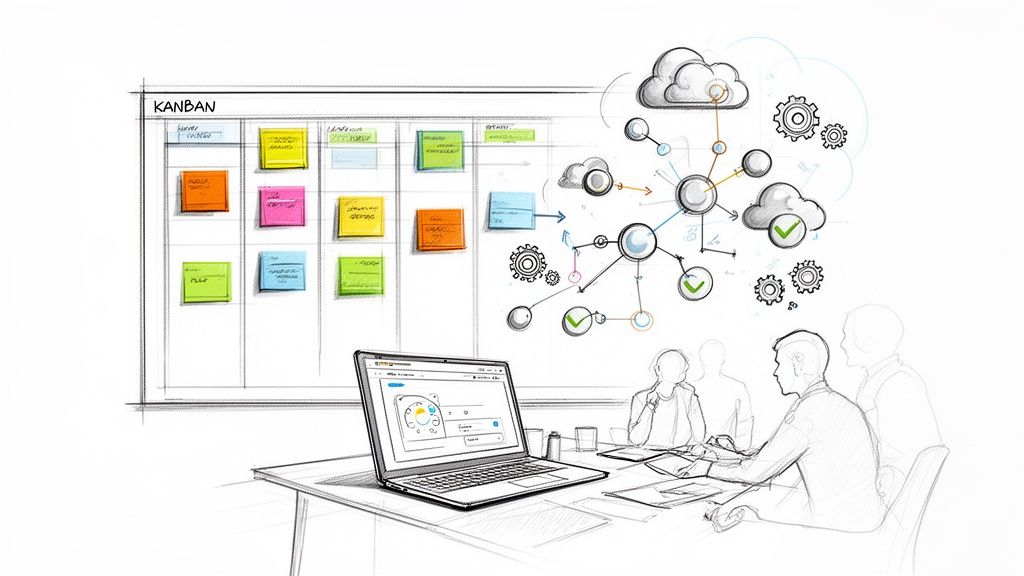
Choosing the right agile tool can feel like picking a single card from a full deck. Get it right, and your team's workflow is seamless; get it wrong, and you're stuck with friction, app-switching, and lost momentum. Modern agile teams need more than just a digital Kanban board. They need tools that integrate where they work, automate routine tasks, and provide clear visibility without a steep learning curve. This is especially true for teams embedded in Google Workspace, who need a solution that doesn't pull them out of their primary environment.
This guide cuts through the noise. We're diving deep into the 12 best agile project management tools available today, evaluating them on real-world usability, powerful integrations, and honest limitations. Central to any successful agile workflow is the ability to prioritize your product backlog effectively, ensuring that your team is always working on the most valuable items. The tools we review are designed to bring that backlog to life.
We'll provide a comprehensive, side-by-side analysis of leading platforms like Jira, Asana, and monday.com, alongside focused solutions like Kanban Tasks by Tooling Studio. Each review includes:
- A breakdown of core agile features (Kanban, Scrum, reporting).
- An honest look at pricing and who the tool is truly best for.
- Screenshots and direct links to help your evaluation.
- Practical pros and cons based on typical use cases.
Whether you're a startup looking for a lightweight solution or an enterprise scaling your DevOps pipeline, this in-depth comparison will help you find the perfect fit to ship faster and collaborate smarter directly from your existing workflow. Let's find the tool that will transform your team's productivity.
1. Tooling Studio
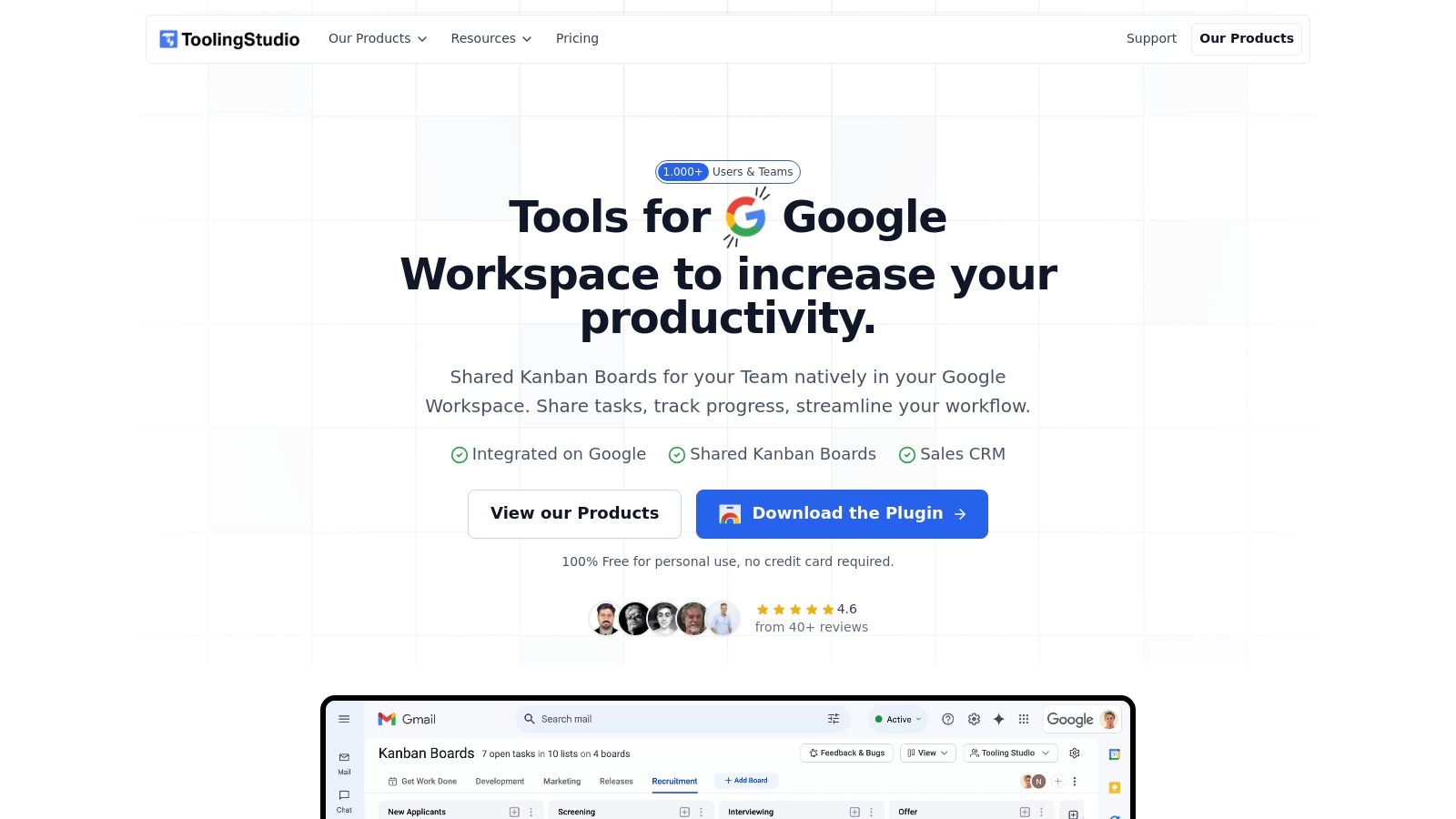
Tooling Studio stands out as one of the best agile project management tools for teams deeply integrated into the Google Workspace ecosystem. Its core strength is eliminating context-switching by embedding a powerful Kanban framework directly within Gmail and Google Tasks. This native integration allows teams to manage agile workflows, from sprint planning to task execution, without ever leaving their primary communication hub.
The flagship Kanban Tasks feature transforms the familiar Google interface into a dynamic, drag-and-drop project board. Users can seamlessly convert emails into actionable tasks, import existing Google Tasks into a shared board, and collaborate in real time. This immediate, native-feeling user experience dramatically shortens the adoption curve, making it an ideal solution for organizations that need a lightweight yet effective agile toolset.
Why It's a Top Agile Tool
Tooling Studio excels by focusing on workflow efficiency. For agile teams, this means less time spent toggling between apps and more time focused on development cycles. Key features like task assignments, priorities, attachments, and comments are built directly into the Kanban interface. The platform's commitment to security, with regular audits and encrypted authentication, provides confidence for deploying it across an organization. Its public roadmap and rapid feature development also signal a strong commitment to user-driven improvements.
Key Features & Benefits
- Deep Google Workspace Integration: Operates as a Chrome extension, adding Kanban boards to Gmail and syncing with Google Tasks. This keeps all project-related activities consolidated within a familiar environment.
- Real-Time Collaboration: Shared boards allow team members to see updates instantly, assign tasks, and track progress, which is critical for daily stand-ups and sprint management.
- Intuitive UX: The drag-and-drop interface and near-native design ensure a minimal learning curve, enabling teams to get started immediately.
- Lightweight CRM Functionality: The Sales CRM extends the tool's utility by adding shared sales pipelines and enriched contact data within Google Contacts, unifying project and client management.
Pricing and Access
Tooling Studio offers a highly accessible pricing model that scales with your needs.
- Free Plan: A generous free-forever tier for personal use that includes all core Kanban and CRM features. No credit card is required to sign up.
- Team Plan: Unlocks team sharing and collaboration for US $5 per user/month or US $50 per user/year. Billing is month-to-month, and a 30-day money-back guarantee is included.
Pros & Cons
Pros:
- Works natively inside Gmail, eliminating the need to switch between applications.
- Fast adoption due to its lightweight, intuitive user experience.
- Simple, affordable pricing with a robust free tier for individuals.
- Security-focused with regular audits and active, feedback-driven development.
Cons:
- Officially supported only on Google Chrome, with no dedicated mobile app yet.
- Data sync is currently one-way from Google into Tooling Studio.
- Advanced CRM reporting continues to evolve.
Website: https://tooling.studio
2. Atlassian Jira Software
Atlassian Jira Software is an industry heavyweight, renowned for its powerful features tailored specifically for software development teams using Scrum and Kanban. It provides a highly structured environment for managing complex projects, from sprint planning and backlog grooming to release management. Its core strength lies in its deep customizability and extensive integration ecosystem, especially with developer tools like Bitbucket, GitHub, and Jenkins.
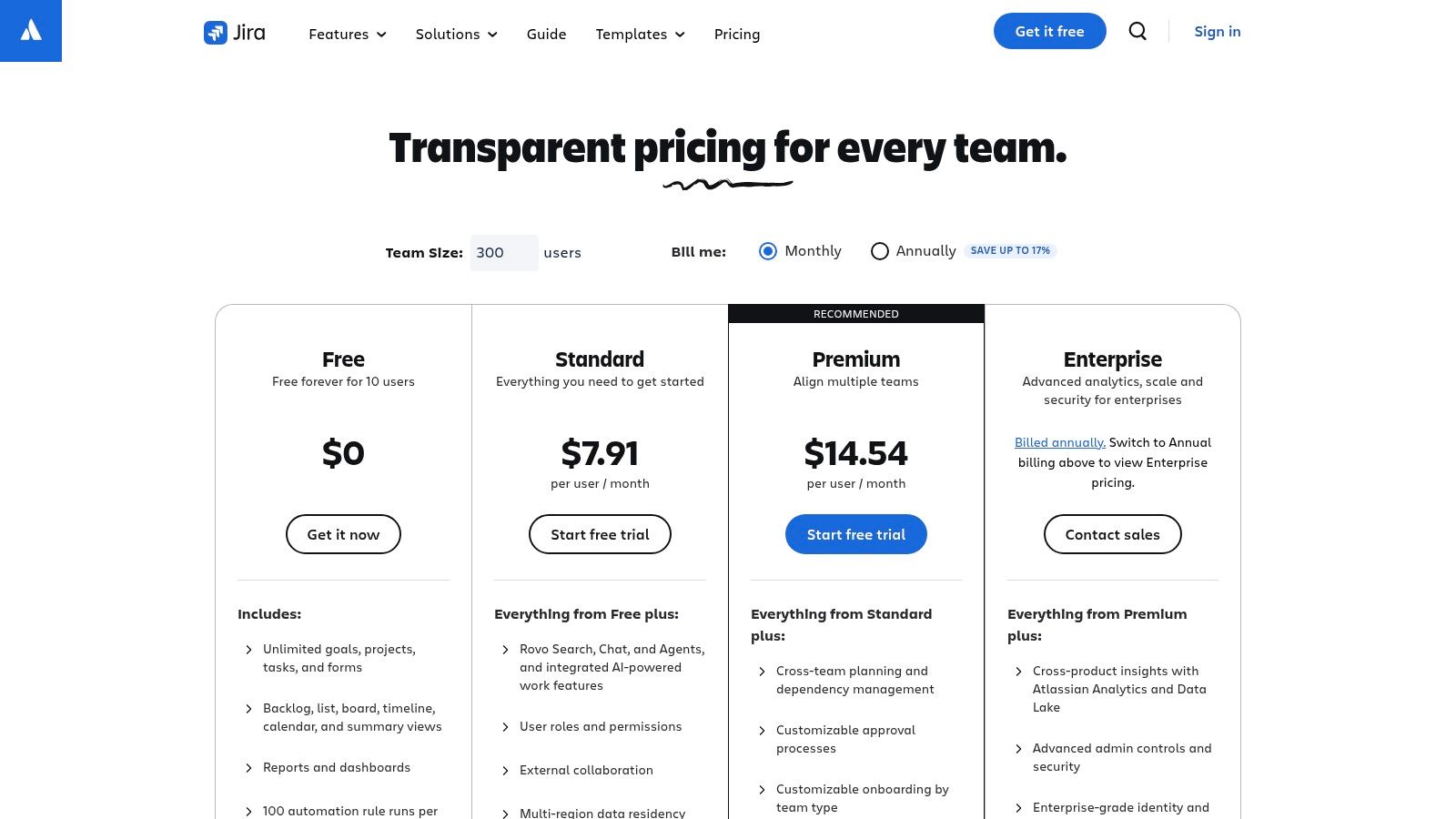
This platform excels at scale, offering robust administrative controls, advanced security options via Atlassian Guard, and detailed reporting capabilities that provide deep insights into team performance and project velocity. For organizations that need granular control and have the technical resources to manage configuration, Jira is one of the best agile project management tools available.
Key Features & Considerations
Jira's feature set is comprehensive, but its complexity can be a double-edged sword.
- Agile Frameworks: Native support for Scrum (sprints, backlogs, story points) and Kanban boards.
- Powerful Integrations: A massive marketplace with thousands of apps and deep integration with developer toolchains.
- Advanced Workflows: Highly customizable workflows that can be tailored to match any team's specific process.
- Hosting Options: Flexible deployment with both Cloud and self-hosted Data Center options.
However, the learning curve can be steep, and achieving a streamlined setup often requires significant configuration. For teams seeking a more lightweight solution integrated directly within their existing productivity suite, you can explore how a tool like Kanban Tasks compares as a Jira alternative.
Pros & Cons
| Pros | Cons |
|---|---|
| Mature, scalable agile reports and workflows | Steep learning curve and complex configuration |
| Flexible hosting (Cloud and Data Center) | Pricing can become expensive with add-ons |
| Strong admin, security, and compliance | Can feel overly complex for non-software teams |
Website: https://www.atlassian.com/software/jira/pricing
3. Azure DevOps (Azure Boards) by Microsoft
Azure DevOps offers a suite of services for the entire software development lifecycle, with Azure Boards serving as its agile project management hub. It’s an exceptional choice for development teams already invested in the Microsoft ecosystem, providing tight, native integration with Azure services, source control (Git repos), and CI/CD pipelines. This creates a unified environment where planning, coding, building, and deploying are all managed within one platform.
The platform's strength lies in its comprehensive, end-to-end approach to DevOps. For organizations that need a single toolchain for planning and delivery, Azure Boards stands out as one of the best agile project management tools. Its generous free tier, which includes the first five Basic users for free and unlimited Stakeholder access, makes it highly accessible for small teams and startups.
Key Features & Considerations
Azure Boards is powerful, but its primary value is realized within a broader DevOps context.
- Integrated Agile Tools: Comprehensive support for Kanban boards, backlogs, sprints, and highly customizable work items.
- End-to-End Traceability: Natively links work items to code commits, pull requests, and release pipelines for complete visibility.
- Built-in Analytics: Includes configurable dashboards, burndown charts, and velocity reports to track team progress.
- Enterprise-Grade Security: Leverages the robust compliance and security posture inherent to the Microsoft Azure ecosystem.
While powerful, the user interface and terminology can feel heavier than more modern, lightweight project management tools. It is most effective when teams embrace the full Azure DevOps suite rather than using Azure Boards as a standalone product.
Pros & Cons
| Pros | Cons |
|---|---|
| First 5 Basic users are free | UI and terminology can feel heavier than lighter PM tools |
| Deep integration with the Microsoft/Azure ecosystem | Best value is realized in Microsoft-centric environments |
| Strong compliance and enterprise security features | Can be overly complex for non-technical teams |
Website: https://azure.microsoft.com/en-us/pricing/details/devops/azure-devops-services/
4. GitHub Projects (with Issues)
For software development teams living in their repositories, GitHub Projects brings agile planning directly into the developer's core workflow. It minimizes context switching by placing Kanban-style boards, backlogs, and task management right alongside source code, pull requests, and CI/CD pipelines. This tight integration makes it an incredibly efficient choice for engineering-centric organizations that prioritize developer velocity and workflow cohesion.
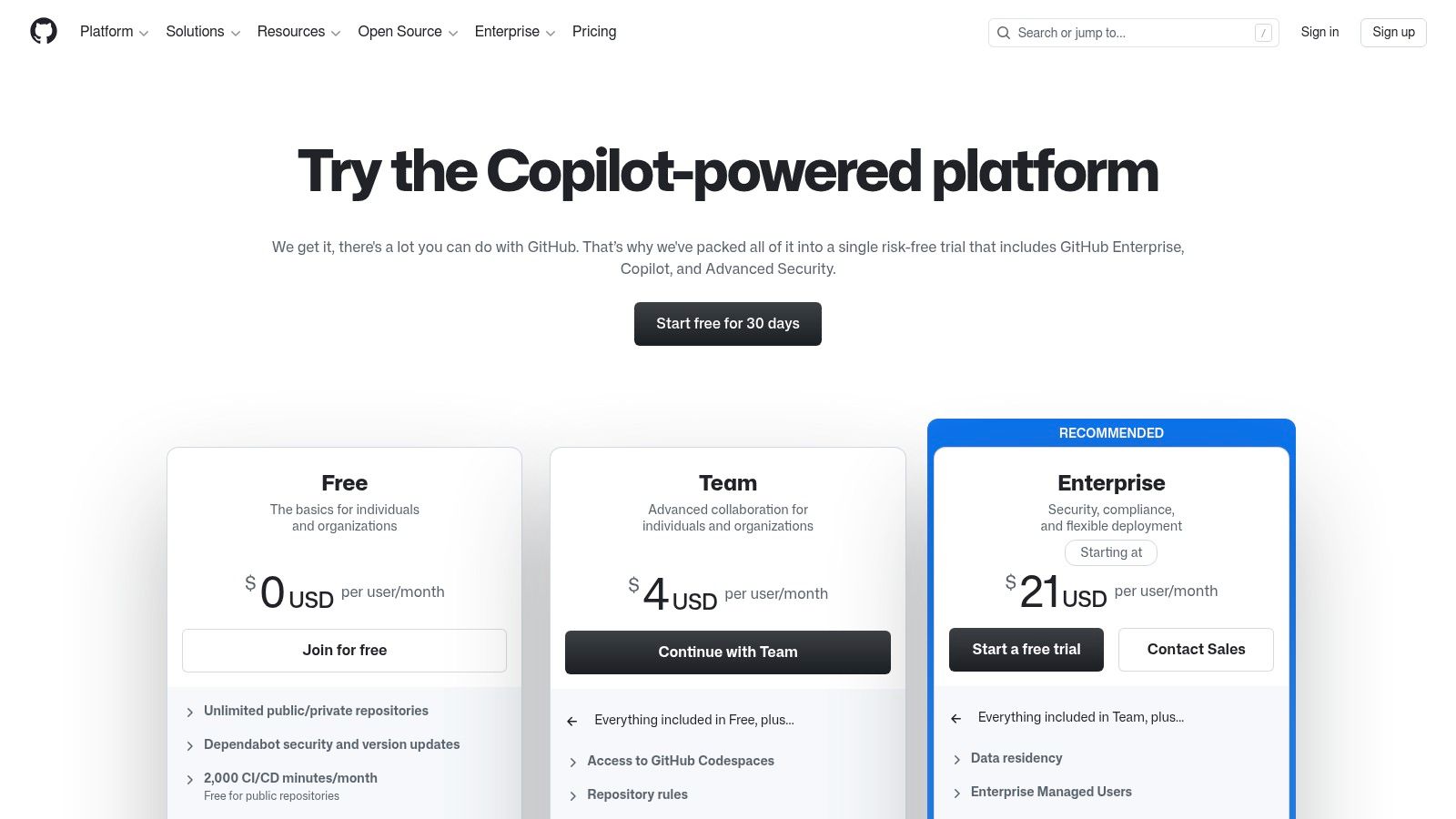
The platform's strength is its native connection to the code. Issues can be linked to commits and pull requests, providing a clear audit trail from task creation to deployment. Automation through GitHub Actions allows teams to build custom workflows, such as automatically moving an issue to "In Review" when a pull request is opened. While its reporting is less robust than specialized tools, for many engineering teams, this is one of the best agile project management tools due to its unparalleled developer experience.
Key Features & Considerations
GitHub Projects is designed to streamline the software development lifecycle, not to be a general-purpose project management tool.
- Integrated Environment: Projects, Issues, and code live in the same ecosystem, reducing tool friction.
- Automation via GitHub Actions: Create powerful, automated workflows that trigger based on repository events.
- Code-Adjacent Planning: Link issues directly to code, pull requests, and branches for complete traceability.
- Enterprise Governance: Higher-tier plans provide advanced security, compliance, and administrative controls.
The platform is ideal for teams that want their project management to be an organic extension of their coding environment. However, its focus means it may lack the broader project management features needed by non-technical teams like marketing or sales.
Pros & Cons
| Pros | Cons |
|---|---|
| Minimal context switching for engineering teams | Agile reporting is lighter than dedicated suites |
| Low entry price and a free tier with unlimited repos | Advanced features require higher-tier plans |
| Deep integration with the development lifecycle | Less suitable for non-software projects |
Website: https://github.com/pricing
5. GitLab (with Enterprise Agile Planning option)
GitLab is a comprehensive DevSecOps platform that unifies source code management, CI/CD, and project planning into a single application. This integrated approach reduces toolchain complexity, allowing development teams to manage the entire software lifecycle from one place. For organizations practicing scaled agile, GitLab's Ultimate tier offers Enterprise Agile Planning capabilities, including portfolio-level roadmaps and value stream analytics.
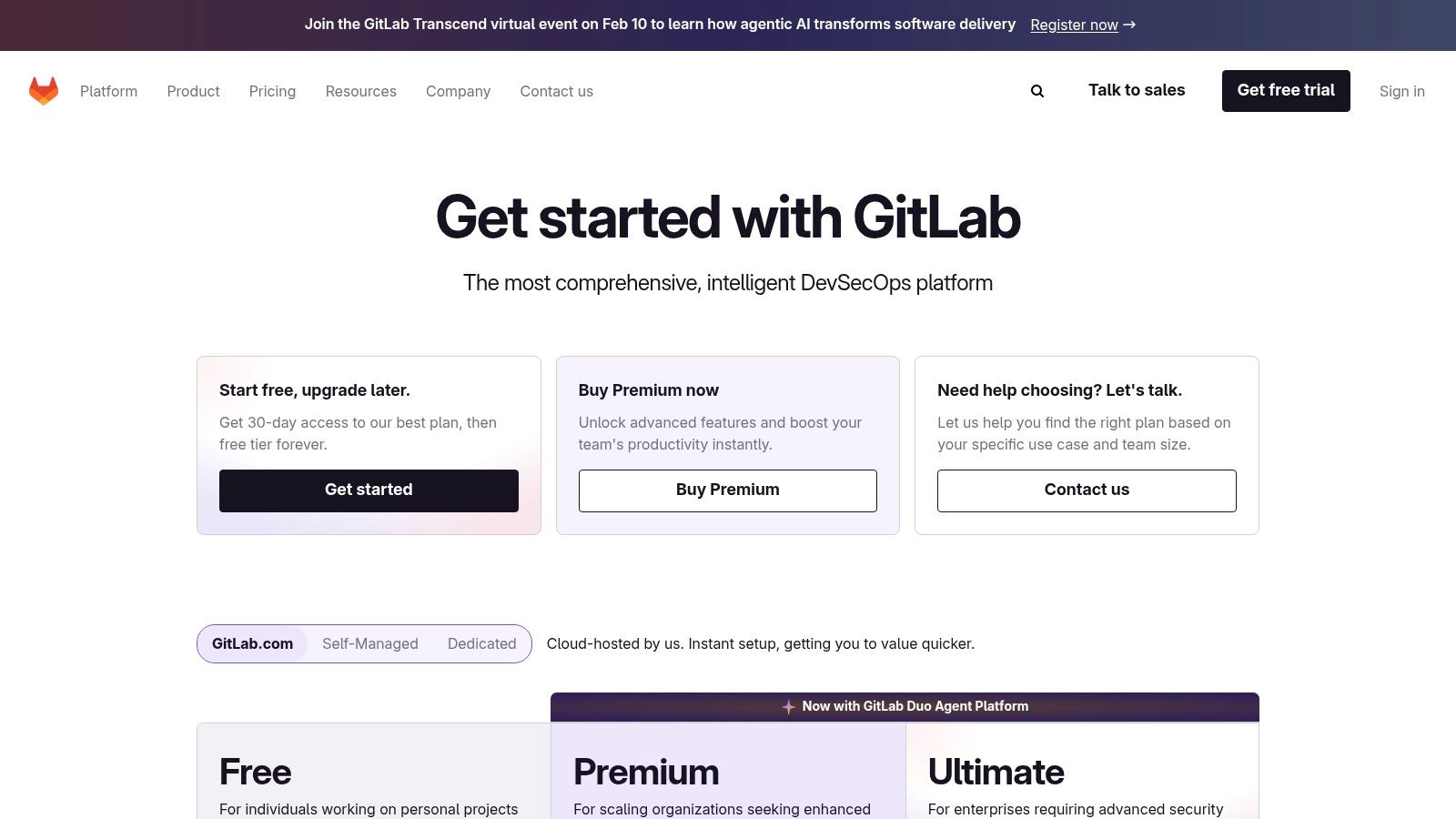
The platform is designed to connect strategic initiatives directly to the work being done by development teams, providing clear visibility from epics down to individual merge requests. By linking planning artifacts directly to the source code and deployment pipelines, GitLab stands out as one of the best agile project management tools for organizations that prioritize security, compliance, and a fully integrated development environment. Optional AI add-ons like Duo Pro further enhance productivity.
Key Features & Considerations
GitLab's strength is its all-in-one nature, but accessing its most powerful planning features requires a commitment to its higher-tier plans.
- Integrated DevSecOps: Combines source control, CI/CD, security scanning, and agile planning (issues, epics, roadmaps) in a single platform.
- Enterprise Agile Planning: Advanced portfolio management, value stream management, and requirements traceability available on the Ultimate plan.
- AI-Powered Add-ons: Offers optional AI features like Duo Pro for code suggestions, vulnerability explanations, and issue summarization.
- Strong Governance: Built-in security and compliance features are a core part of the platform, not an afterthought.
While the free and premium tiers offer solid project management basics, organizations must adopt the Ultimate plan to unlock the full suite of enterprise agile and portfolio management tools, which can represent a significant cost investment.
Pros & Cons
| Pros | Cons |
|---|---|
| Single platform reduces tool sprawl and friction | Most advanced agile features require the expensive Ultimate plan |
| Strong governance and compliance features | Can be more complex than needed for non-development teams |
| Tightly integrated planning, code, and CI/CD | Higher pricing compared to standalone PM tools |
Website: https://about.gitlab.com/pricing/
6. Asana
Asana is a highly intuitive work management platform that excels at making agile methodologies accessible to cross-functional teams. It balances powerful features with a user-friendly interface, offering templates for Scrum and Kanban, a visual workflow builder, and insightful dashboards. Its core strength is enabling quick adoption for teams that include non-technical members, providing structure for agile ceremonies and clear visibility into project progress without a steep learning curve.
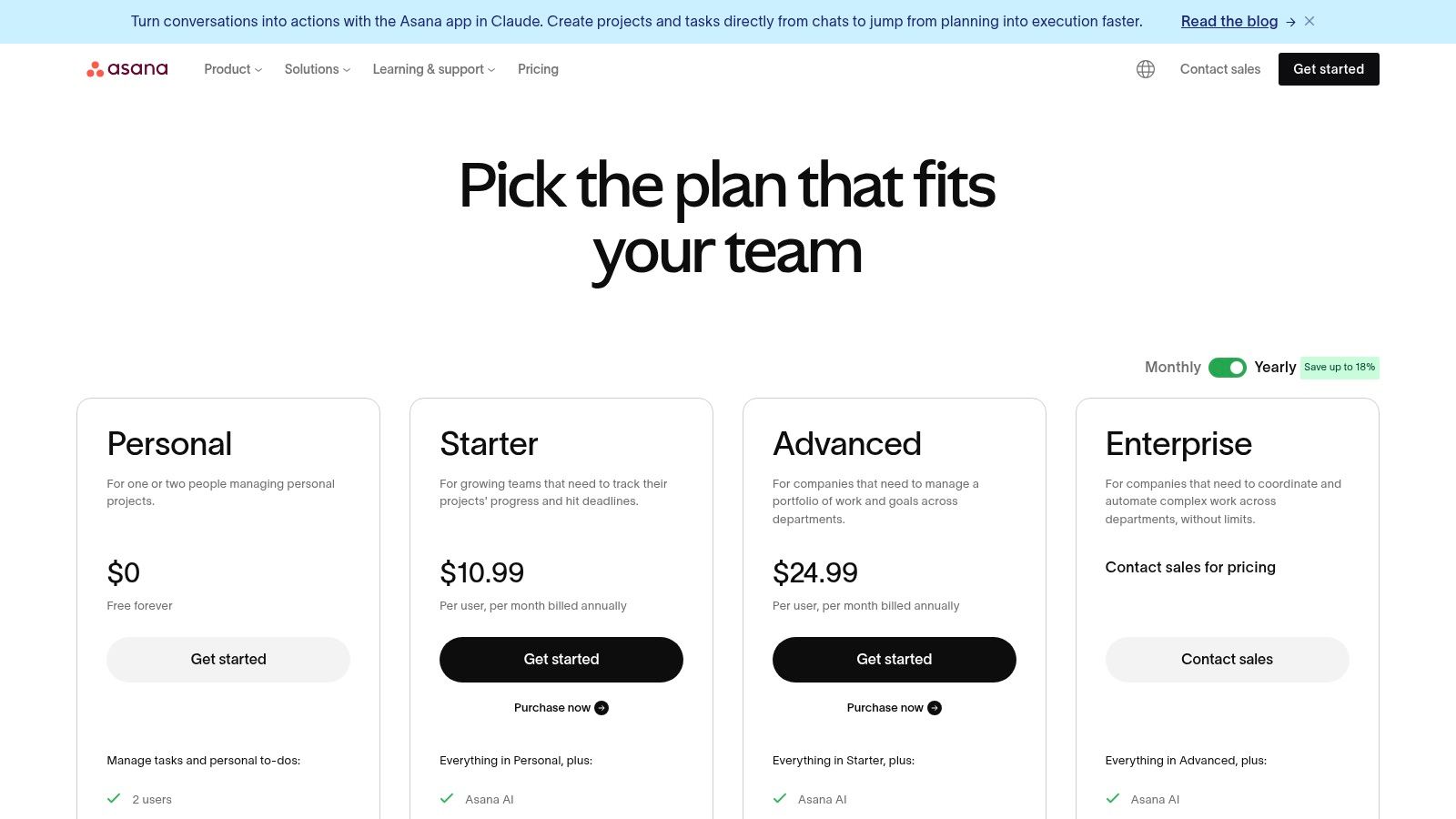
The platform supports agile work through various views like Boards, Lists, and Timelines, making it adaptable to different team preferences. Asana AI helps accelerate workflows by generating tasks, summarizing progress, and identifying bottlenecks. For organizations that need a versatile tool to manage marketing campaigns, product launches, and IT projects side-by-side using agile principles, Asana is one of the best agile project management tools for promoting collaboration and clarity.
Key Features & Considerations
Asana's feature set is designed for clarity and ease of use, though some advanced capabilities are reserved for higher-tier plans.
- Agile Views: Flexible Boards for Kanban, Timelines for Gantt-style planning, and pre-built templates for Scrum projects.
- Workflow Automation: A robust workflow builder with unlimited automations on paid tiers to reduce manual work.
- Reporting & Dashboards: Customizable dashboards to track metrics like task completion, workload, and project milestones.
- Extensive Integrations: Connects with hundreds of popular tools, including Slack, Microsoft Teams, and Google Workspace.
While excellent for general project management, teams with deep-rooted software development needs may find that specialized tools offer more granular control over code repositories and CI/CD pipelines.
Pros & Cons
| Pros | Cons |
|---|---|
| Quick onboarding for non-technical teams | Advanced portfolio and Goals features on higher tiers |
| Strong templates and reporting for agile ceremonies | Dev-centric needs are better served by other tools |
| Clean, intuitive user interface | Can become expensive for large teams on premium plans |
Website: https://asana.com/pricing
7. monday.com Work Management
monday.com Work Management is a visually intuitive platform that excels at making agile methodologies accessible to a wide range of teams, not just software developers. It uses highly customizable boards as its core, allowing teams to quickly configure Scrum or Kanban workflows without a heavy technical setup. Its standout feature is the vibrant and engaging interface, combined with powerful automation and integration capabilities that streamline routine tasks.
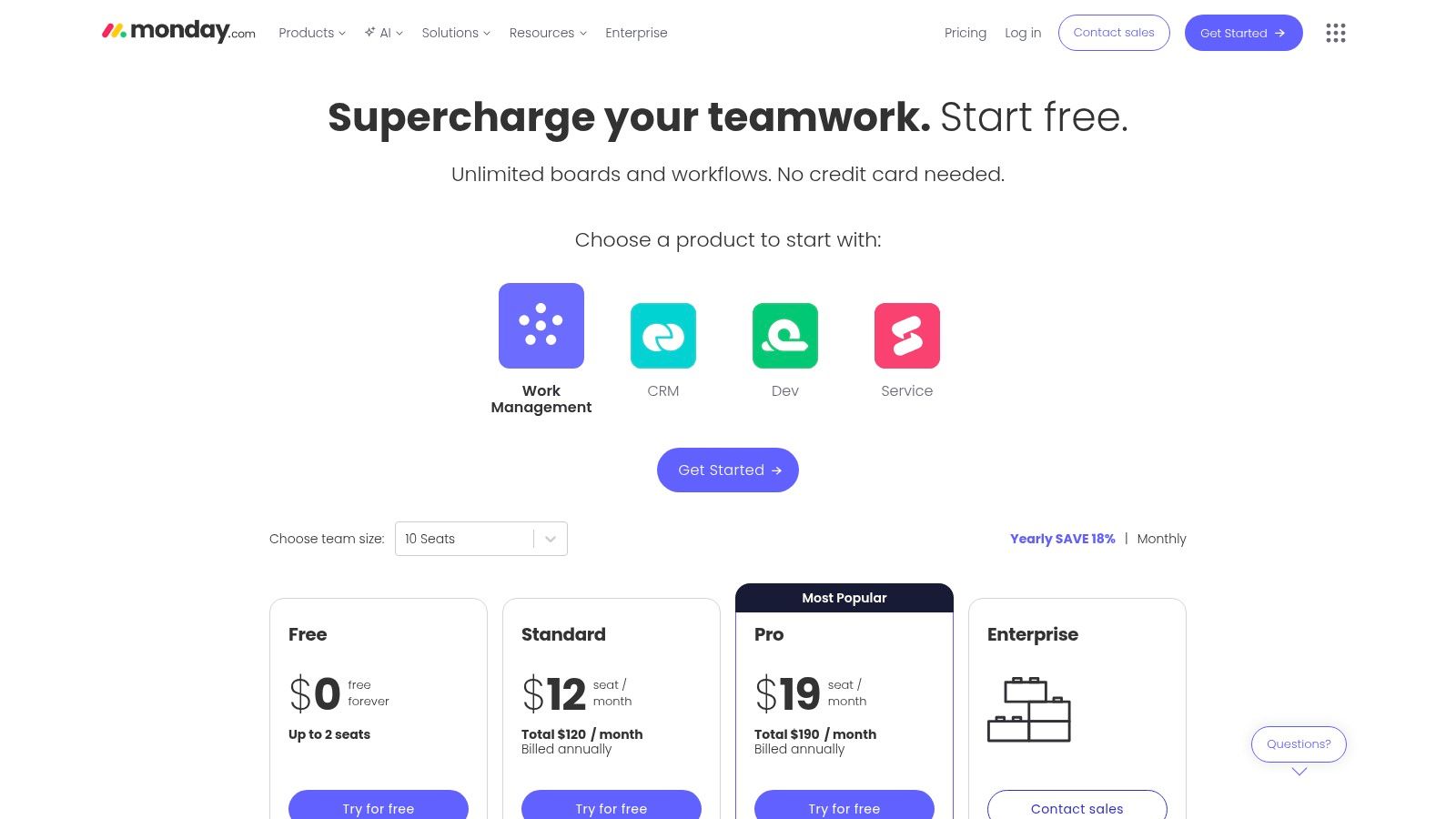
The platform offers multiple views like Gantt, Timeline, and Kanban, making it easy to share progress with different stakeholders in a format they understand. This flexibility makes monday.com one of the best agile project management tools for cross-functional teams who need a central hub for all their work, from sprint planning to marketing campaigns. The recent addition of an AI Sidekick further enhances productivity by automating task generation and summarization.
Key Features & Considerations
monday.com’s strength lies in its balance of user-friendliness and powerful customization options.
- Flexible Visual Boards: Easily adaptable boards that support custom columns, statuses, and workflows for Scrum and Kanban.
- Built-in Automations: An easy-to-use automation builder to handle repetitive tasks like notifications and status updates.
- Multiple Project Views: Switch between Kanban, Gantt, Timeline, and Calendar views to visualize work in different ways.
- Extensive Templates: Over 200+ ready-made templates to kickstart projects quickly, from sprint planning to bug tracking.
While incredibly flexible, this adaptability can sometimes require stronger governance in larger organizations to maintain consistency across teams. Its seat-based pricing can also become a consideration for growing teams needing advanced features.
Pros & Cons
| Pros | Cons |
|---|---|
| Easy to configure for Scrum/Kanban without heavy setup | Pricing scales by seats; advanced features are on Pro/Enterprise |
| Broad app marketplace and stakeholder-friendly views | May require governance effort for complex organizations |
| Highly visual and intuitive user interface | Some users find the notification system can be overwhelming |
Website: https://monday.com/pricing
8. ClickUp
ClickUp positions itself as an all-in-one work hub designed to replace multiple applications. It has gained significant traction with startups and agile SMBs due to its comprehensive feature set offered at competitive price points. The platform provides a highly adaptable environment for managing everything from sprints and goals to documents and native time tracking, all within a single interface.
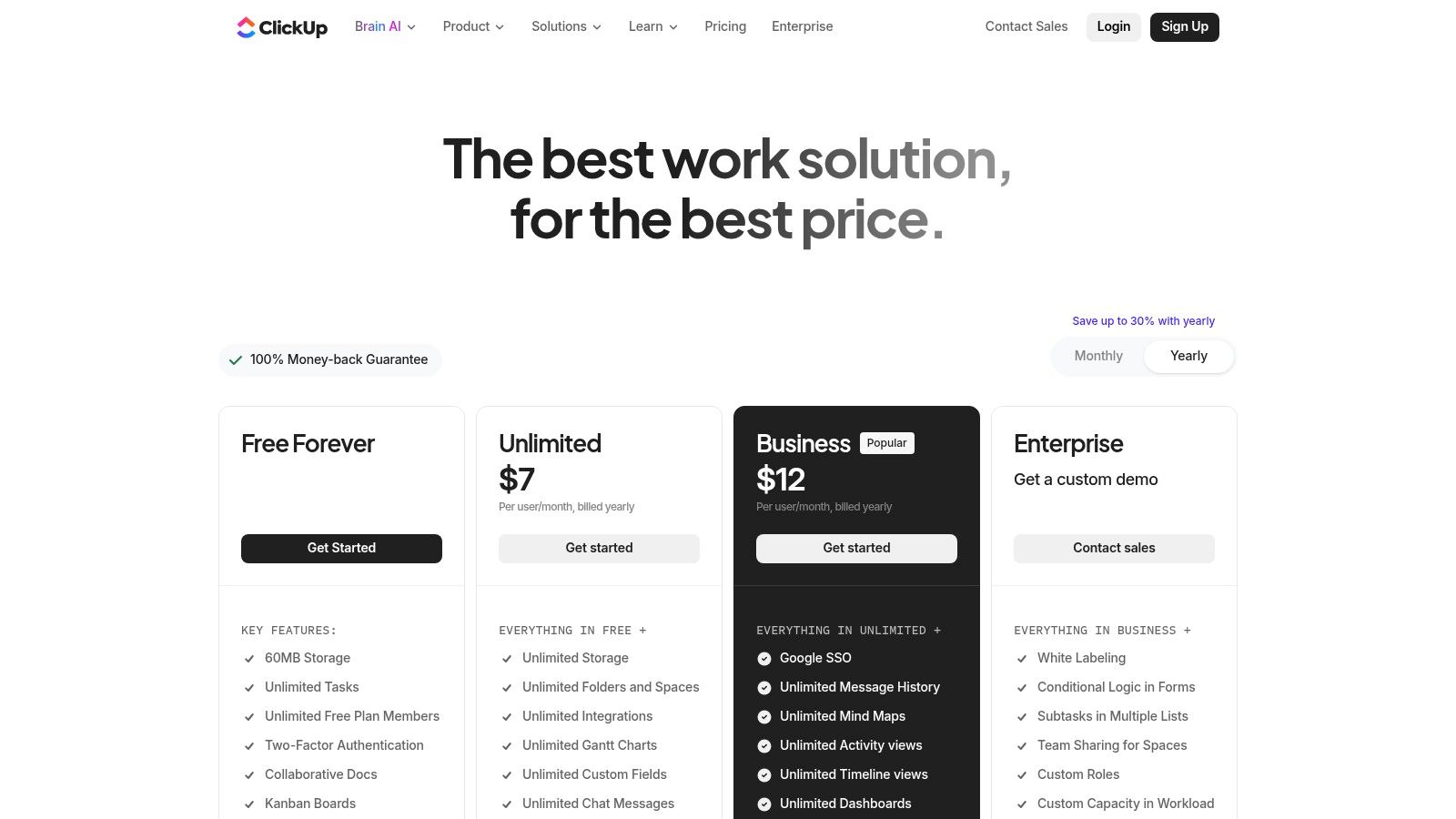
Its core strength is its flexibility, allowing teams to organize work in a hierarchical structure of Spaces, Folders, and Lists, which can then be viewed as Boards, Gantt charts, or calendars. This makes it one of the best agile project management tools for teams that need to customize their workspace extensively without juggling separate apps. The addition of an expanding AI suite further enhances its capabilities for drafting content and summarizing tasks.
Key Features & Considerations
ClickUp’s "one app to replace them all" philosophy means its feature list is extensive, but this can also introduce complexity.
- Agile Management: Dedicated sprint management features, custom statuses, and multiple project views including Board, List, and Gantt.
- Built-in Tools: Native time tracking, Goals/OKRs, robust automations, and a collaborative Docs feature.
- Customization: A flexible hierarchy and custom fields allow teams to structure their workspace to fit precise needs.
- AI Add-Ons: An optional AI assistant (ClickUp Brain) helps with writing, summarizing, and automating tasks.
While powerful, the sheer number of features and settings can feel overwhelming as a team's workspace grows. For teams looking for a simpler tool that integrates directly into their daily workflow, see how a focused solution like Kanban Tasks compares as a ClickUp alternative.
Pros & Cons
| Pros | Cons |
|---|---|
| Strong feature set at lower price points | Can feel complex as spaces and scopes grow |
| Highly customizable workspace structure | AI credits and add-ons can add to overall cost |
| All-in-one approach reduces need for other tools | The interface can be overwhelming for new users |
Website: https://clickup.com/pricing
9. Trello (by Atlassian)
Trello is a highly visual and intuitive Kanban-first tool that excels at simplifying agile project management. Its board, list, and card system makes it incredibly easy for teams to visualize workflows, manage sprint backlogs, and collaborate on tasks in real-time. The platform’s core strength is its simplicity and speed, allowing for rapid onboarding and immediate productivity without a steep learning curve.
This platform is one of the best agile project management tools for small to medium-sized teams or those new to agile methodologies. Its power is extended through Power-Ups for integrations and Butler for no-code automation, which can handle repetitive tasks. While its core is Kanban, Premium plans add calendar, timeline, and dashboard views, providing more ways to manage and report on project progress.
Key Features & Considerations
Trello's approachability is its main draw, but its extensibility makes it a surprisingly powerful option.
- Kanban-First Interface: A simple and clean drag-and-drop interface with boards, lists, and cards that is easy for anyone to use.
- Automation & Extensibility: Butler provides powerful rule-based automation, while Power-Ups connect Trello to hundreds of other apps.
- Advanced Views: Premium and Enterprise plans unlock additional project views like Timeline, Calendar, and Dashboard for better planning and oversight.
- Agile Templates: A wide variety of pre-built templates for common agile rituals like sprint planning, retrospectives, and backlog management.
For teams deeply embedded in Google Workspace, exploring a Trello alternative that offers more direct integration can streamline workflows even further. While Trello connects well, a native tool can provide a more seamless experience.
Pros & Cons
| Pros | Cons |
|---|---|
| Extremely intuitive and fast onboarding | Limited native reporting compared to enterprise suites |
| Great for small agile teams and visual thinkers | May be outgrown by teams with complex scaled agile needs |
| Integrates cleanly with Jira and Google Workspace | Advanced features require paid plans |
Website: https://trello.com/pricing
10. Shortcut (formerly Clubhouse)
Shortcut positions itself as a fast and intuitive project management tool designed specifically for software development teams. It offers a clean, developer-friendly user experience that serves as a streamlined alternative to more complex systems like Jira. The platform is built around core agile concepts like stories, epics, and iterations (sprints), providing a focused environment for planning, building, and launching software.
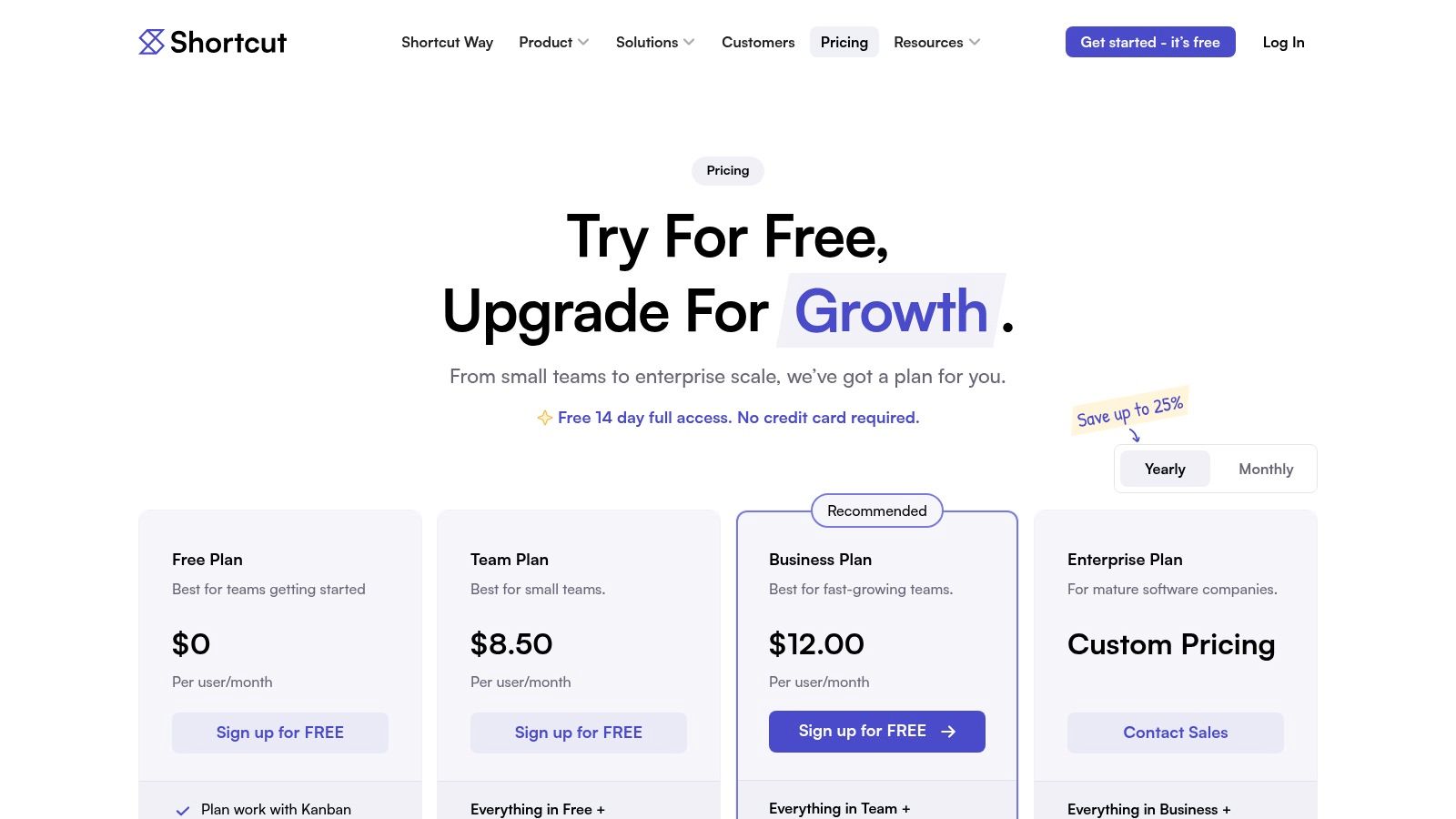
Its strength lies in balancing powerful agile features with an approachable interface that reduces administrative overhead. Teams can quickly visualize progress through roadmaps and monitor performance using built-in reports like burndown charts and cumulative flow diagrams. For organizations seeking one of the best agile project management tools without extensive configuration, Shortcut offers a compelling, purpose-built solution.
Key Features & Considerations
Shortcut’s feature set is intentionally focused on the software development lifecycle, prioritizing speed and ease of use.
- Agile Primitives: Native support for stories, epics, and iterations with customizable workflows to match your team's process.
- Developer Integrations: Tight integration with source control tools like GitHub, GitLab, and Bitbucket, plus a robust API and webhooks.
- Visualize Progress: Clear roadmaps provide a high-level view of initiatives, while agile reports track iteration-level performance.
- Docs Collaboration: An integrated writing tool, Docs, allows teams to create and link technical specifications and project briefs directly to their work.
While it excels in its niche, its ecosystem is smaller than enterprise giants, and some advanced administrative controls are more limited.
Pros & Cons
| Pros | Cons |
|---|---|
| Clean, intuitive UX that developers adopt quickly | Smaller integration marketplace than competitors |
| Strong focus on core agile software workflows | Advanced reporting and admin features are lighter |
| Generous free plan and startup programs | May be too developer-centric for non-technical teams |
Website: https://www.shortcut.com/pricing
11. Zoho Sprints
Zoho Sprints is a dedicated agile project management tool designed for Scrum teams, offering a straightforward and cost-effective solution within the extensive Zoho ecosystem. It provides all the essentials for sprint-based development, including backlog grooming, sprint planning, and tracking progress with epics and user stories. Its main advantage is its seamless integration with other Zoho applications, creating a unified business operating system.
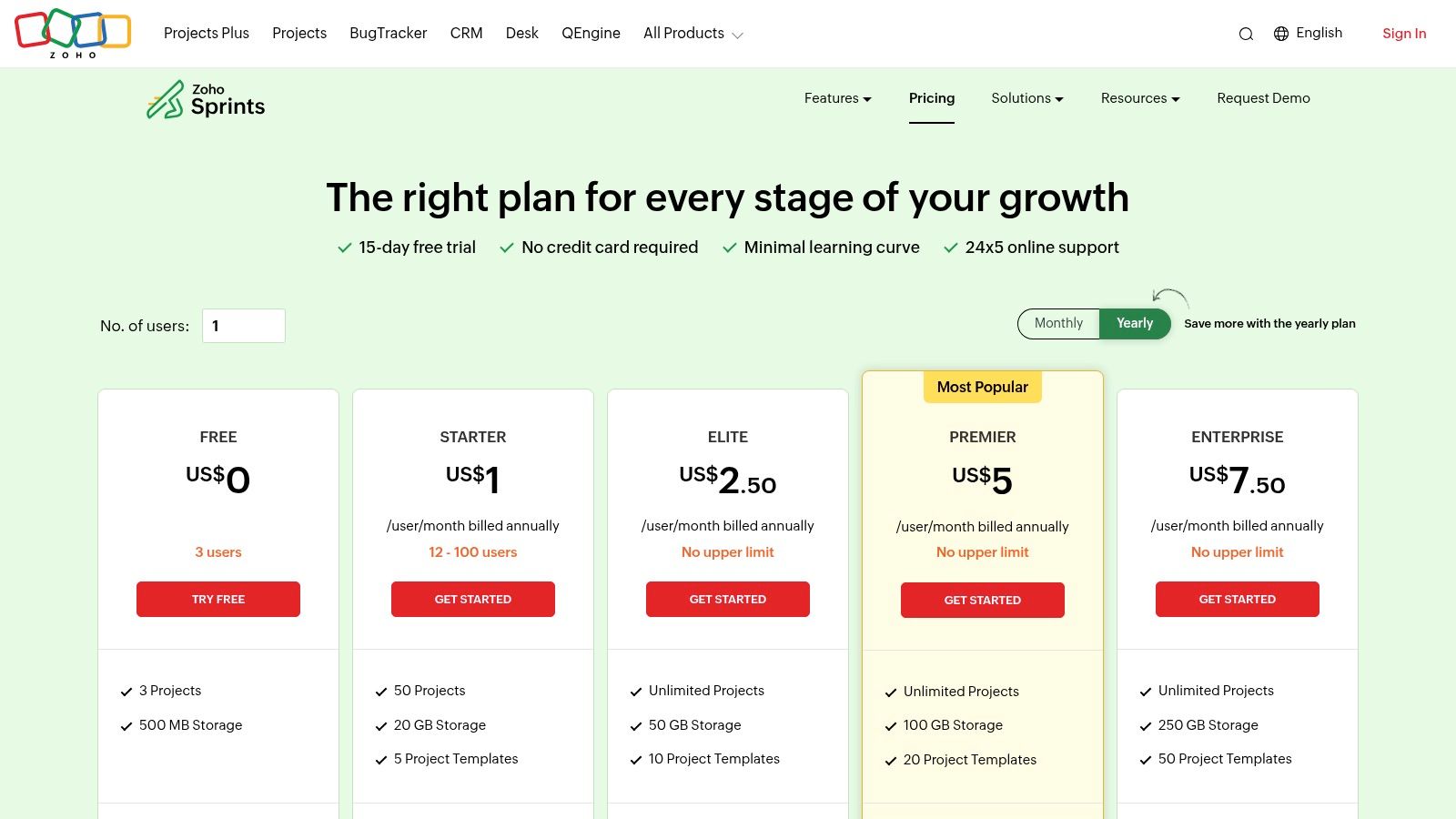
This platform is particularly well-suited for small to medium-sized businesses already invested in Zoho's suite or those looking for an affordable, focused Scrum tool without enterprise-level complexity. With built-in time tracking and detailed agile reports like velocity charts and burndown/burnup charts, Zoho Sprints stands out as one of the best agile project management tools for teams prioritizing simplicity and value.
Key Features & Considerations
Zoho Sprints focuses on core Scrum functionalities while providing key integrations for broader productivity.
- Scrum Framework: Comprehensive support for Scrum artifacts, including epics, a detailed product backlog, and sprint planning boards.
- Agile Reporting: Built-in dashboards with key agile metrics like velocity charts, burndown/burnup charts, and cumulative flow diagrams.
- Integrated Time Tracking: Includes timesheets and timers to log billable and non-billable hours directly against work items.
- Ecosystem Integrations: Connects natively with Zoho Desk and Zoho Books, as well as third-party tools like Google Workspace, GitHub, and Microsoft 365.
While it excels at Scrum, teams looking for highly customizable Kanban boards or advanced Application Lifecycle Management (ALM) features might find it less comprehensive than more specialized enterprise solutions.
Pros & Cons
| Pros | Cons |
|---|---|
| Competitive pricing and a 15-day trial | UI depth and extensibility are less than top enterprise suites |
| Good fit if you already use Zoho applications | Advanced testing and ALM typically require other tools |
| Built-in time tracking and robust reports | Can feel siloed if not using the broader Zoho ecosystem |
Website: https://www.zoho.com/sprints/pricing.html
12. Wrike
Wrike is a versatile work management platform that caters to a wide range of teams, including product, marketing, and IT, by offering robust support for agile methodologies. It balances structured project management with flexibility, providing Kanban boards, interactive Gantt charts, and custom workflows. Its strength lies in facilitating cross-functional collaboration and providing high-level visibility across entire programs, making it one of the best agile project management tools for coordinating complex, multi-departmental initiatives.
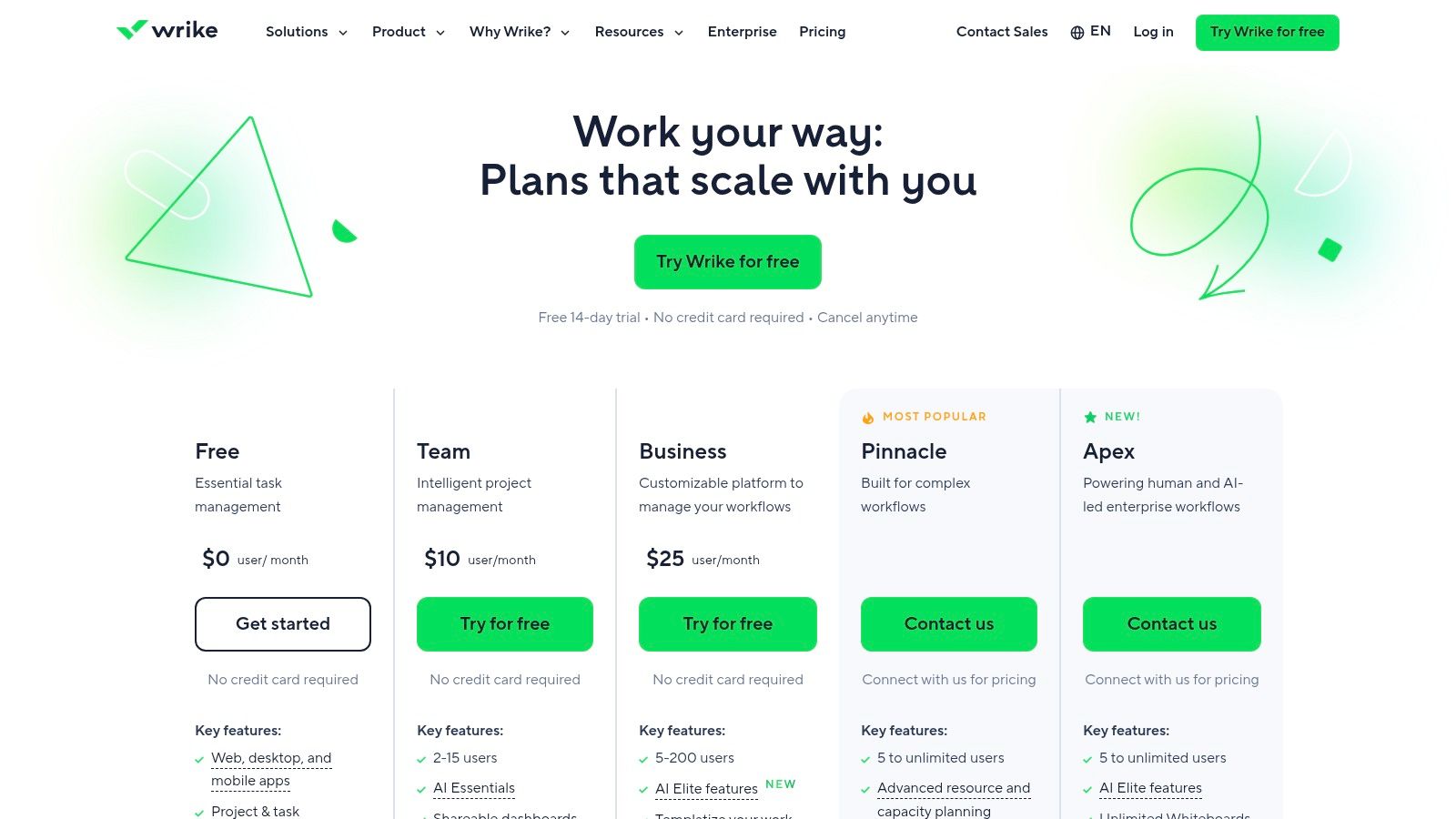
The platform is designed for scalability, offering features like resource and capacity planning, custom request forms, and powerful AI tools to automate tasks and predict project risks. With extensive integration options and enterprise-grade security features, Wrike is well-suited for organizations that need a centralized hub to manage diverse workstreams while maintaining rigorous control and oversight.
Key Features & Considerations
Wrike's feature set is extensive, though accessing its full potential often requires higher-tier plans or add-ons.
- Versatile Views: Manage work using fully customizable Kanban boards, dynamic Gantt charts, tables, and calendars.
- Custom Workflows: Build tailored workflows with custom request forms to standardize intake and automate processes.
- Resource Management: Includes capacity planning and workload management tools to ensure optimal team allocation.
- Extensive Integrations: Offers over 400 pre-built integrations with options for advanced two-way sync via its Integrate add-on.
While powerful, the platform's depth means there is a learning curve to mastering its more advanced customization and workflow automation capabilities. Many of its most impactful features are reserved for its Business and Enterprise plans.
Pros & Cons
| Pros | Cons |
|---|---|
| Strong cross-functional visibility and templates | Many capabilities are behind higher tiers or add-ons |
| Robust enterprise options (encryption, data hub) | Learning curve for deep customization |
| Excellent resource and capacity planning tools | Can be more than what smaller, simpler teams need |
Website: https://www.wrike.com/price/
Top 12 Agile PM Tools Comparison
| Product | Core focus & integrations | UX & quality (★) | Price & value (💰) | Target audience (👥) | Unique selling points (✨) |
|---|---|---|---|---|---|
| 🏆 Tooling Studio | Kanban inside Gmail, Google Tasks & Contacts sync; Sales CRM | ★★★★☆ 4.6 — lightweight, near‑native | 💰 Free personal; $5/user/mo or $50/user/yr; month‑to‑month, 30‑day refund | 👥 Individuals, small teams, enterprises on Google Workspace | ✨ Native in‑Gmail Kanban, real‑time sharing, secure auth, minimal app‑switching |
| Atlassian Jira Software | Scrum & Kanban boards, backlogs, roadmaps, large integrations | ★★★★☆ Mature, configurable | 💰 Seat‑based tiers; add‑ons often required | 👥 Dev & product teams at scale | ✨ Deep agile reports, vast marketplace, enterprise controls |
| Azure DevOps (Azure Boards) | Kanban/Scrum + repos, pipelines, Azure services | ★★★★ Strong for Microsoft/Azure environments | 💰 First 5 Basic users free; tiered pricing | 👥 Azure/Microsoft‑centric dev teams | ✨ End‑to‑end DevOps with native Azure integration |
| GitHub Projects (with Issues) | Issues + Projects Kanban adjacent to code hosting; Actions automation | ★★★★ Minimal context switching for engineers | 💰 Free tier; Team/Enterprise paid plans | 👥 Engineering teams using GitHub | ✨ Tight code‑to‑planning workflow, GitHub Actions automation |
| GitLab (Enterprise Agile Planning) | Integrated source control, CI/CD, planning & value streams | ★★★★ Enterprise‑ready at higher tiers | 💰 Tiered; Enterprise Agile on Ultimate | 👥 Teams wanting single DevSecOps platform | ✨ Unified CI/CD + planning, value stream & optional AI add‑ons |
| Asana | Boards, timelines, workflow builder, dashboards & templates | ★★★★☆ Easy onboarding; strong templates | 💰 Free tier; paid plans for advanced features | 👥 Cross‑functional & non‑technical teams | ✨ Ready‑made templates, ceremony reporting, simple UI |
| monday.com Work Management | Visual boards, automations, many views & integrations | ★★★★☆ Highly visual & configurable | 💰 Seat‑based plans; Pro/Enterprise for advanced | 👥 Ops, marketing, stakeholder teams | ✨ 200+ templates, AI Sidekick, flexible views |
| ClickUp | Sprints, boards, docs, goals, native time tracking, AI add‑ons | ★★★★☆ Very feature‑rich; can be complex | 💰 Competitive tiers; add‑ons (AI credits) | 👥 Startups & SMBs seeking all‑in‑one | ✨ Deep feature set at aggressive price point |
| Trello (by Atlassian) | Kanban boards, lists, cards, Butler automation & Power‑Ups | ★★★★ Fast onboarding, simple UX | 💰 Freemium; Premium adds views/AI | 👥 Small teams, lightweight agile use | ✨ Rapid setup, extensible Power‑Ups, Google integrations |
| Shortcut (formerly Clubhouse) | Stories, epics, iterations, burndown & cumulative flow | ★★★★ Clean, developer‑friendly UX | 💰 Paid tiers; startup & nonprofit programs | 👥 Developer teams wanting lighter Jira | ✨ Built‑in agile reports, simple workflows for devs |
| Zoho Sprints | Scrum & Kanban, sprint planning, reports, time tracking | ★★★☆☆ Cost‑effective and focused | 💰 Competitive pricing; 15‑day trial | 👥 SMBs and Zoho ecosystem users | ✨ Tight Zoho + Google Workspace integrations |
| Wrike | Boards, Gantt, custom workflows, resource & capacity planning | ★★★★ Powerful for cross‑functional programs | 💰 Tiered pricing; add‑ons for advanced features | 👥 Product, marketing, IT teams at scale | ✨ Resource planning, 400+ integrations, enterprise options |
Choosing Your Agile Ally: Final Thoughts on the Right Tool for Your Team
Navigating the crowded landscape of the best agile project management tools can feel overwhelming, but the journey to finding the right fit is a strategic investment in your team's productivity and morale. As we've explored, the "best" tool is rarely a one-size-fits-all solution. Instead, it’s the one that seamlessly integrates with your team’s existing rituals, methodologies, and core communication platforms. The perfect agile ally doesn't force a new way of working; it enhances and streamlines the processes you already have.
Our deep dive into twelve distinct platforms reveals a clear spectrum. On one end, you have enterprise-grade powerhouses like Jira and Azure DevOps. These are engineered for large, complex software development lifecycles, offering unparalleled depth in reporting, customization, and governance. For organizations with dedicated development teams, strict compliance needs, and a requirement for granular control over every sprint, these tools are often the default choice. However, their complexity can introduce a steep learning curve and administrative overhead that stifles smaller, more nimble teams.
On the other end are highly accessible, visually-driven tools like Asana, Trello, and monday.com. Their strengths lie in user-friendliness, rapid adoption, and flexibility for a wide range of business use cases beyond software development. These platforms excel at bringing cross-functional teams together, managing marketing campaigns, and tracking operational tasks. While they may lack the specialized, developer-centric features of their enterprise counterparts, their intuitive nature makes them an excellent choice for teams prioritizing ease of use and immediate value.
Making the Final Decision: A Practical Framework
So, how do you make the final call? The key is to shift your focus from feature checklists to your team’s specific, day-to-day reality. Before you commit, lead your team through an evaluation process guided by these critical questions:
- What is our primary use case? Are we managing complex software sprints (Jira, Shortcut), coordinating marketing efforts (Asana, monday.com), or do we need a lightweight task board for simple projects (Trello)? Be honest about your core requirements.
- Where does our team spend most of its time? For teams deeply embedded in Google Workspace, a tool like Tooling Studio's Kanban Tasks presents a compelling alternative. By bringing project management directly into Gmail and Google Calendar, it drastically reduces context switching and friction, a significant pain point that many other tools overlook.
- What is our team's technical appetite? A highly technical engineering team may embrace the robust, developer-focused environments of GitLab or GitHub Projects. In contrast, a non-technical sales or HR team will thrive with a more intuitive, visually-oriented interface. When making your final selection, it can be valuable to explore broader comparisons of general project management software, such as the top 12 project management software for engineers, to ensure you're choosing the best fit for your team.
- How important are integrations? Map out your critical tech stack. Do you need deep integration with CI/CD pipelines, CRMs, or design software? Verify that your chosen tool not only connects with these systems but does so in a way that automates and simplifies your workflow.
Your Next Steps: From Selection to Implementation
Once you've narrowed your options, the real test begins. Don't make a decision in a vacuum. Run a pilot program with a small, representative group from your team. Assign a real, time-bound project and task them with using the tool for its entire lifecycle. Gather honest feedback on what works and what causes friction. This hands-on trial will reveal invaluable insights that a features page could never provide.
Ultimately, the right agile project management tool will feel less like software and more like an invisible extension of your team's collaborative spirit. It will fade into the background, enabling clear communication, transparent progress, and a sustainable pace of work. Choose the tool that empowers your team to focus on what truly matters: delivering exceptional value, together.
Ready to stop switching tabs and start managing projects where you work? Tooling Studio integrates powerful Kanban boards and task management directly into your Google Workspace, streamlining workflows for teams who live in Gmail and Google Calendar. Discover how a truly integrated solution can transform your team's productivity by visiting Tooling Studio today.
 Download our Plugin