
12 Best Chrome Extensions for Productivity in 2025
Discover the top Chrome extensions for productivity in 2025. Boost your focus, manage tasks, and streamline workflows with our detailed guide.
In a digital environment overflowing with distractions, your browser can either be your biggest bottleneck or your most powerful asset. The key lies in equipping it with the right tools. This guide cuts through the noise of the Chrome Web Store to reveal the essential chrome extensions for productivity that genuinely streamline your workflow, eliminate context-switching, and reclaim your focus.
We move beyond generic lists to provide a detailed analysis of 12 handpicked extensions, complete with screenshots and direct links. You'll find practical use cases, an honest assessment of limitations, and specific notes on how each tool integrates into a professional routine. To truly "Unlock Peak Efficiency" beyond just browser add-ons, you might also explore broader strategies on how to increase efficiency in the workplace.
Whether you're a project manager using Google Workspace, a sales rep needing an integrated CRM, or a freelancer managing tasks in Gmail, these tools are designed to solve specific workflow problems. They can transform your browser from a simple gateway to the internet into a centralized command center for peak performance. Let's dive into the extensions that will redefine how you work.
1. Kanban Tasks by Tooling Studio
For teams and individuals deeply embedded in the Google Workspace ecosystem, Kanban Tasks by Tooling Studio stands out as one of the most effective chrome extensions for productivity. It addresses a critical gap by transforming the standard Google Tasks list into a dynamic, visual Kanban board directly within your Gmail or Google Tasks interface. This native integration is its superpower, eliminating the disruptive context-switching that plagues workflows reliant on separate project management applications.
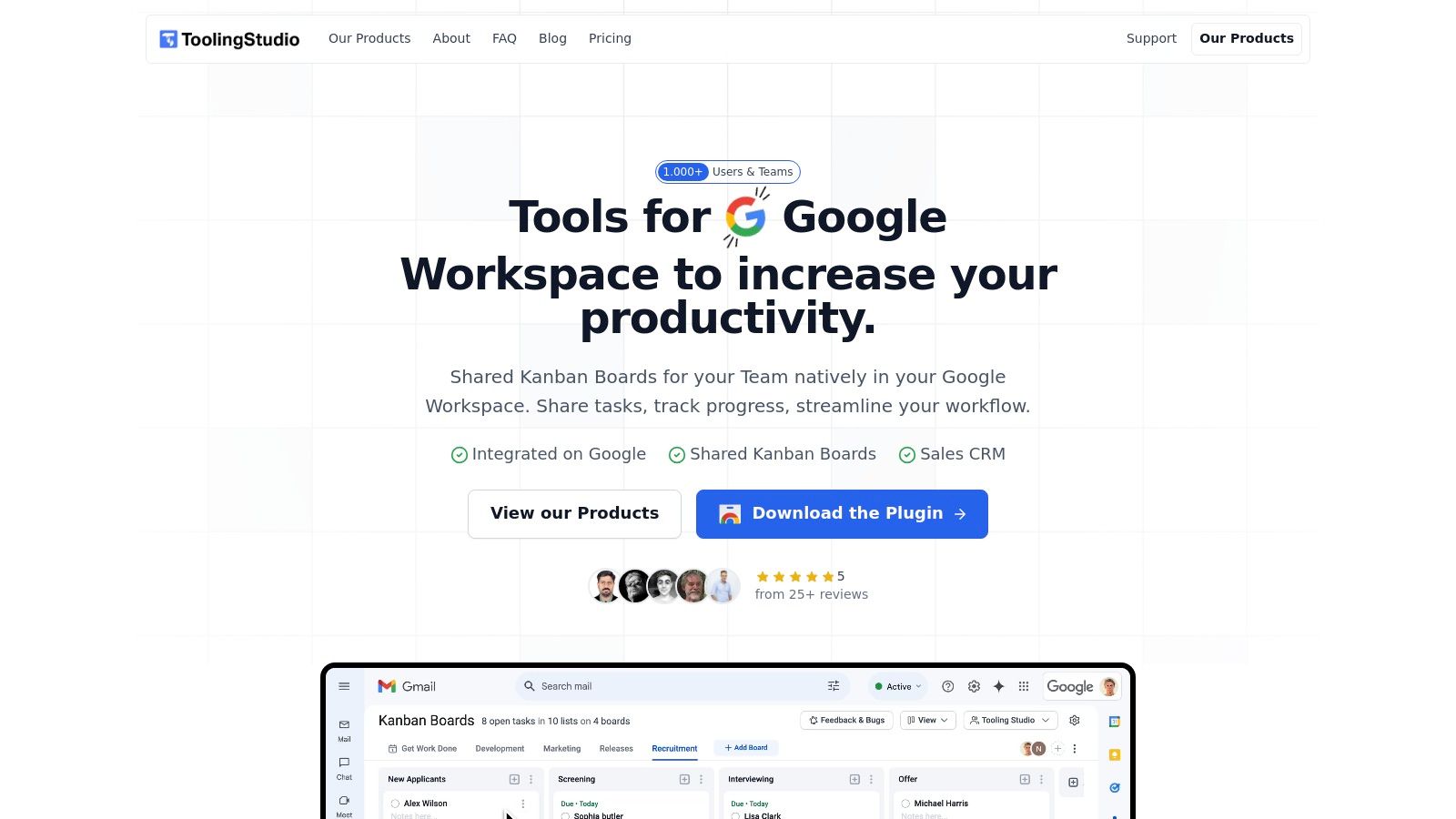
The extension provides an intuitive drag-and-drop interface, allowing for the seamless organization of tasks into customizable columns like "To Do," "In Progress," and "Done." This visual approach provides immediate clarity on project status and individual workloads. To fully leverage a tool like Kanban Tasks, understanding the underlying methodology is key. Explore more about how to effectively use a Kanban board to maximize its potential for your team's workflow.
Key Strengths and Use Cases
What truly elevates Kanban Tasks is its robust team-sharing capability. Users can create multiple boards for different projects or departments and share them with colleagues, fostering real-time collaboration and transparency. A marketing team, for instance, could manage an entire campaign from concept to completion without ever leaving Gmail, assigning tasks, and monitoring progress visually.
- Best For: Individuals, small teams, and enterprises heavily reliant on Google Workspace.
- Key Feature: Native integration that adds a Kanban layer directly onto Google Tasks.
- Unique Advantage: Eliminates the need for a separate project management tool, centralizing work within the Google environment.
- Pricing: Offers both a free version with core features and paid plans for advanced capabilities like unlimited shared boards and priority support.
Pros:
- Seamless, native integration with Gmail and Google Tasks.
- Intuitive drag-and-drop Kanban interface.
- Supports multiple boards and real-time team collaboration.
Cons:
- Exclusively for Chrome users within the Google ecosystem.
- Lacks advanced features like Gantt charts or in-depth reporting.
Learn more at tooling.studio
2. Chrome Web Store
Before diving into specific tools, the essential starting point for any search is the Chrome Web Store itself. As the official marketplace, it is the most secure and comprehensive repository for finding chrome extensions for productivity. It serves as the primary gateway, offering direct, one-click installation into your browser, ensuring seamless integration and a baseline level of security vetting by Google. This official status makes it the most reliable source, eliminating the risks associated with third-party download sites.
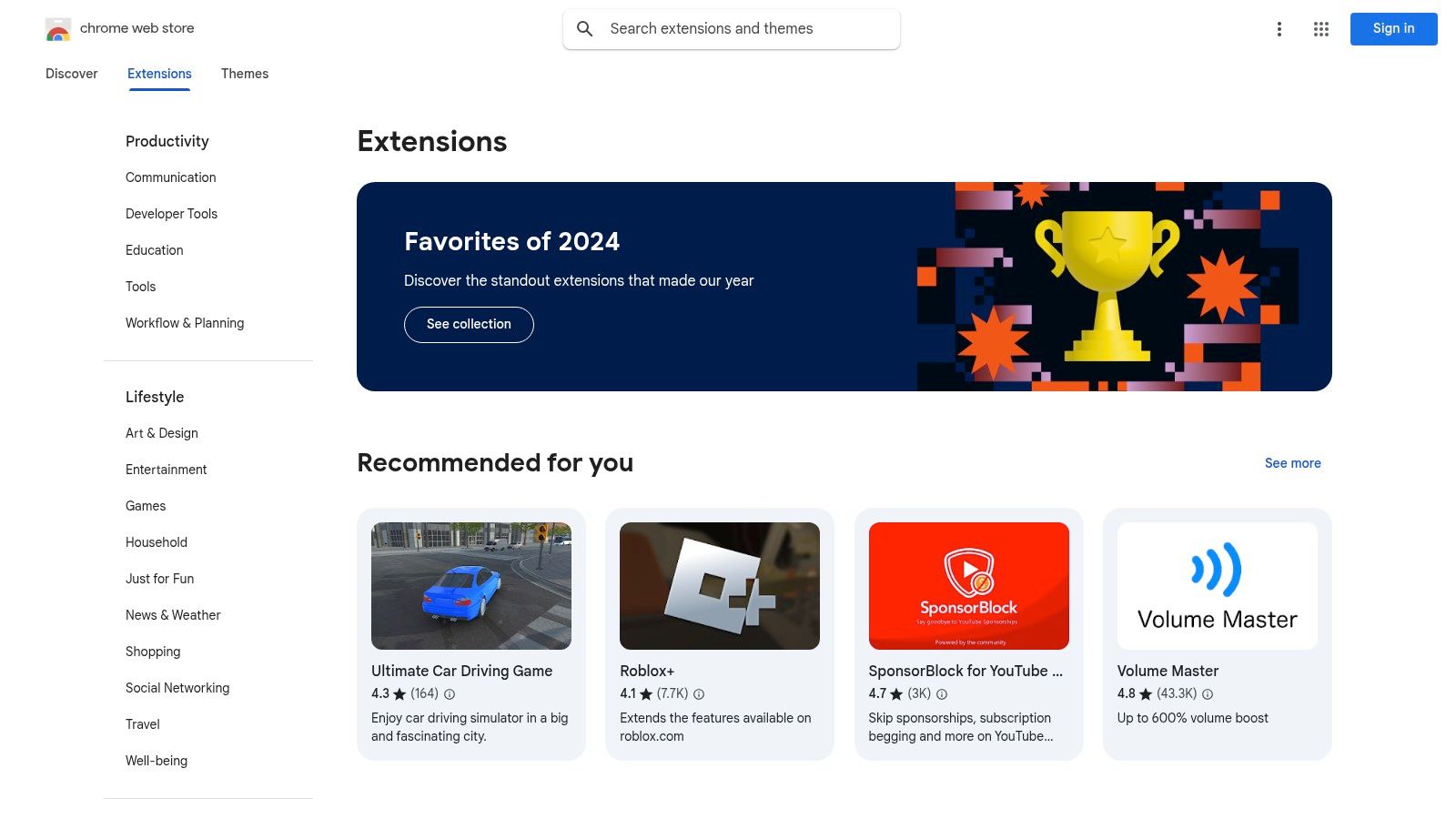
The platform’s sheer volume of options is its greatest strength. Users can filter extensions by category, such as "Productivity," and sort by user ratings to quickly find popular and well-regarded tools. While most extensions are free, many offer premium features through paid subscriptions. For those new to enhancing their workflow, exploring the curated collections and featured extensions can provide excellent starting points. You can discover more top picks by checking out other resources that detail the best productivity extensions for Chrome.
Key Considerations
- Vast Selection: The store hosts thousands of extensions, from simple note-takers to complex project management integrations.
- User-Driven Quality Control: Reviews and ratings are crucial. Always check recent reviews for insights into performance, bugs, and developer support.
- Privacy Awareness: Pay close attention to the permissions an extension requests upon installation. Reputable developers clearly explain why each permission is needed.
- Access: Directly accessible at chrome.google.com/webstore, with no access fees for browsing or installing free extensions.
3. ClickUp
For those who need to consolidate project management directly into their browser, the ClickUp extension is a powerhouse. It transforms your browser into a command center, making it one of the most comprehensive chrome extensions for productivity available for teams and individuals already invested in the ClickUp ecosystem. This tool excels at capturing tasks on the fly, allowing you to turn any email, website, or block of text into an actionable item in your workspace without ever leaving the page. Its ability to seamlessly link web activity to project boards streamlines workflows significantly.
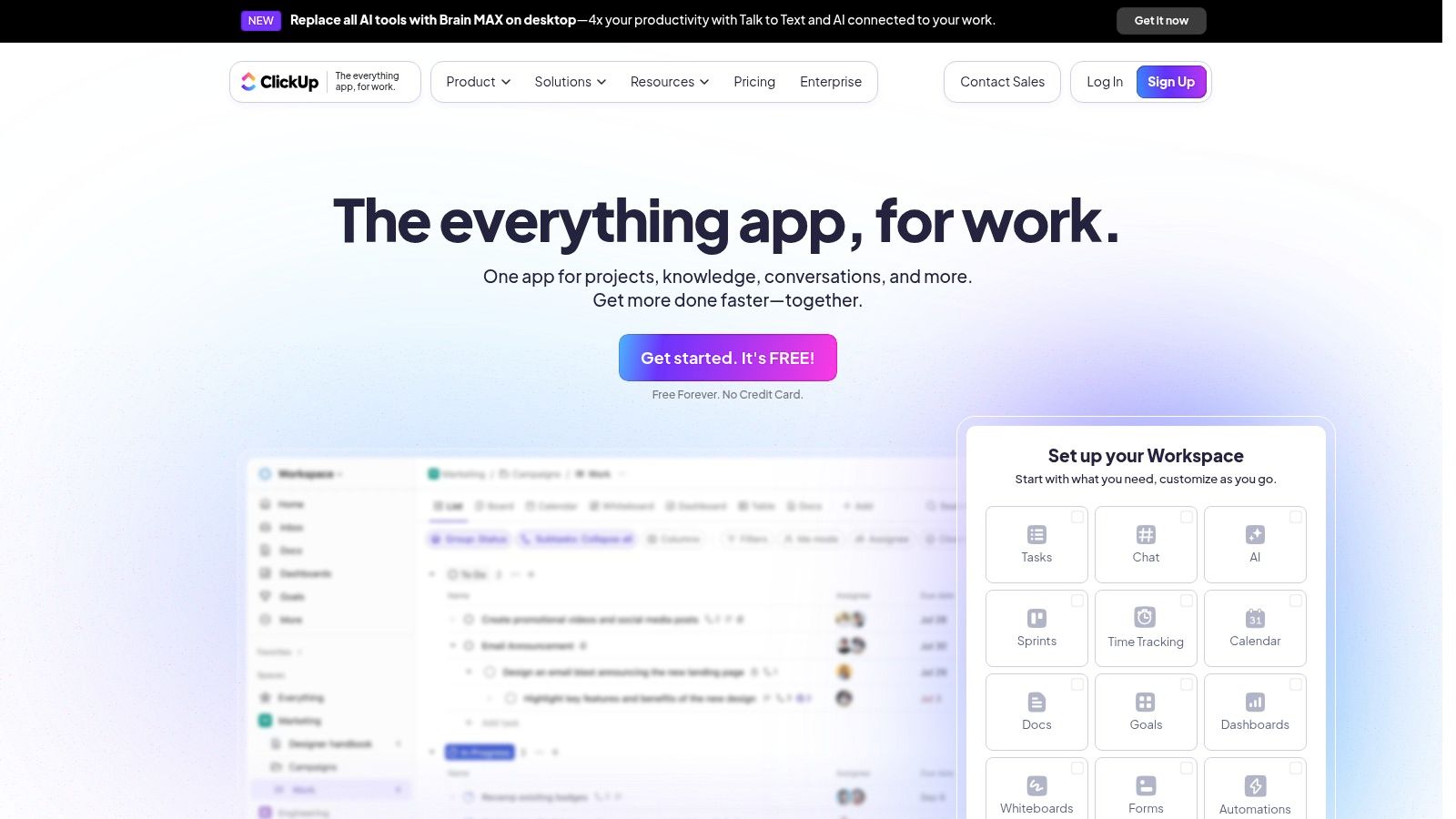
The extension’s standout features include integrated time tracking, which allows you to log hours against specific tasks directly from your browser, and a robust screenshot tool for capturing and annotating visual feedback. This makes it exceptionally useful for QA teams, designers, and project managers who need to provide clear, contextual instructions. While the full power is unlocked for ClickUp users, the extension itself serves as an excellent gateway to a more organized and interconnected digital work environment.
Key Considerations
- All-in-One Functionality: Create tasks, track time, attach emails to tasks, and capture screenshots without switching tabs.
- Seamless Integration: Designed to work perfectly with the main ClickUp platform, ensuring all your work is centralized and synced.
- Contextual Task Creation: Highlight text on any webpage to instantly create a new task, complete with a link back to the source.
- Access: The extension is free to install, but its functionality is tied to a ClickUp account. Many advanced features require a paid plan, which can be explored at clickup.com.
4. Todoist
For those who thrive on structured to-do lists, Todoist for Chrome is a masterclass in task management. This extension transforms your browser into a centralized productivity hub, allowing you to capture tasks from any website with a single click. Whether you find an article to read later or a task inspired by an email, you can add it directly to your project list without ever leaving the page, making it a powerhouse among chrome extensions for productivity. Its seamless integration ensures your workflow remains uninterrupted.
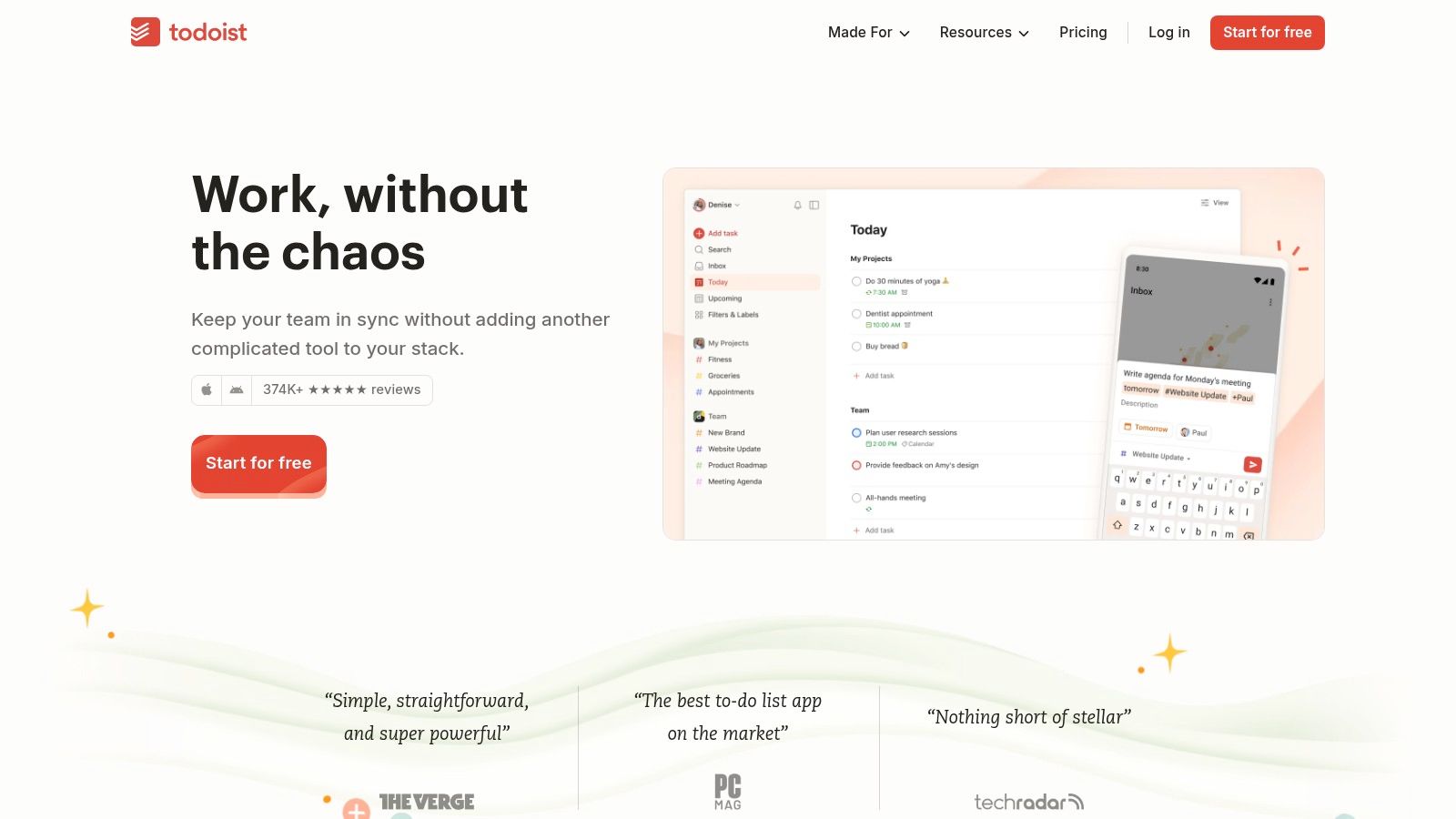
Todoist excels with its intuitive design and powerful features like natural language input for setting due dates (e.g., "every Friday at 10am"). While the free version is robust for personal use, unlocking advanced features like reminders and filters requires a premium subscription. This tool is ideal for anyone needing a reliable system that syncs flawlessly across all devices. For those looking to integrate their tasks even deeper, it is possible to optimize your to-do list within Google Workspace.
Key Considerations
- Effortless Task Capture: Add websites as tasks or create new ones from scratch directly from the extension pop-up.
- Cross-Platform Sync: Tasks and projects are synchronized instantly across web, desktop, and mobile apps.
- Collaboration Ready: Share projects, assign tasks, and add comments to work with team members effectively.
- Access: The extension is free to install from the Chrome Web Store, with premium plans available at todoist.com.
5. Everhour
For professionals and teams whose productivity is tied directly to billable hours, Everhour offers one of the most robust chrome extensions for productivity available. Its primary function is precise time tracking, but its real power lies in its deep integration with popular project management platforms. By embedding its timer and reporting features directly into tools like Asana, Trello, and Jira, it eliminates the need to switch between tabs, allowing for seamless time logging right where the work happens. This makes it an indispensable tool for accurate project budgeting, client invoicing, and resource allocation.
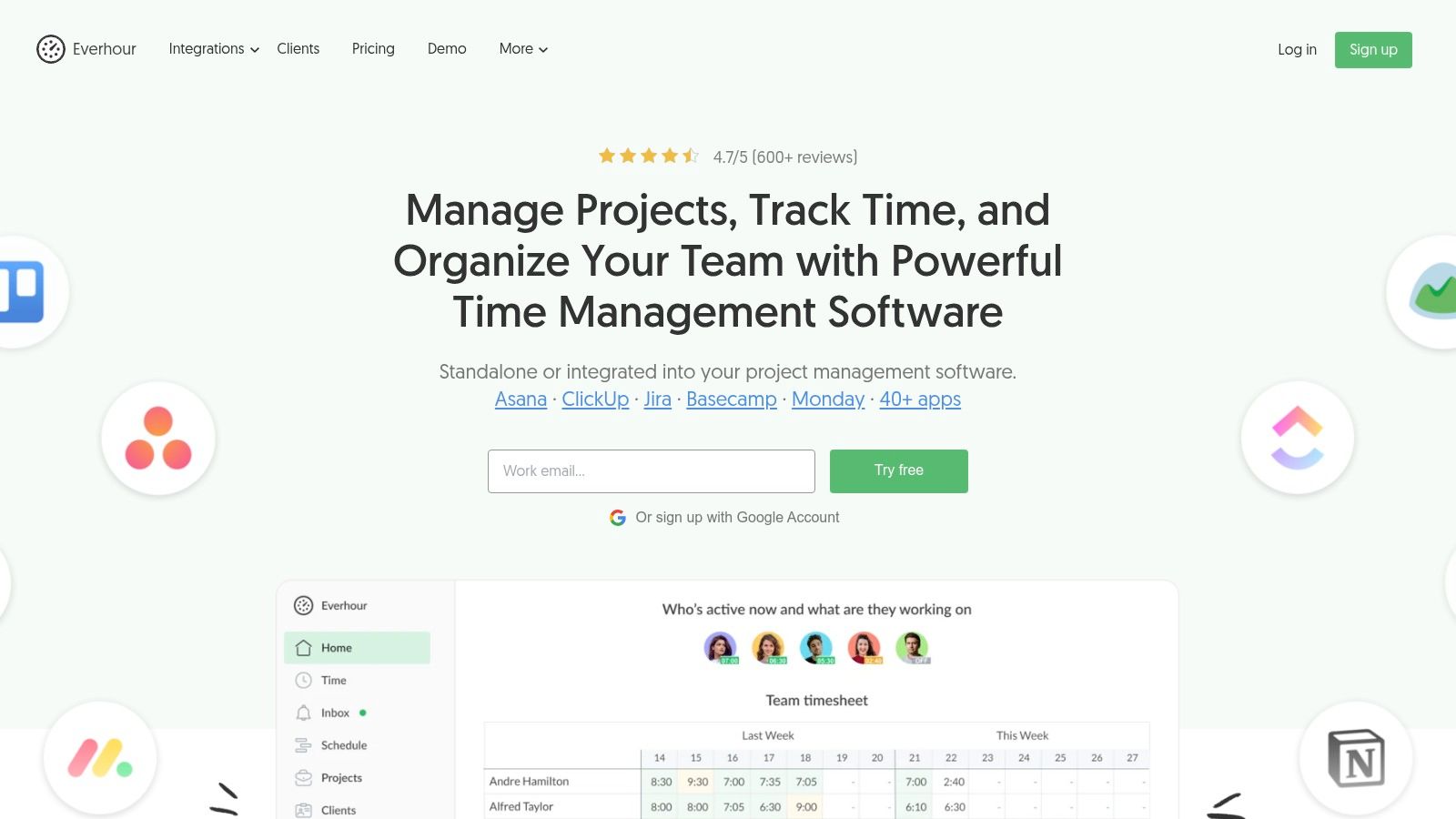
The extension allows users to start, stop, and edit time entries directly within their project management tool’s interface, attaching time logs to specific tasks. This granular level of tracking provides invaluable data for generating detailed reports on team performance, project profitability, and task duration. While the free version offers basic time tracking, the paid plans unlock the full suite of features, including invoicing, budgeting, and advanced reporting capabilities, making it a comprehensive solution for service-based businesses.
Key Considerations
- Deep Integration: Seamlessly works inside Asana, Trello, Jira, Basecamp, and more, making time tracking a natural part of the workflow.
- Detailed Reporting: Generate customizable reports to analyze time usage, monitor project budgets, and create professional invoices.
- User-Friendly Interface: The embedded controls are intuitive, requiring minimal training for teams to adopt.
- Access: The extension is free to install, but a paid subscription starting at $5 per user per month is required for most features. You can get started at everhour.com.
6. HubSpot
For sales, marketing, and service professionals, HubSpot's Sales Hub extension transforms your inbox into a powerful command center. It stands out by seamlessly embedding core CRM functionalities directly into Gmail or Outlook, making it one of the most integrated chrome extensions for productivity in a business context. This eliminates the constant need to switch between your email client and your CRM, allowing you to track email opens, access contact data, and log activities without ever leaving your inbox. This direct integration is its key differentiator, saving valuable time and ensuring data consistency.

The extension's primary strength lies in its real-time notifications and data synchronization. Users receive instant alerts when an email is opened or a link is clicked, providing timely insights for follow-ups. You can also schedule emails to be sent at optimal times, create email templates to speed up outreach, and access your entire contact history directly beside an open email thread. While a HubSpot account is required, the free tier offers substantial functionality, though more advanced features like automated sequences are part of paid plans.
Key Considerations
- Email Tracking: Know exactly when leads engage with your emails through reliable open and click tracking.
- CRM Integration: Instantly view and update contact records, log sales activities, and manage deals from your inbox.
- Productivity Tools: Leverage email templates, scheduling, and a meeting scheduler to streamline your workflow.
- Access: The extension is free to install but requires a HubSpot account. Core features are available on the free plan, with advanced tools reserved for paid tiers. Get started at www.hubspot.com.
7. Grammarly
For professionals whose work involves any form of writing, from composing emails to drafting reports, Grammarly is one of the most essential chrome extensions for productivity. It moves beyond basic spell-checking to offer comprehensive, real-time feedback on grammar, punctuation, style, and tone directly within your browser. This intelligent writing assistant integrates seamlessly into platforms like Gmail, Google Docs, LinkedIn, and countless other web applications, ensuring your communication is always clear, correct, and impactful.
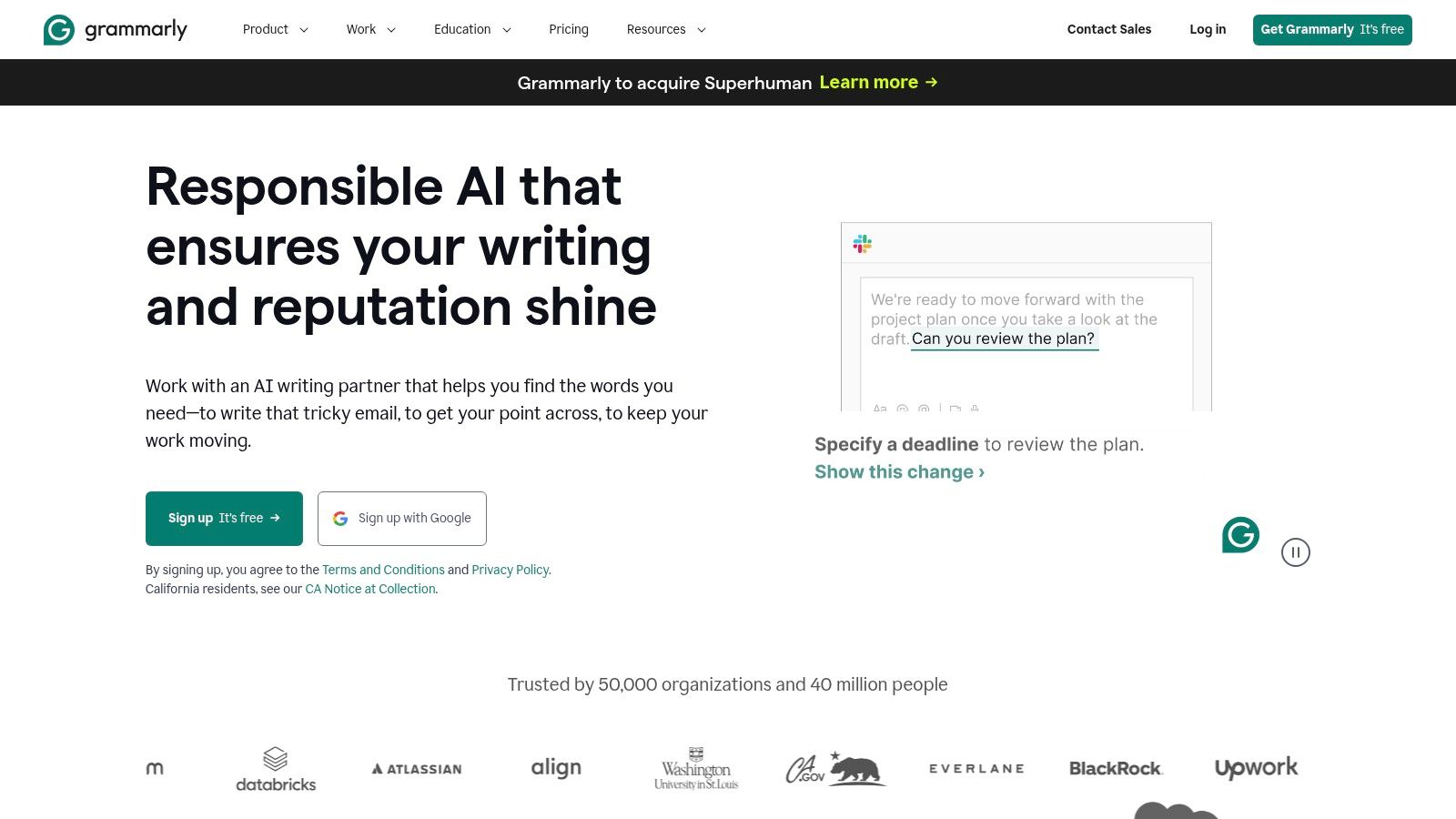
The extension’s strength lies in its ability to improve not just correctness but the overall quality of your writing. It underlines potential issues and provides one-click suggestions with brief explanations, helping you learn and avoid future mistakes. While the free version is robust for everyday errors, a premium subscription unlocks advanced features like plagiarism detection, fluency checks, and strategic vocabulary enhancements. This layered approach allows anyone to elevate their writing efficiency and professionalism.
Key Considerations
- Real-Time Feedback: Instantly detects errors in spelling, grammar, and punctuation as you type across the web.
- Style and Tone Suggestions: Offers advice to make your writing more confident, polite, or formal, depending on your audience and goals.
- Broad Integration: Works flawlessly inside most text fields on websites, from social media to project management tools.
- Access: The core extension is free to install and use, with premium features available through a paid subscription at grammarly.com.
8. StayFocusd
For those who struggle with digital discipline, StayFocusd is one of the most effective chrome extensions for productivity because it enforces strict time limits on distracting websites. Its core function is to block access to user-defined sites once a daily time allowance is depleted, creating a hard stop that forces you to return to your work. This "nuclear option" approach is what makes it stand out; it’s designed for users who need an uncompromising tool to build better habits.
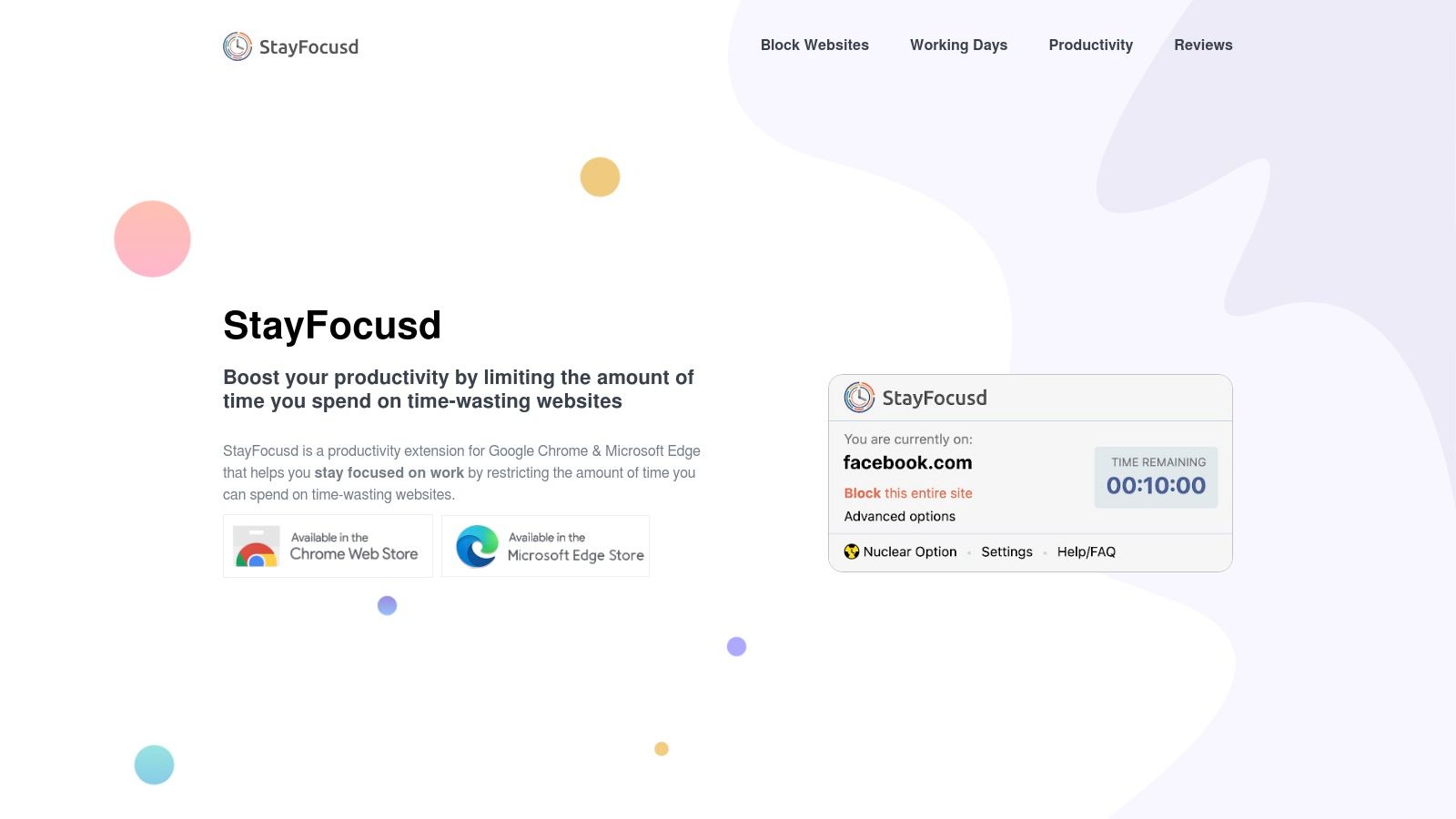
The extension is highly configurable, allowing you to block entire websites, specific subdomains, or even in-page content like videos or games. This level of customization ensures you can tailor the restrictions precisely to your personal productivity killers. Implementing such a tool is a key step in digital decluttering, and you can discover more strategies on how to create a productive workspace with fewer distractions. Once set, the restrictions are intentionally difficult to bypass, promoting genuine focus.
Key Considerations
- Strict Blocking: Once your allotted time is up, there's no turning back for the day, which is excellent for accountability.
- High Customization: Block specific URLs, pages, or even all sites except for a pre-approved list to create a focused work environment.
- The Nuclear Option: A feature that blocks all websites on your list for a set period, ideal for deep work sessions.
- Access: The extension is completely free and can be installed directly from the Chrome Web Store, with settings accessible at www.stayfocusd.com after installation.
9. OneTab
For users who find their browser overwhelmed by an endless sea of tabs, OneTab is one of the most essential chrome extensions for productivity. It tackles the pervasive issue of tab clutter head-on by collapsing all open tabs into a single, organized list. This action dramatically reduces memory usage, which can significantly speed up your computer and improve overall browser performance. Instead of closing tabs you might need later, OneTab saves them in a dedicated tab for easy access.
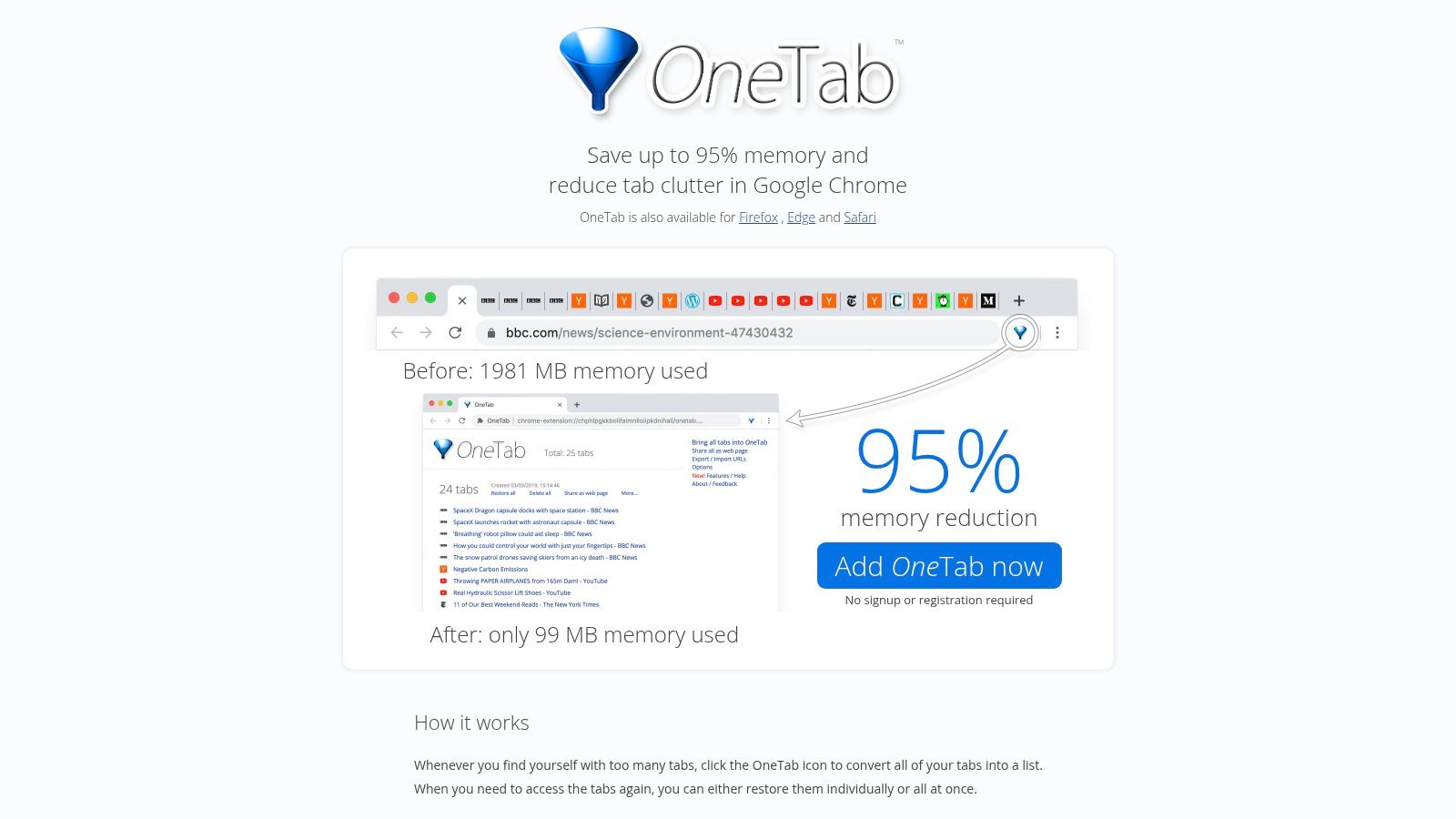
The extension's primary strength lies in its simplicity and immediate impact on workflow efficiency. With a single click, you can declutter your browser, making it easier to focus on the task at hand. Saved tabs can be restored individually or all at once, providing flexibility for different research or project needs. While it lacks advanced organizational features like nested groups or automatic sorting, its straightforward approach to resource management makes it a powerful, must-have tool for anyone looking to maintain a clean and efficient browsing environment.
Key Considerations
- Memory Savings: By consolidating tabs, OneTab can reduce Chrome’s memory consumption by up to 95%, freeing up system resources.
- Simple Tab Management: Instantly converts countless open tabs into a simple, manageable list format.
- Restoration Flexibility: Offers the choice to restore tabs one by one or all at once, depending on your workflow.
- Access: Completely free to use and available for direct installation from the Chrome Web Store at www.one-tab.com.
10. Forest
Forest introduces a unique, gamified approach to time management, making it one of the more creative chrome extensions for productivity. The core concept is simple yet powerful: you plant a virtual tree when you need to focus on a task. As you work, the tree grows, but if you navigate to a blocked, distracting website, your tree withers and dies. This visual representation of your commitment provides a strong psychological incentive to stay on track and avoid interruptions.
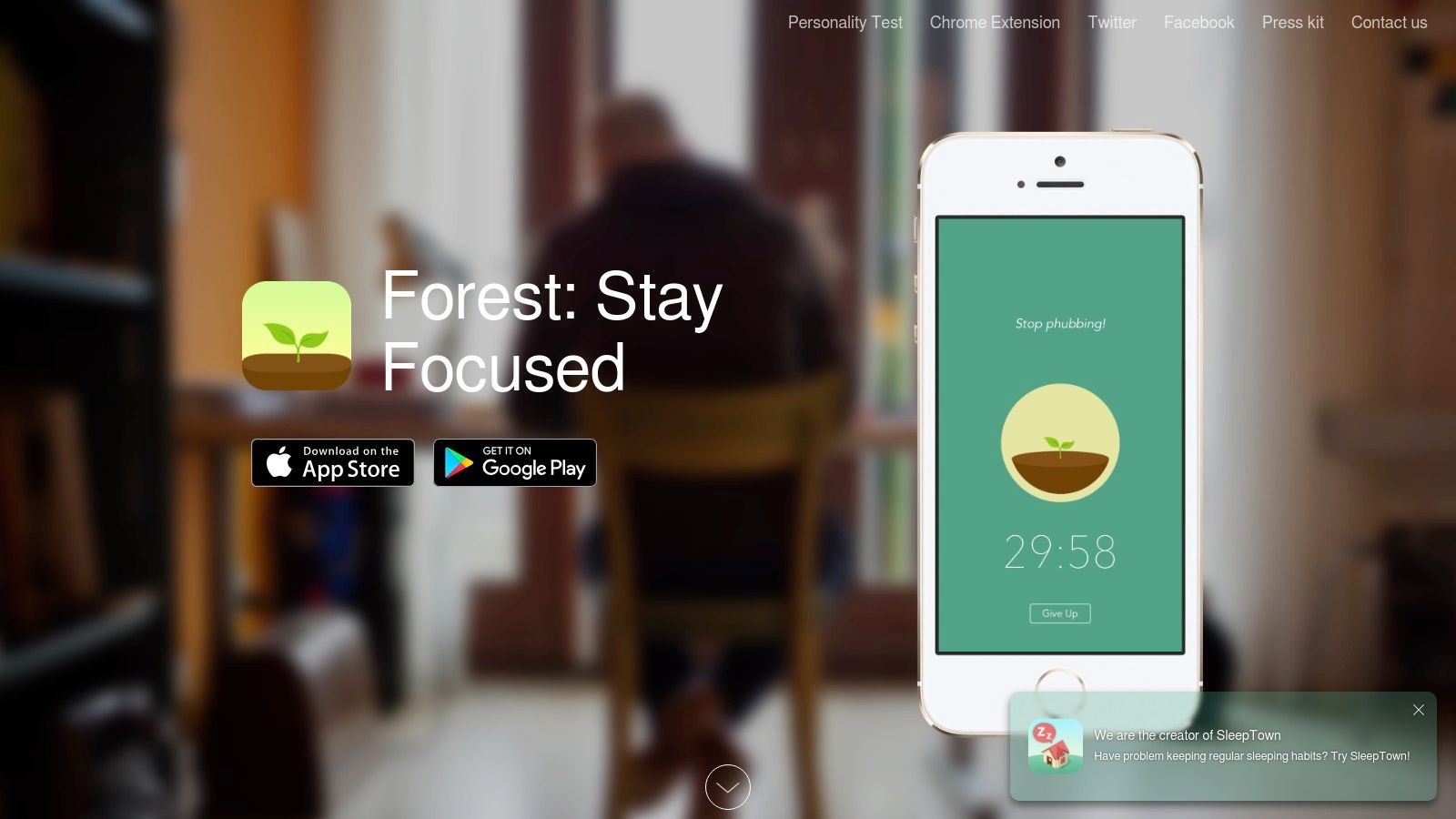
What truly sets Forest apart is its connection to the real world. By successfully growing virtual trees and earning in-app currency, users can contribute to planting real trees through the platform's partnership with Trees for the Future. This turns individual productivity into a tangible environmental benefit, adding a layer of purpose to your daily work sessions. The extension allows you to create a custom blocklist, ensuring that only your specific digital temptations are restricted during focus time.
Key Considerations
- Gamified Motivation: The "grow a tree" mechanic is highly effective for visual learners and those who respond well to positive reinforcement and goal-setting.
- Real-World Impact: The option to spend virtual coins to plant real trees provides a unique and compelling motivator beyond simple task completion.
- Discipline Required: The extension's effectiveness hinges on the user's self-discipline, as it's possible to override the system or simply use another device.
- Access: The Forest Chrome extension is free to install and use from the official website, with mobile app versions offering additional features.
11. Noisli
For those who find silence deafening or office chatter distracting, Noisli offers a unique solution. It is one of the most effective chrome extensions for productivity for auditory-focused individuals, providing a library of high-quality ambient sounds. Users can mix and match sounds like rain, coffee shop buzz, and white noise to create a personalized soundscape that masks distracting noises and helps improve focus during deep work sessions. This level of customization sets it apart from simple sound players.
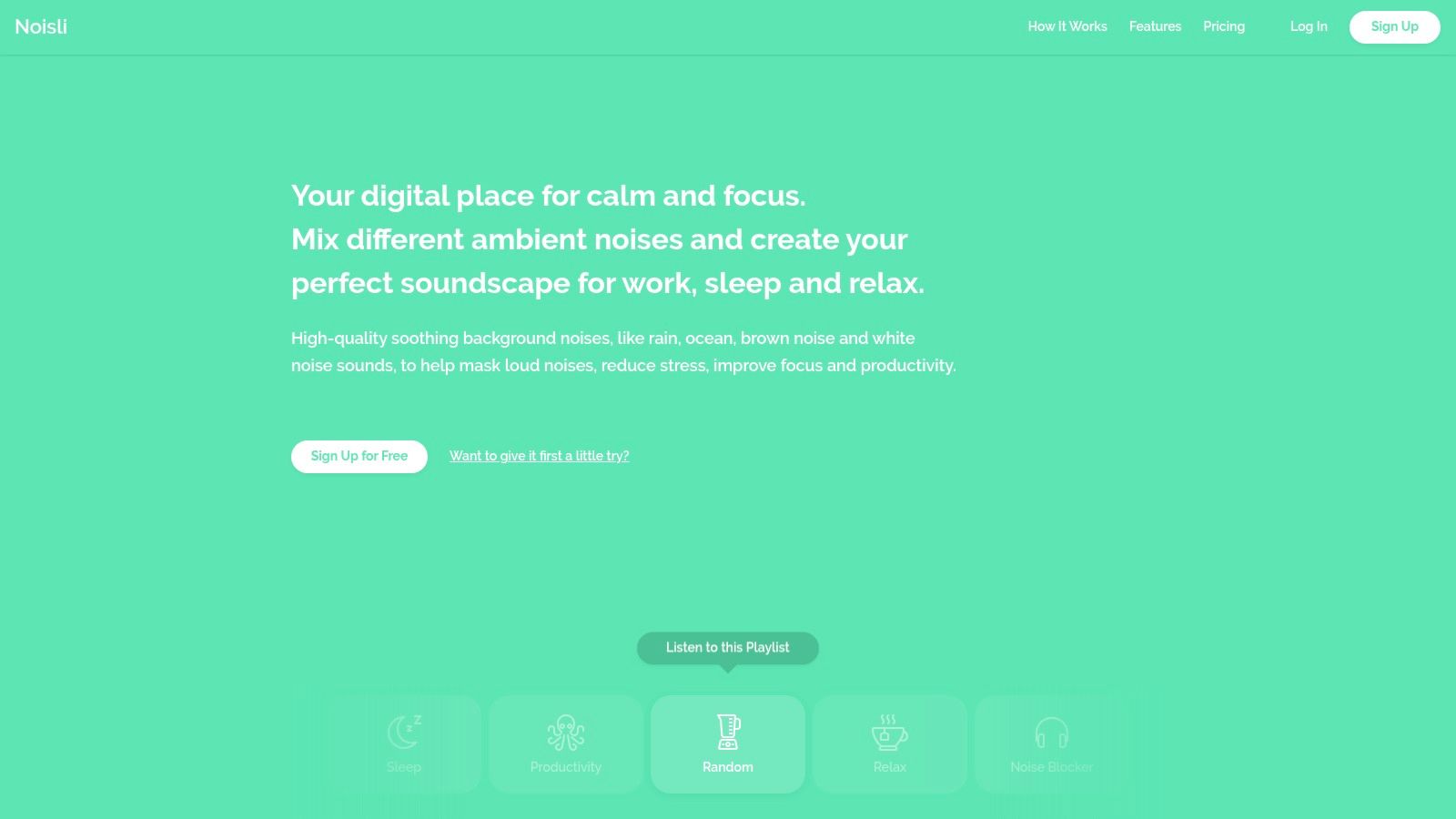
The extension integrates a productivity timer directly into its interface, allowing you to pair your sound environment with work sprints, such as the Pomodoro Technique. Its minimalist design ensures it runs unobtrusively in the background without consuming significant system resources. While the free version offers a generous selection of sounds and features, a premium subscription unlocks additional sounds, enhanced functionality, and offline access, making it a powerful tool for maintaining concentration anywhere.
Key Considerations
- Custom Soundscapes: Blend multiple sounds like rain, wind, and a crackling fire to create your ideal focus environment. Save your favorite combinations for quick access.
- Integrated Timer: Use the built-in timer to structure your work and break sessions without needing a separate application.
- Minimalist Interface: The extension is designed to be simple and intuitive, allowing you to start a session in just a few clicks.
- Access: The basic version is free to use directly from the Noisli website or its Chrome extension. Premium plans offer more features starting at a monthly fee.
12. Loom
Loom revolutionizes communication by replacing lengthy emails and meetings with instant video messages. This tool is one of the most effective chrome extensions for productivity, allowing users to record their screen, camera, or both directly from their browser. It's designed to make conveying complex ideas, providing feedback, or delivering tutorials incredibly simple and personal. Once a recording is finished, a shareable link is instantly generated, streamlining the entire process from creation to distribution.
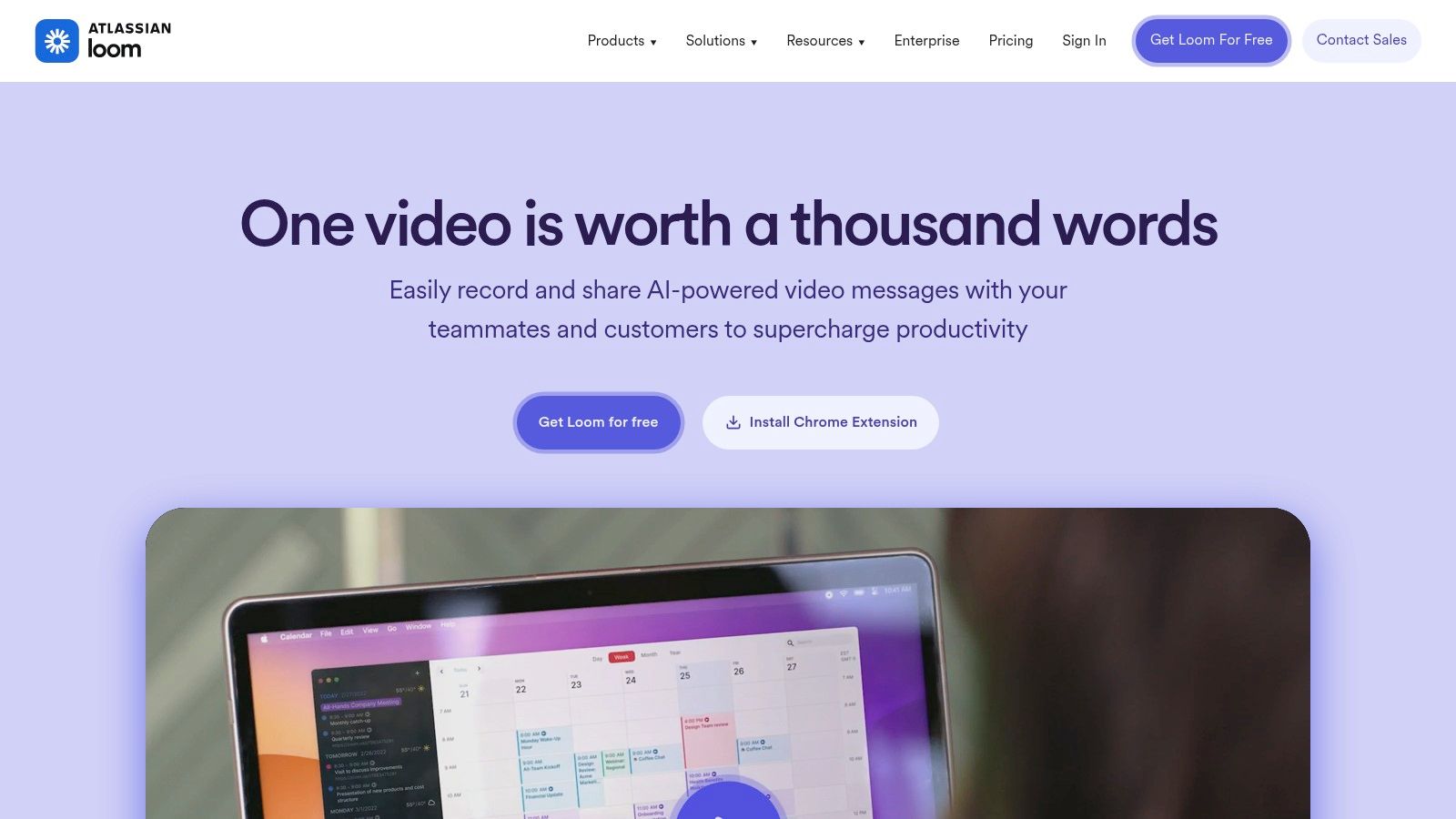
For remote teams, sales professionals, and educators, Loom is a game-changer. It eliminates the need for scheduling synchronous calls for simple updates or explanations. The platform’s viewer analytics provide valuable insights, showing who has watched your video and how they engaged with it. While the free plan is generous, it includes a five-minute recording limit per video, making the Business plan a necessary upgrade for those needing to create longer-form content.
Key Considerations
- Asynchronous Communication: Perfect for reducing meeting fatigue and communicating across different time zones. It allows recipients to watch and respond on their own schedule.
- Instant Sharing: Videos are hosted on Loom's cloud, and a link is immediately ready to be shared in emails, Slack, or project management tools.
- Performance Analytics: The ability to see who has viewed your video is crucial for follow-ups in sales or ensuring team members have received important information.
- Access: The extension is free to install, with a free-forever plan available. Paid plans with advanced features like unlimited recording length and enhanced analytics start at $12.50/month per creator. Get started at loom.com.
Productivity Chrome Extensions Comparison
| Tool | Core Features / Capabilities | User Experience / Quality ★ | Value Proposition 💰 | Target Audience 👥 | Unique Selling Points ✨ |
|---|---|---|---|---|---|
| 🏆 Kanban Tasks by Tooling Studio | Visual Kanban boards, team sharing, native Google Workspace integration | ★★★★☆ Intuitive & seamless | 💰Affordable, evolving with user feedback | 👥 Individuals, small teams, enterprises | ✨ Native Gmail & Google Tasks integration, real-time collaboration |
| Chrome Web Store | Large extension library, user reviews | ★★★☆☆ Varies by extension | 💰Free & paid options | 👥 All Chrome users | ✨ Official, secure source for extensions |
| ClickUp | Task creation on any page, time tracking | ★★★★☆ User-friendly | 💰Free tier with paid upgrades | 👥 Project managers, teams | ✨ All-in-one tool, browser integration |
| Todoist | Quick task add, due dates, team collaboration | ★★★★☆ Intuitive design | 💰Free + premium available | 👥 Individual & team task users | ✨ Natural language input, cross-platform sync |
| Everhour | Time tracking, integration with Asana/Trello | ★★★★☆ Accurate & user-friendly | 💰Subscription-based | 👥 Freelancers, teams needing tracking | ✨ Detailed reports & invoicing |
| HubSpot | Email tracking, scheduling, CRM access | ★★★★☆ Efficient & integrated | 💰Free & paid plans | 👥 Sales & marketing professionals | ✨ CRM features inside Gmail inbox |
| Grammarly | Grammar & style checks across apps | ★★★★☆ Easy to use | 💰Free + premium | 👥 Writers, professionals | ✨ Real-time writing enhancement |
| StayFocusd | Website blocking, time limits | ★★★☆☆ Lightweight & effective | 💰Free | 👥 Users needing focus control | ✨ Highly customizable blocking |
| OneTab | Tab consolidation to list, memory saving | ★★★☆☆ Simple & efficient | 💰Free | 👥 Heavy tab users | ✨ Reduces browser memory use |
| Forest | Focus timers, gamified productivity | ★★★★☆ Motivational & fun | 💰Paid app | 👥 Users wanting focus + eco impact | ✨ Gamification with real tree planting |
| Noisli | Ambient sounds, timers, offline use | ★★★☆☆ Pleasant & easy to use | 💰Free + premium options | 👥 Users needing sound focus aids | ✨ Custom sound combos, offline mode |
| Loom | Screen & camera recording, instant sharing | ★★★★☆ Smooth & collaborative | 💰Free + premium plans | 👥 Remote teams, professionals | ✨ Quick video messaging with analytics |
Building Your Ultimate Productivity Stack
You've just explored a powerful roster of Chrome extensions for productivity, each designed to tackle a different aspect of your digital workflow. From the visual task management prowess of Kanban Tasks by Tooling Studio and ClickUp to the deep focus aids like StayFocusd and Forest, the right tool doesn't just add a feature, it fundamentally refines your process. The goal isn't to download every extension on this list but to perform a strategic audit of your own work habits and pinpoint your most significant bottlenecks.
The true power of these tools emerges when they work in concert. Imagine combining the focus-enhancing ambient sounds from Noisli with the site-blocking discipline of StayFocusd to create an impenetrable bubble for deep work. Or pairing the seamless CRM integration of HubSpot with the quick video messaging of Loom to supercharge your sales outreach. This thoughtful combination is what transforms your browser from a simple portal for information into a command center for efficiency.
How to Select Your Personal Extension Stack
Choosing the right combination of tools is a personal journey. What works for a project manager leading a large team might be overkill for a freelancer managing their own workload. To build your ideal stack, start by asking yourself a few key questions:
- Where is my biggest time sink? Is it managing an overflowing inbox, getting lost in distracting websites, or juggling tasks across multiple platforms? Identify the core problem first. For instance, if your Gmail is your primary to-do list, an integrated solution like Kanban Tasks by Tooling Studio is a natural fit.
- What does my team's collaboration look like? For teams heavily reliant on Google Workspace, extensions that live inside that ecosystem will provide the most seamless experience and highest adoption rate. Tools like Everhour for time tracking or ClickUp for project management offer deep integrations that keep everyone on the same page.
- Do I need a single-purpose tool or an all-in-one platform? Sometimes, a simple, dedicated extension like OneTab is all you need to solve a specific problem like browser clutter. In other cases, a more comprehensive platform like Todoist might be necessary to overhaul your entire task management system.
A Strategic Approach to Implementation
Once you've selected a few candidates, resist the urge to install them all at once. Instead, adopt a methodical approach:
- Introduce one new tool at a time. Give yourself a full week to integrate it into your daily routine.
- Evaluate its impact. Does it genuinely save you time or reduce friction? Is it intuitive, or does it add cognitive load?
- Keep what works, discard what doesn't. Be ruthless in your curation. The ultimate goal is a lean, effective toolkit that feels like a natural extension of your workflow.
Building a truly productive digital environment goes beyond just what's in your browser. Beyond these Chrome extensions, a holistic strategy often involves integrating a wider array of applications and platforms. For more ideas on how to create a comprehensive digital workspace, you can find valuable insights on other remote work productivity tools that can complement your browser-based setup. By thoughtfully curating your chrome extensions for productivity and integrating them with your broader toolkit, you're not just adding features; you're building a system engineered for success.
Ready to transform your Gmail into a streamlined, visual task manager? Tooling Studio offers powerful Kanban boards that integrate directly into your inbox, helping you and your team manage projects without ever leaving Google Workspace. See how you can boost your productivity by visiting Tooling Studio today.
 Download our Plugin